What Is an Agentic Video Editor?
An agentic video editor is an AI that watches your footage, plans a multi-step edit and makes it on a timeline. How the loop works, with real examples.
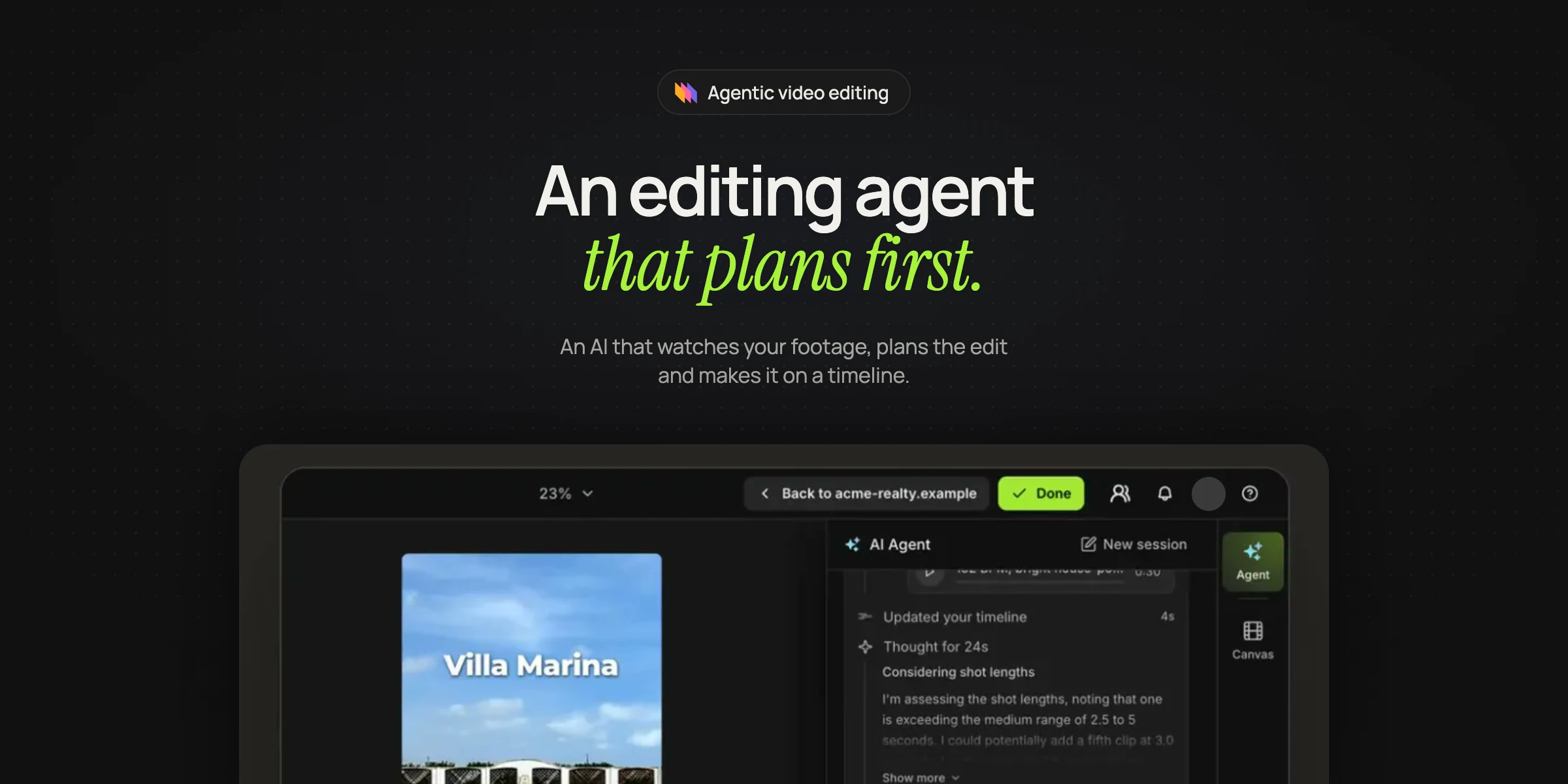
An agentic video editor is an AI that watches your footage, plans a multi-step edit and carries it out on a timeline, checking its own work as it goes. You describe the video you want, and the agent decides the steps, uses real editing tools to make them and tells you what it did.
Until recently, AI in video editors came as single features: one button transcribes, another removes silences, a third adds captions. An editor still decided what the video should be and did most of the work in between. An agent takes over that middle part, or as the investment firm a16z put it in early 2026, agents can "analyze, plan, and use editing tools on your behalf" (a16z).
What makes an editor an agent
Anthropic separates workflows, which follow "predefined code paths", from agents, which "dynamically direct their own processes and tool usage" (Anthropic). Most video automation is the first kind. A template renderer fills the same layout with new text and images every time, and a one-click feature runs one fixed operation.
An editing agent decides the steps. Asked to turn a podcast into clips, it has to transcribe the episode, judge which moments stand on their own, cut them, reframe them, caption them and export them, and the right cuts are different for every episode.
| What you give it | What it decides | What you get back | |
|---|---|---|---|
| Template renderer | Values for fixed fields | Nothing, the layout is fixed | A rendered file |
| Video generation model | A prompt or an image | Every pixel of a new clip | A short generated clip |
| One-click AI feature | A file | One operation, such as removing silence | The file with that change |
| Editing agent | Footage and a prompt | Which steps to take, in what order, with which tools | An edited project, and a rendered file when you export |
A good agent returns a project you can still open and change, along with the file. Rendley is one product built this way, and invideo, Vizard and Goldcast also describe their editors as agentic.
The loop inside an editing agent
Every editing agent we know of runs some version of the same loop.
- It studies the material. It transcribes speech with word timings, analyzes shots, framing and on-screen text, and works out the real length and orientation of every file.
- It plans the structure, which parts to keep, what to add and which tools to use, and puts a price on anything that costs money.
- It makes the cuts, moves clips, adds captions, titles, music and voiceover, generates missing shots if asked and reframes for each platform.
- It compares the result against the prompt and the footage, and fixes or reports what does not fit.
- It summarizes what changed, what it assumed and what it could not do.
Anthropic recommends that agents get "ground truth" from their environment at each step and pause for human feedback at checkpoints (Anthropic). In video, ground truth means the agent looks at the actual footage and the actual timeline instead of assuming.
What it looks like on real footage
The examples below come from Rendley, a video editing agent that works on a real timeline in its own editor, from Claude and ChatGPT, or through an API. You can give it footage to edit or ask it to make a video from scratch. We ran each of these jobs for earlier guides.
It plans before it spends
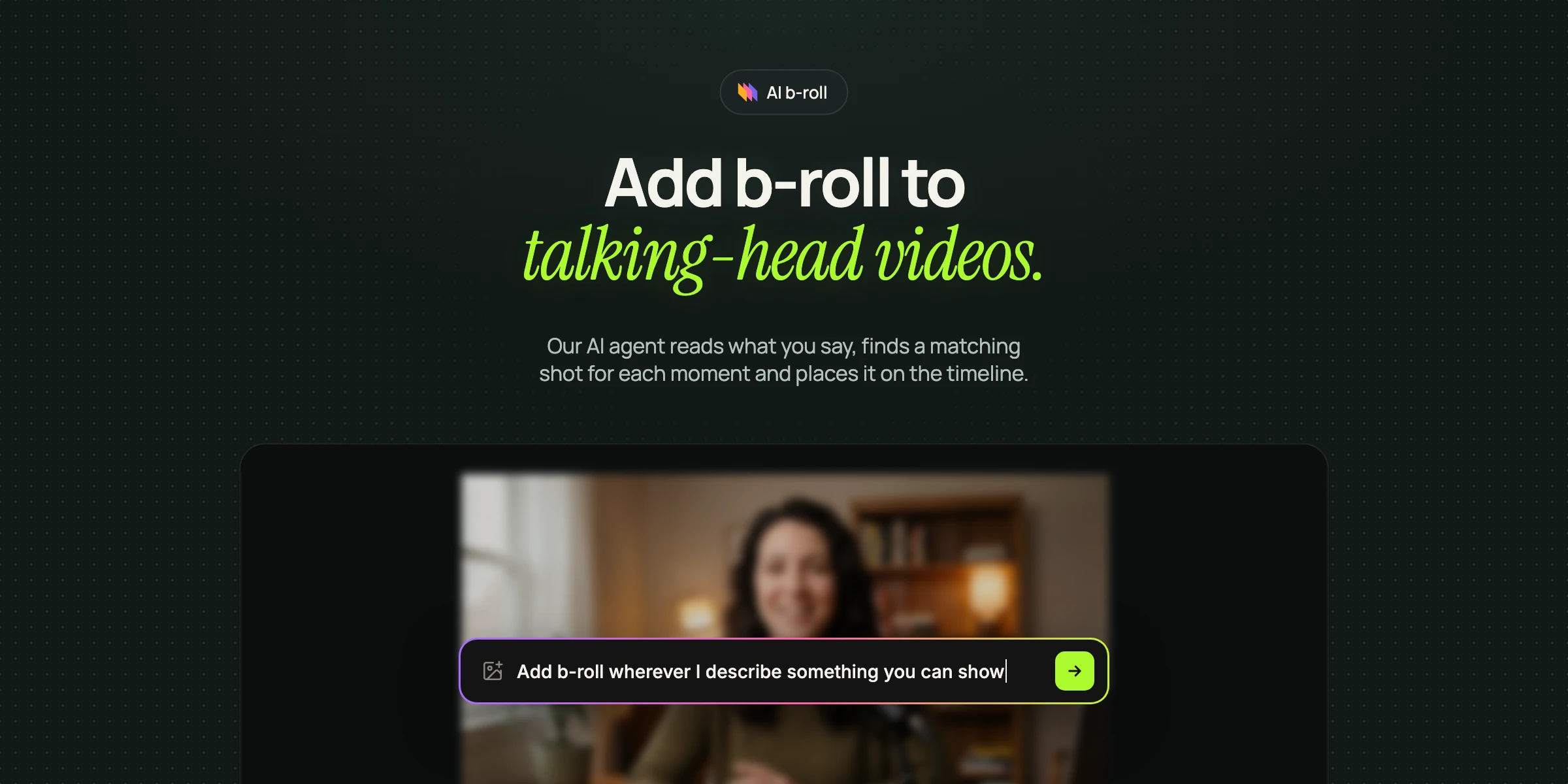
We gave the agent a talking-head clip and asked it to add b-roll wherever the speaker described something you could show. Before touching the timeline, it proposed to transcribe the audio and review the footage, and waited for our approval. Then it wrote a stock footage search for each concrete moment in what was said.
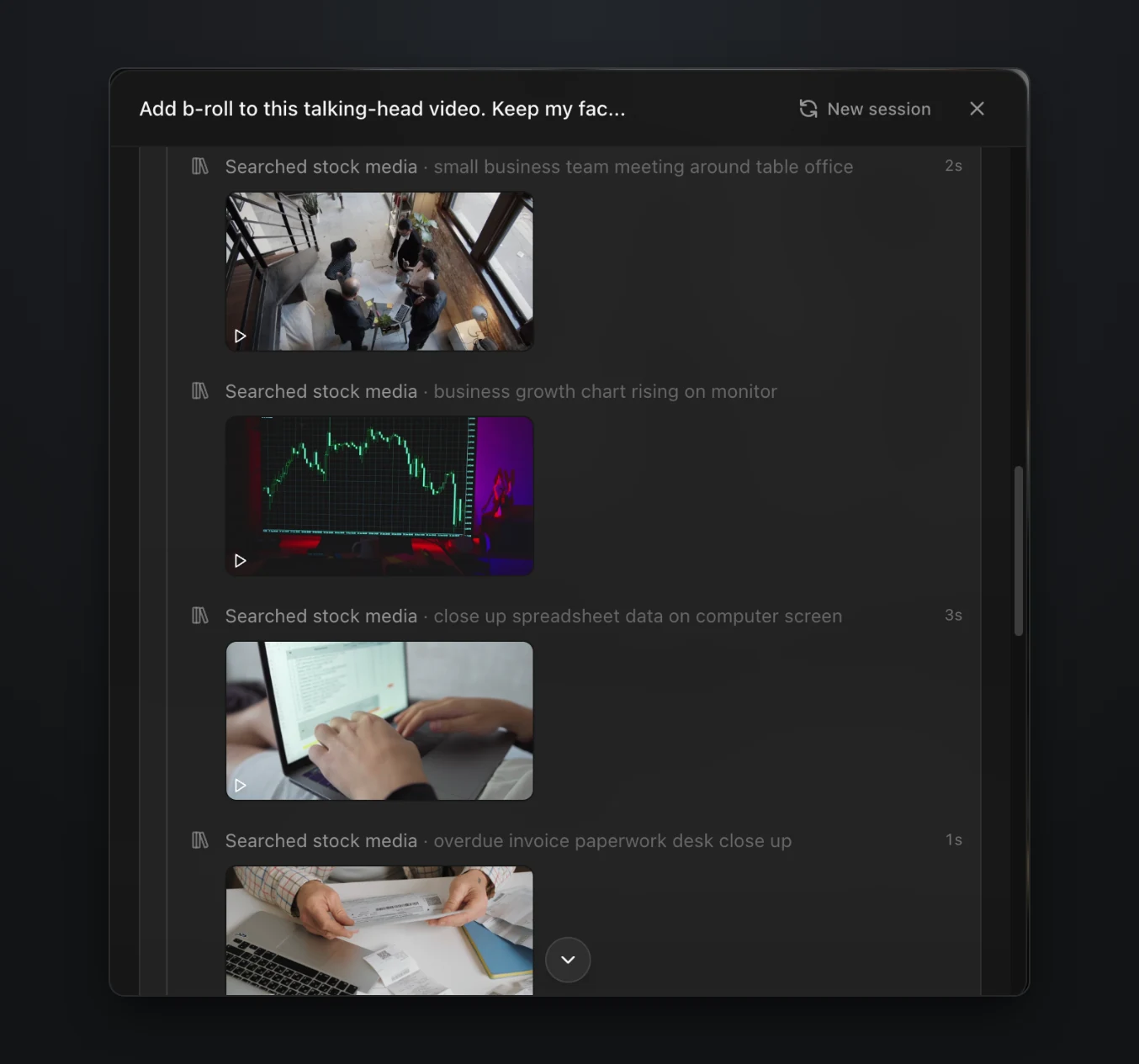
Stock searches are free, so only the analysis needed approval. The full example is in our guide to adding b-roll with AI.
It asks when the prompt leaves a real choice open
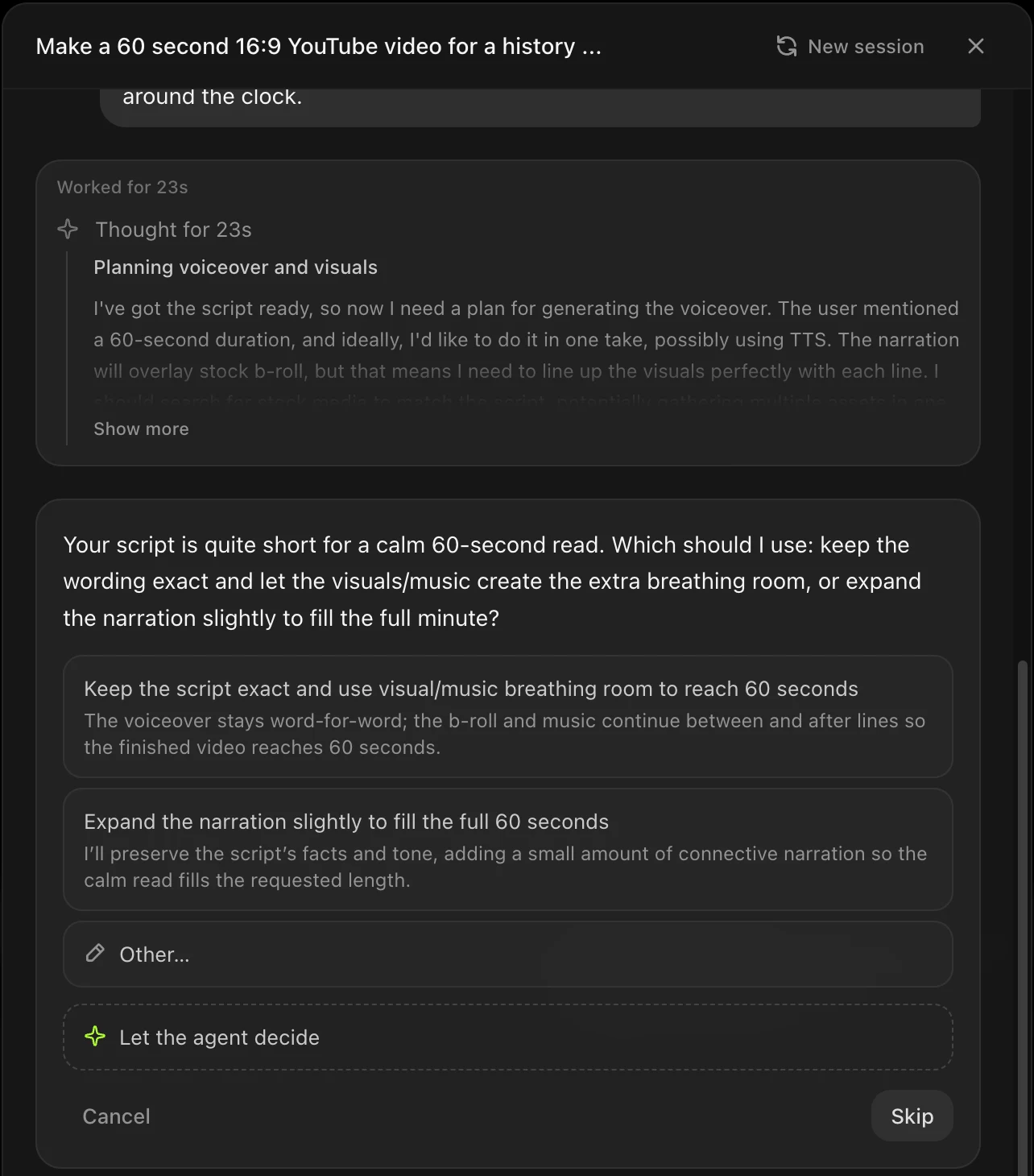
For a 60 second history video, we pasted a script that was too short for a calm read at that length. Instead of guessing, the agent asked whether to keep the wording exact and let the visuals and music fill the time, or to expand the narration slightly.
It reports what it could not fix
We asked it to turn a raw 41 second screen recording into a 30 second product demo with a voiceover, zooms, captions and an end card. It returned a 31 second demo, and its summary pointed out a problem in our recording rather than in the edit. The recording never reached the finished download screen, so one line of the voiceover played over a loading state. The fix was to record the whole flow, which is what a human editor would have told us too.
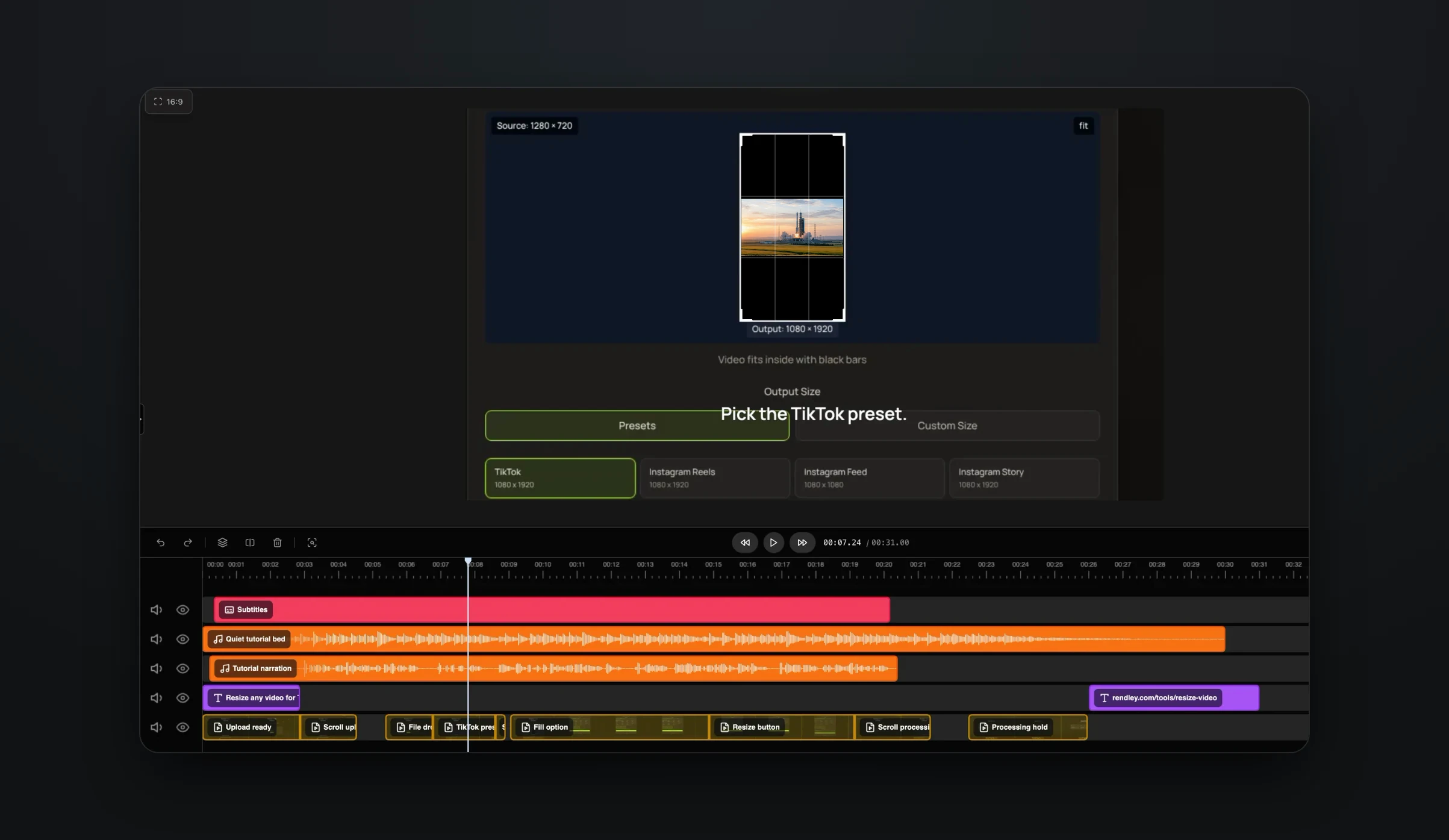
The walkthrough is in how to make a product demo from a screen recording.
Where people still decide
- People write the prompt: what the video is for, who watches it and what it must not say. Goldcast's playbook for agentic editing suggests five parts, the goal, the audience, the format, the tone and the key moments.
- People approve any plan that costs money. Footage analysis, generated footage and rendering all use credits, so the agent should show the plan and the price first.
- Taste stays human. Someone has to judge whether the hook is strong enough, whether the music fits the brand and whether a clip still makes sense without the conversation around it.
- Someone checks the cut before it is published, including names and numbers in captions, claims in on-screen text and any generated shot that shows something that did not happen.
Goldcast calls the AI "a fast, capable executor", not a magic wand, and says not to publish the first cut.
How to prompt an editing agent
Write the prompt the way you would for a human editor. Rendley's docs suggest describing the source, the audience, the intended result and the delivery format (Rendley docs). In practice a good prompt names the files and what each one is for, the goal, the audience and platform, the structure (hook, main points, ending and length), the style (pacing, captions, voice and brand), what must stay or be avoided, and the delivery: aspect ratio, resolution and number of versions.
Compare two versions of the same request.
Make a short video from this webinar.
episode-14.mp4 is a 70 minute webinar for founders. Find the six strongest moments that make sense on their own. Turn each into a 25 to 45 second vertical clip with a new hook in the first two seconds, keep the speaker in frame, add high-contrast captions inside the safe area and export each at 1080p.
The first leaves the agent to guess almost everything. The second gives it a target it can check its own work against.
Three ways to run an editing agent
- A marketer opens Rendley Studio, types the prompt, approves the plan and keeps editing by hand if needed.
- Someone already working in an AI assistant installs Rendley from its connector or plugin directory and asks for the video in the conversation. See Claude video editing and the ChatGPT video editor for what each assistant can do.
- A product or an automation sends the prompt through Rendley's video editing API, gets back an editable project and exports a file when it asks for one, with no one watching. Our API tutorial has the code, and no-code tools such as Zapier and Make call the same API.
Agent runs from an assistant, the API, Zapier or Make need a paid plan (Rendley pricing). In Rendley Studio, the free plan includes a small, one-time agent allowance, so you can try the first route before you pay. Steps that cost credits still need a paid plan.
Frequently asked questions
What is agentic editing?
Agentic editing is editing done by an AI agent that takes a prompt and your footage, decides the steps itself, carries them out with real editing tools and checks the result. Templates and one-click features run a fixed operation instead.
Is an AI video generator an editing agent?
No. A generator such as Veo or Kling creates a new clip from a prompt. An editing agent works on existing footage and can also call a generator when a shot is missing, then place the result on a timeline with everything else.
Can ChatGPT edit videos?
Not on its own. ChatGPT can plan an edit and write a script or captions, but it has no timeline. With an editing agent connected, such as Rendley from ChatGPT's plugin directory on a paid plan, ChatGPT passes your footage and prompt to the agent, which makes the edit and returns a project you can change.
Can I change what the agent made?
With an agent that edits a real timeline, yes. In Rendley every result is a normal project, so you can open it in the editor and change any clip, caption or keyframe, or ask the agent for the change in a sentence.
Try it on one video
Pick a recording you would otherwise edit by hand this week. Upload it to Rendley Studio and give the agent a prompt that covers the points above. Read the plan before you approve it, and read the summary when it finishes. The free plan lets you try the agent once.