Build your video in Studio’s timeline editor, or open an existing Rendley project. Set the layout, animation, and audio, then save it as a template once its fields are marked.
Use your own fonts, colors, and logo
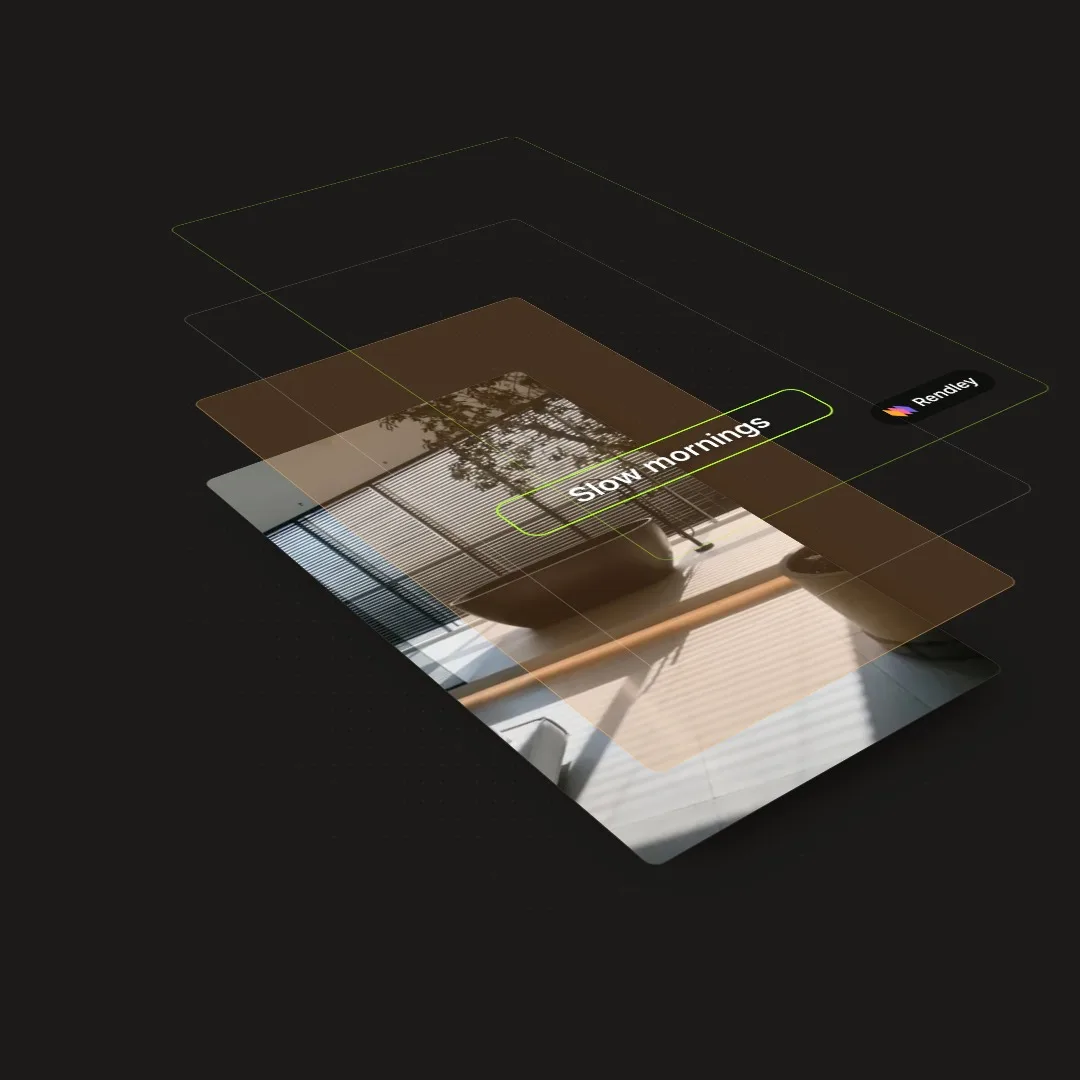
Refine the layout, timing, and transitions in the editor
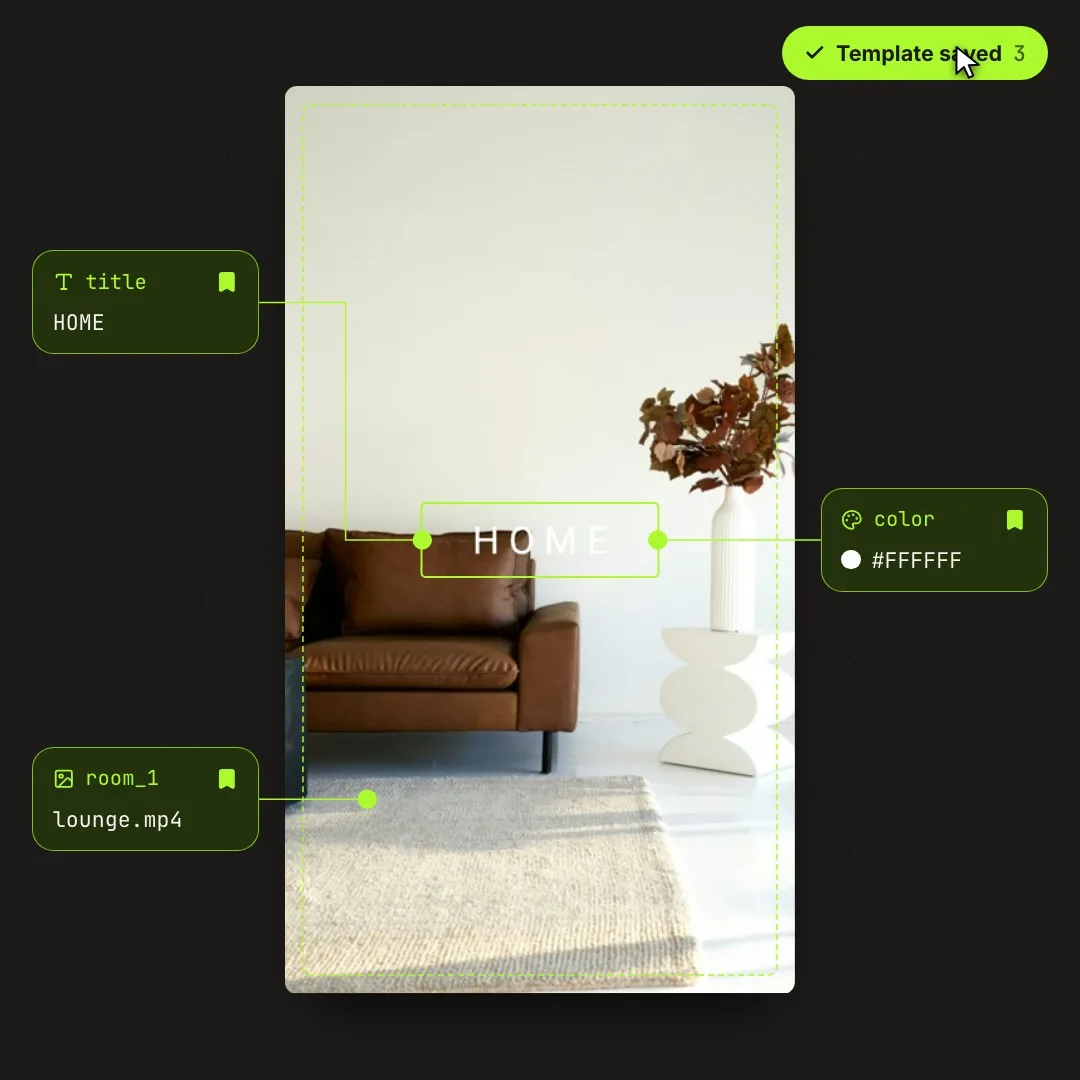
Click the bookmark beside a property to make it a template field. Mark the product name, price, media, or other content that needs to change between versions.
Give fields clear labels for the people using them
Use the template’s saved content as default values
Supply a set of field values for each version, then export the resulting projects. Connect a spreadsheet or product feed through a workflow to render a video for every record.
Run a batch on demand or when new records arrive
Export each video and keep its project available for edits
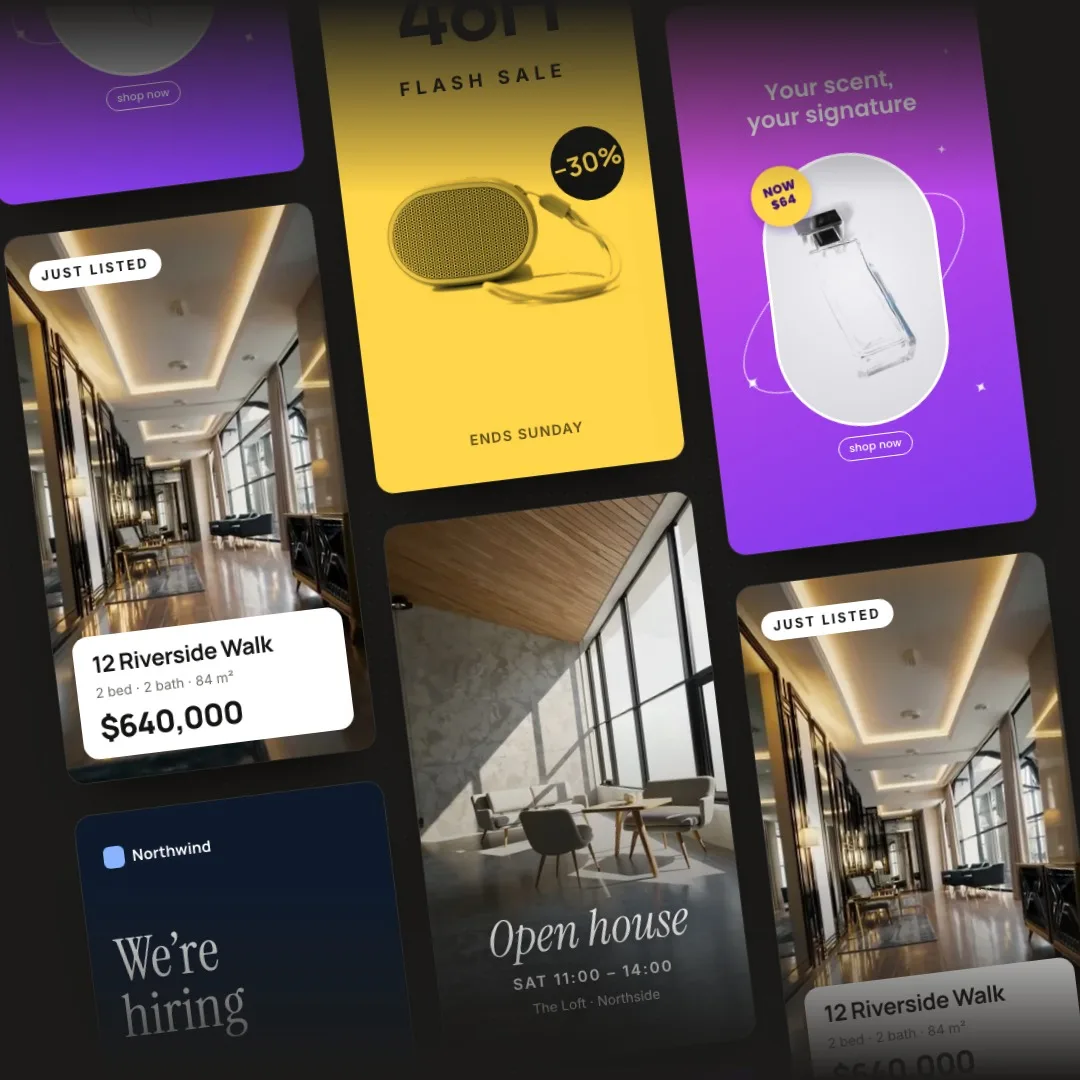
Prepare the designs you need, then create new versions with the details for each product, customer, or event.
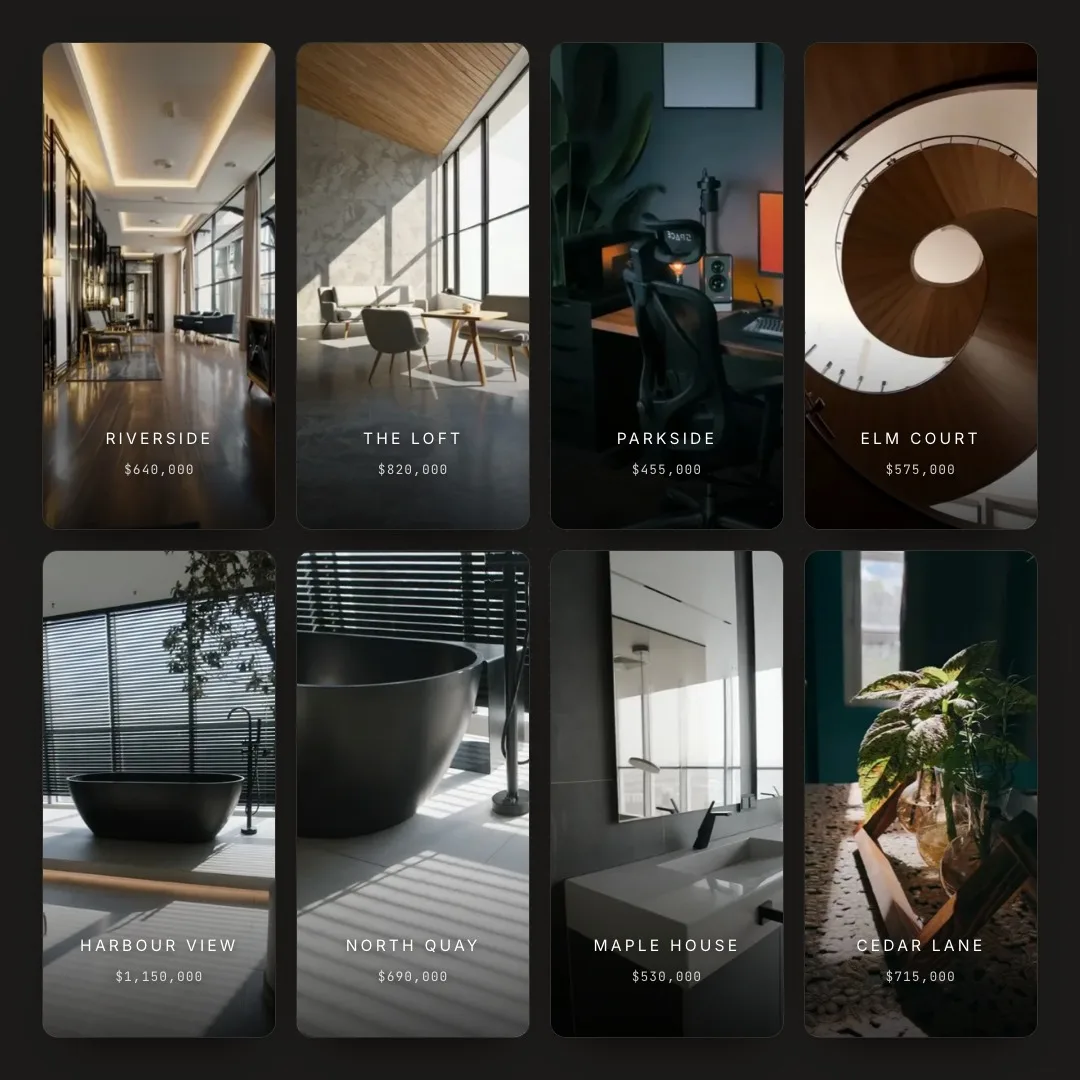
Property listing videos
Create a listing video with each property’s media, price, and address in your agency’s design.
Product catalog videos
Create a promo for each item using its name, price, and product media from your catalog.
Video ad variations
Create versions with different headlines, offers, or product media using the same ad design.
Webinar promotions
Announce each session with its title, speaker portrait, and date, then update the message to promote the recording.
Store and franchise updates
Create local versions of a campaign with each store’s address, opening hours, and offer.
Sales videos
Prepare branded templates to personalize with a prospect’s name, company, and message.
Customer onboarding
Welcome each customer with a video that includes their name, company, and a message for their team.
Agency client templates
Save a client’s video formats in their workspace so the next campaign starts with the prepared design.
Ways to use your templates.
Fill a template yourself or let your application, workflow, or AI assistant create the videos.
Open a template in Studio, fill in its fields, and preview the result before exporting.
Create a project from a template ID and new field values, then export it and retrieve the finished video.
1curl-X POST https://api.rendley.com/v1/projects\2-H"Authorization: Bearer $RENDLEY_API_KEY"\3-H"Content-Type: application/json"\4-d'{5"name":"Product Promo variant",6"template_id":"8f3c2a91-4b7e-4d2a-9c11-6e5f0b2d7a43",7"fields":{8"headline":"Get it before everyone else",9"offer":"UP TO 50% OFF",10"product_image":"https://…/headphones.jpg"11}12}'
Map a spreadsheet, store, or CRM record to template fields. Use HTTP steps in your workflow to create and export each project.
Give an AI assistant connected through MCP your content and the name of a saved template. Ask it to create and export a video for each item.
FAQ
Frequently Asked Questions
Video template automation creates new videos from a saved design. You mark the parts that change as fields, such as a product name or photo, and each set of new values gives you a separate video. The rest of the design is reused as it is.
Text, numbers, colors, on or off switches, lists, images, video clips, GIFs, and audio can all be fields. A product promo might make the name, price, and photo fields and keep the logo, animation, and music fixed. A field you leave out keeps the value saved in the template.
Yes. Describe the video you want and add your photos or footage, and Rendley’s AI agent builds an editable first version in Studio. Review it and ask for changes, then mark the fields and save it as a template.
Each media field has a fit setting that decides how a new image or video fills the space of the one it replaces. Cover, the default, fills the frame and crops whatever doesn’t fit. Contain shows the whole file and leaves empty space around it. Match scale keeps the original clip’s scale, Match size stretches the new file to the original clip’s size, and Original uses the new file’s own size.
Yes. Every version is a separate project. Choose Edit project in Studio to open the full editor for that video, and the template stays as it was. To change the template for future videos, open the project you created it from and choose Save as template again.
Pricing
Simple pricing.
Save your own templates on Pro and Business, with AI creation, editing, and automation in the same workspace.