How to Make a Product Demo Video from a Screen Recording
Turn a raw screen recording and a short script into a 30 second product demo video with zooms, voiceover, captions and an end card. A real example you can repeat for every release.
A product demo video is the fastest way to show what a feature does. Recording the flow takes two minutes. Turning it into something people will watch, with the dead time cut, zooms on each click, a voiceover, captions and an end card, can take an afternoon.
This guide shows how to skip most of that work. You record the flow, write a few lines of script and let an AI editing agent turn both into a finished demo. We walk through a real example, from a raw 41 second recording to a 31 second demo.
What a good product demo video needs
- One job. "How to resize a video for TikTok" is a demo. "Everything our app can do" is a tour nobody finishes.
- 30 to 90 seconds, long enough to show the result and short enough to watch on a phone.
- Zooms on the parts that matter, so the viewer sees the button, not the whole page.
- A voiceover, and captions for everyone watching on mute.
- A title at the start and a clear next step at the end.
Write the script, then record
Write the voiceover first, one short sentence per action. It decides what you record and keeps the video short. Ours was six sentences.
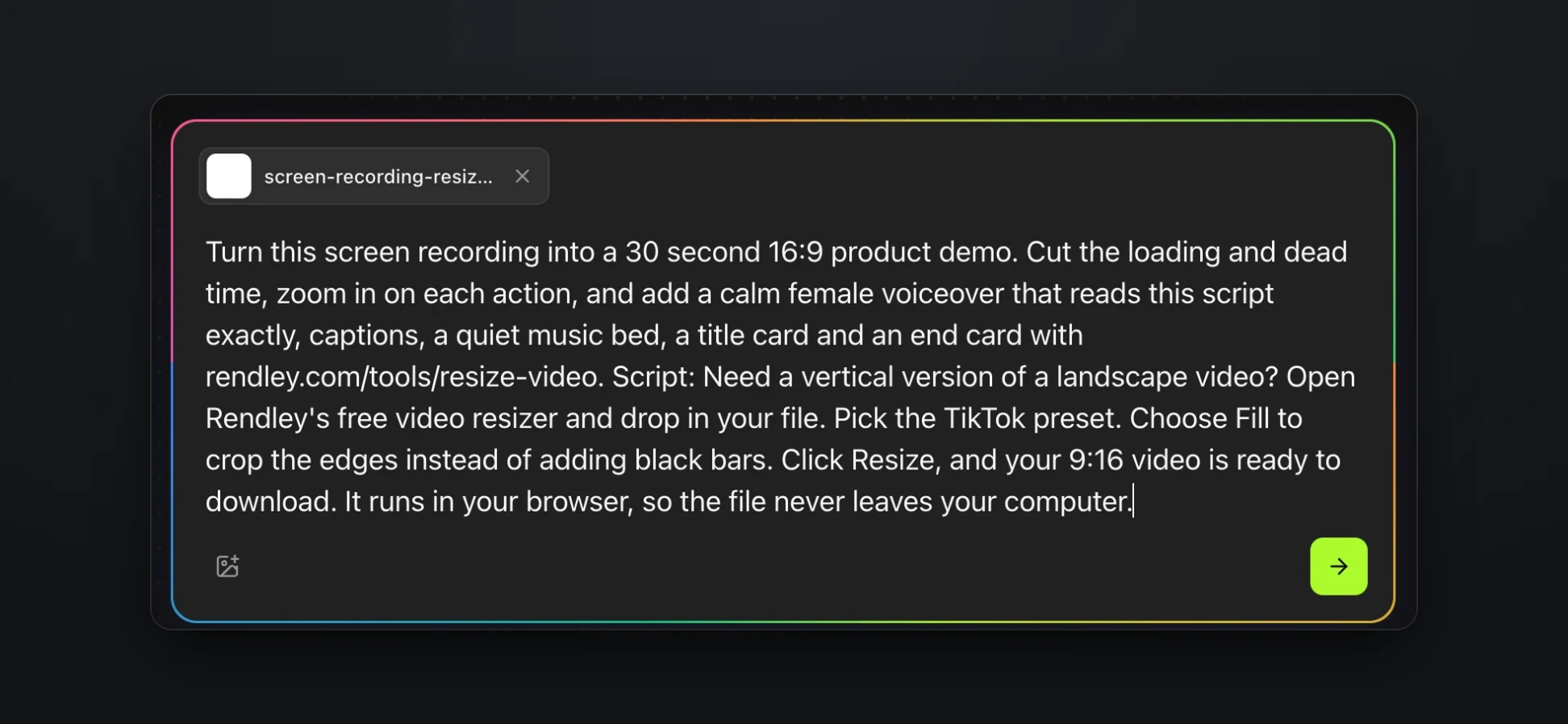
Need a vertical version of a landscape video? Open Rendley's free video resizer and drop in your file. Pick the TikTok preset. Choose Fill to crop the edges instead of adding black bars. Click Resize, and your 9:16 video is ready to download. It runs in your browser, so the file never leaves your computer.
Then record the flow in one take at 1080p or higher, from the first click to the finished result. Any recorder works, including Rendley's free online screen recorder. Pauses, loading spinners and scrolling are fine, because the edit removes them. Close notifications and hide anything personal before you start.
We recorded our free Resize Video tool, 41 seconds with no voice and no edits.
Give the recording and the script to the agent
We used Rendley, a video automation platform. You give it your footage and describe the video you want, and its AI agent edits it on a real timeline.
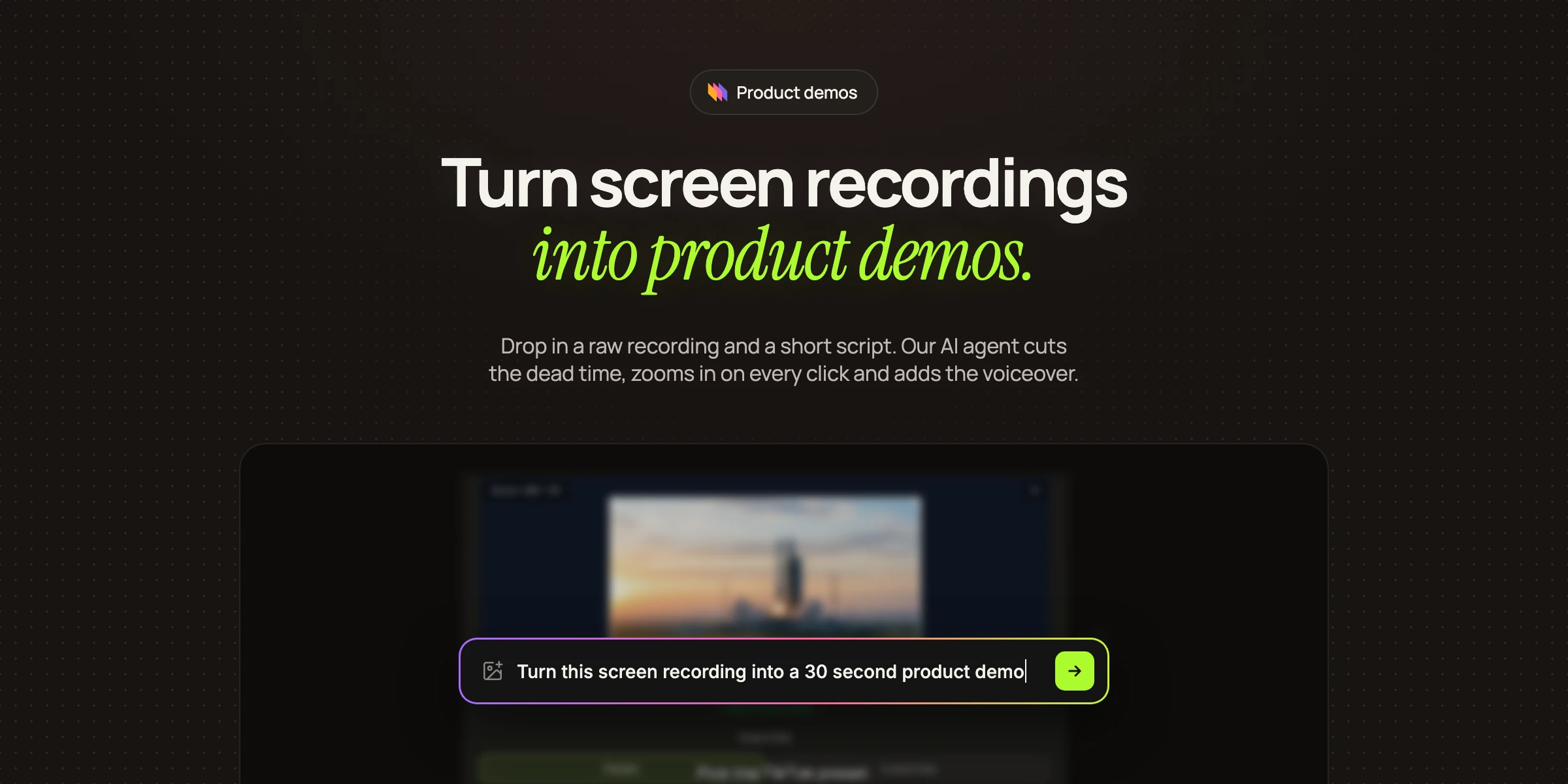
In Rendley Studio, open Create, attach the recording and describe the demo. Paste the script in the same message and ask for it to be read word for word.
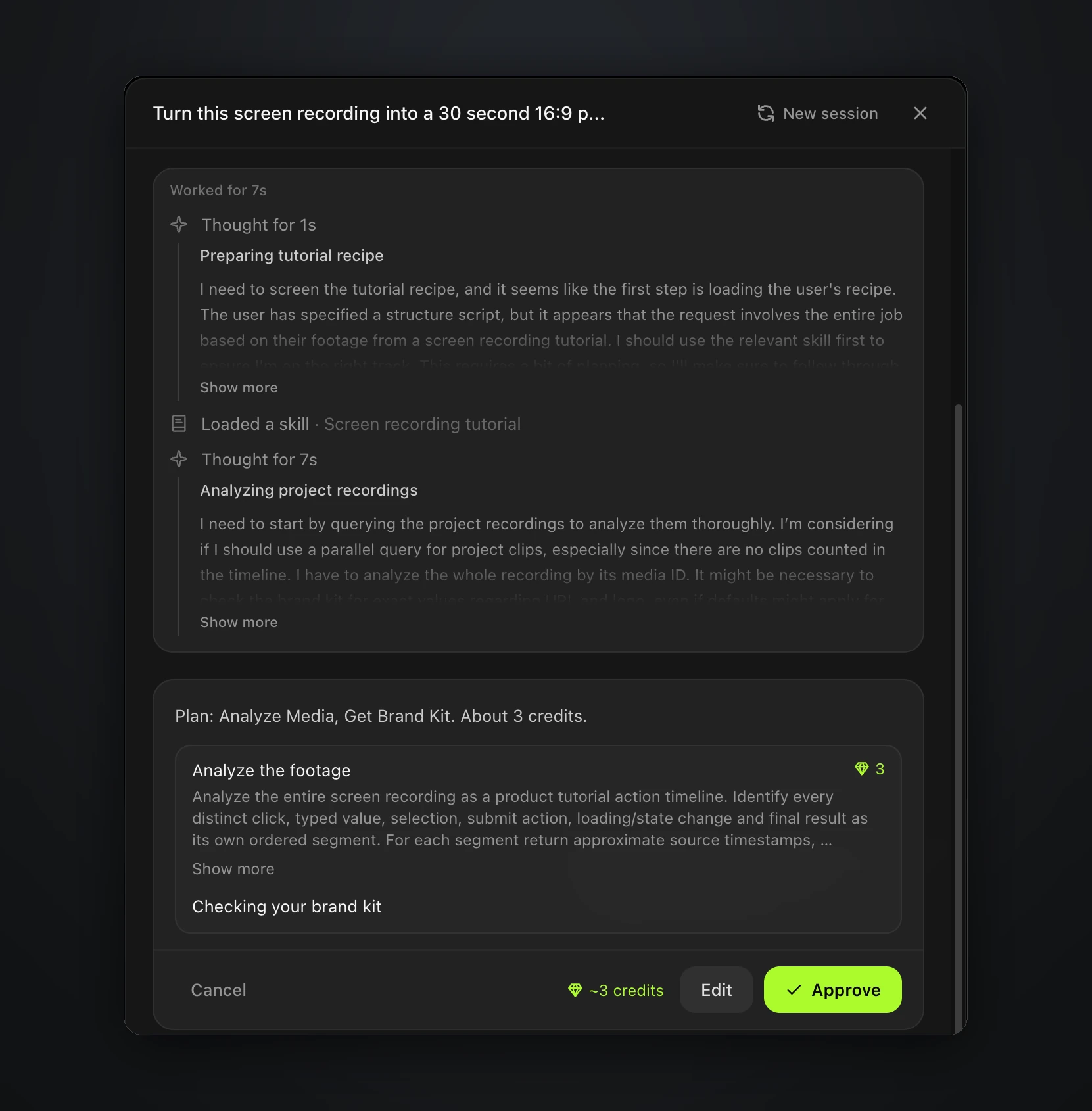
The agent first analyzes the footage and finds every action in it, such as the file drop, the preset picker and the Resize button, so it knows where to cut and zoom. It shows you the plan before anything runs.
The demo it made
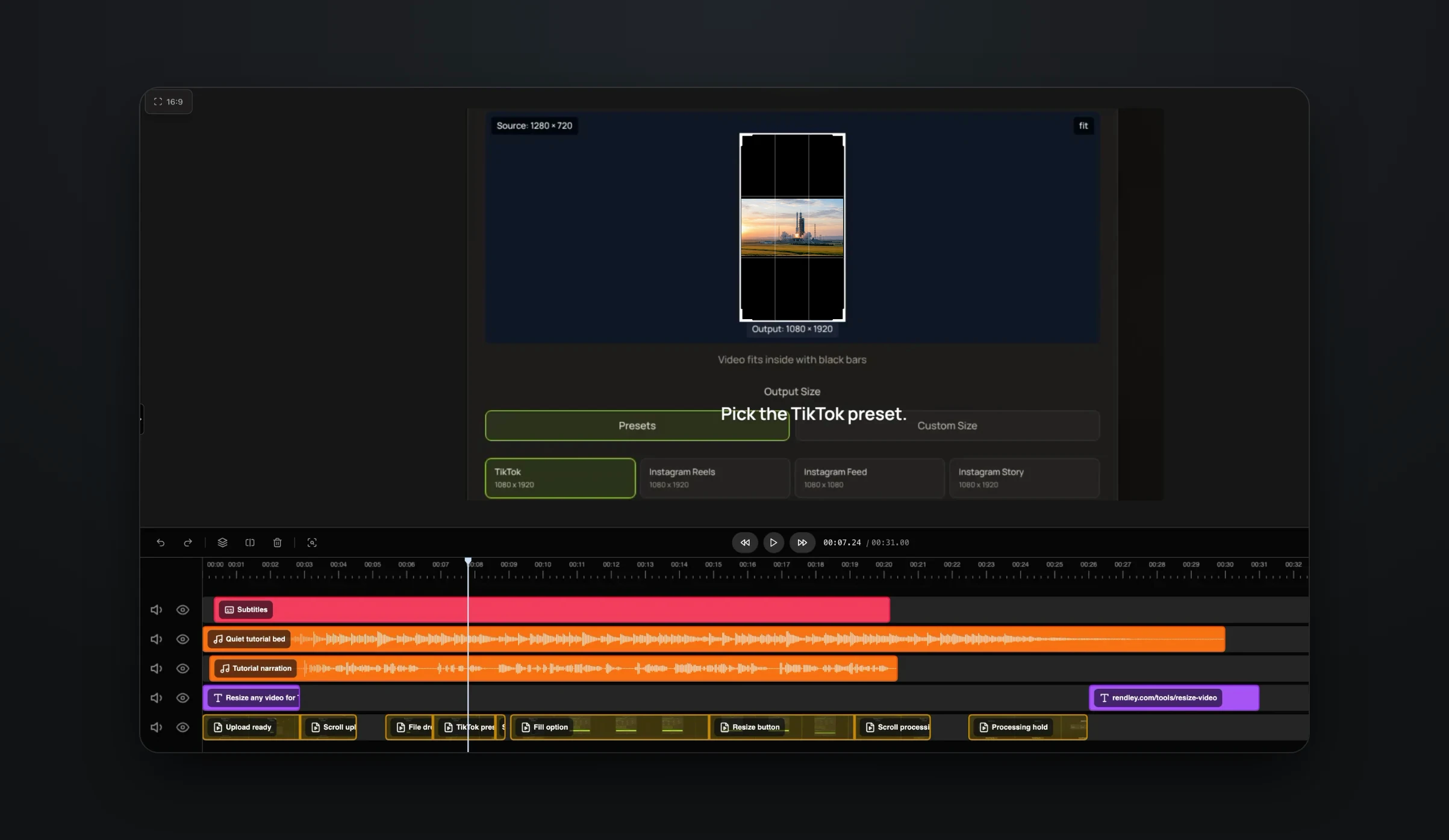
The agent returned a 31 second demo. It cut the opening spinner and dead time, sped up the scrolling, zoomed in on the preset picker and the Resize button, and added a title card, a voiceover reading the script, a quiet music bed, captions and an end card with the tool's address.
Every part of the edit stays editable. Each segment of the recording is its own clip on the timeline, named by what it shows, so you can trim, move or restyle any part by hand or ask the agent for a change.
If you narrate it yourself
Your own voice sounds more personal than an AI voice. Record it together with the screen, then ask the agent to cut bad takes and long pauses, and to enhance the voice if you used a laptop microphone. After that, ask for the zooms and captions. For a quick one-off, the free silence remover trims pauses in the browser.
Reuse it for every release
- A vertical cut for social. Duplicate the project and ask the agent for a vertical version built around the zoomed shots. For videos of people, Auto-reframe does it in one click.
- Other languages. The Translate and dub tool on the Home page dubs the finished video and keeps the original voice.
- A template. If your demos share an intro, end card and caption style, save one as a template.
To make a demo for every release automatically, send each new recording and its script to the agent through the Rendley API, or set it up with no code in Zapier or Make.
Try it with your next release
Record one feature from start to finish, write a few lines of script and give both to the agent in Rendley Studio.