Rendley Studio
Rendley Studio

Never Run Out of
Videos for Social Media

Rendley Studio gives you video ideas, edits your content, and repurposes any assets into videos.

Let AI create the first draft.

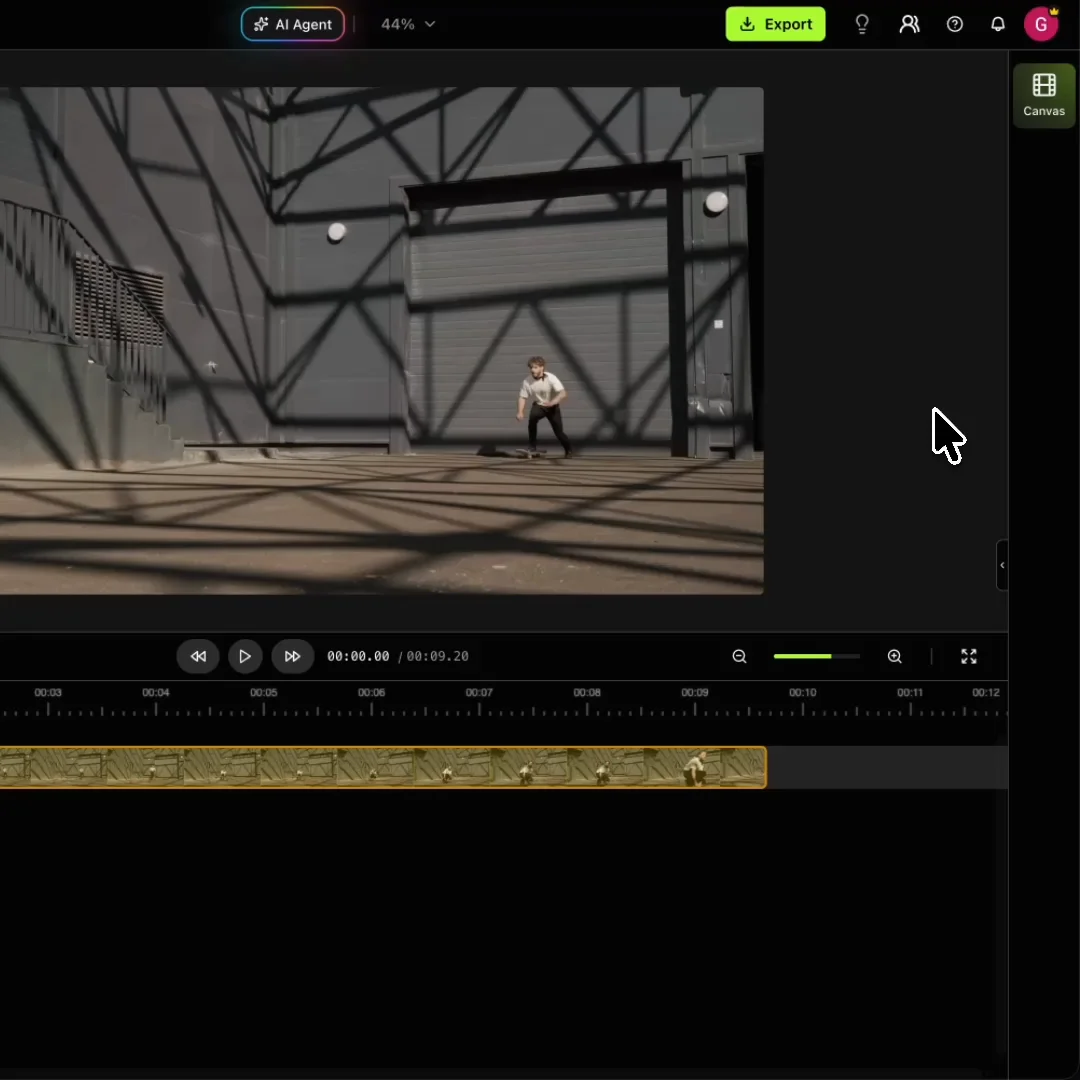
Our AI agent watches your footage, picks the best moments, and assembles a full edit with cuts, captions, and B-roll. You refine from there.

  • Cuts, trims, resizes, and animates for you
  • Adds captions, B-roll, and voiceover automatically
  • You review and take over when it looks right
Start editing with AI

Brand every video on autopilot.

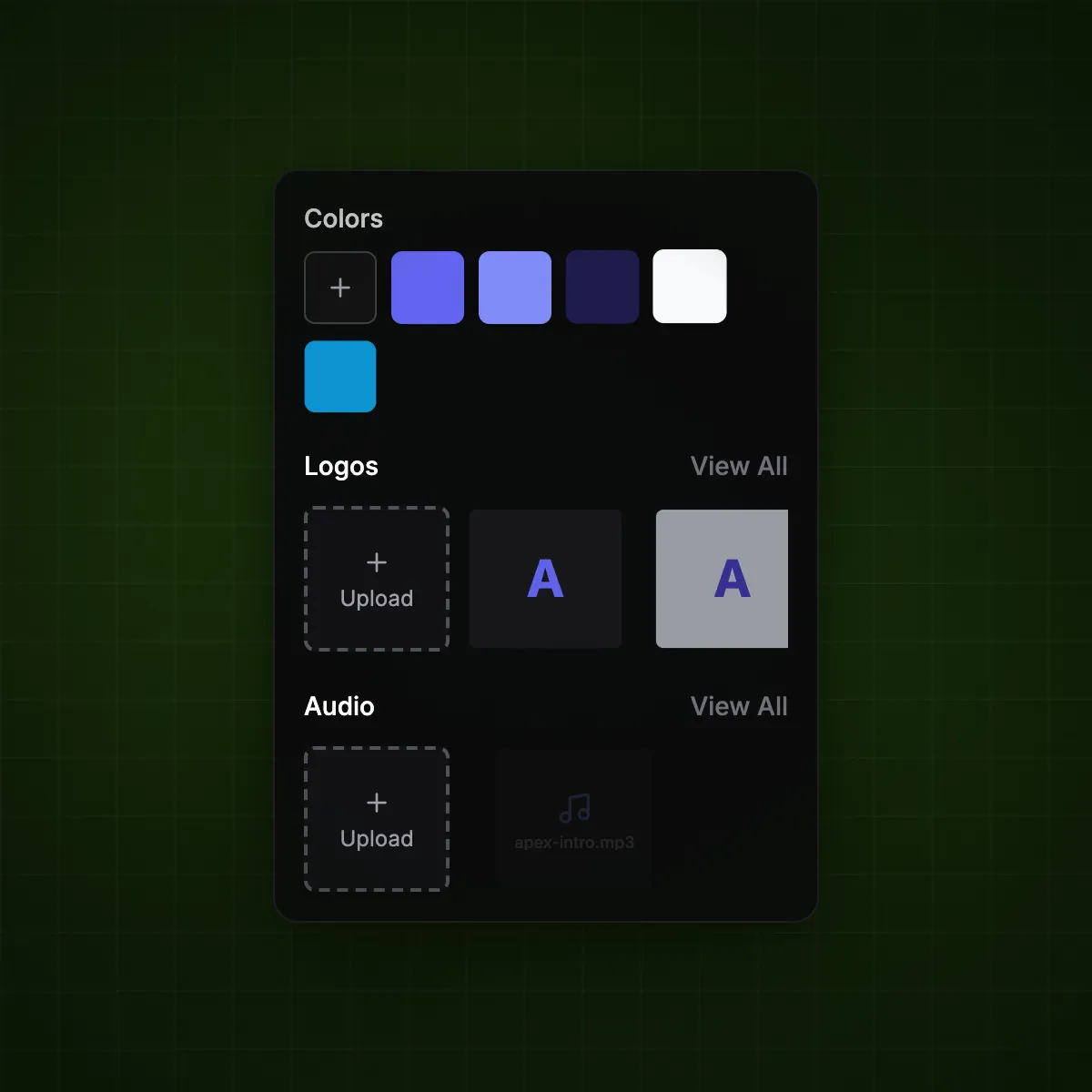
Set up your visual identity once. Every video your team produces stays consistently on-brand.

  • Captions, colors, and fonts locked to your guidelines
  • Upload custom fonts and save text presets
Set up your brand

Resize for every platform.

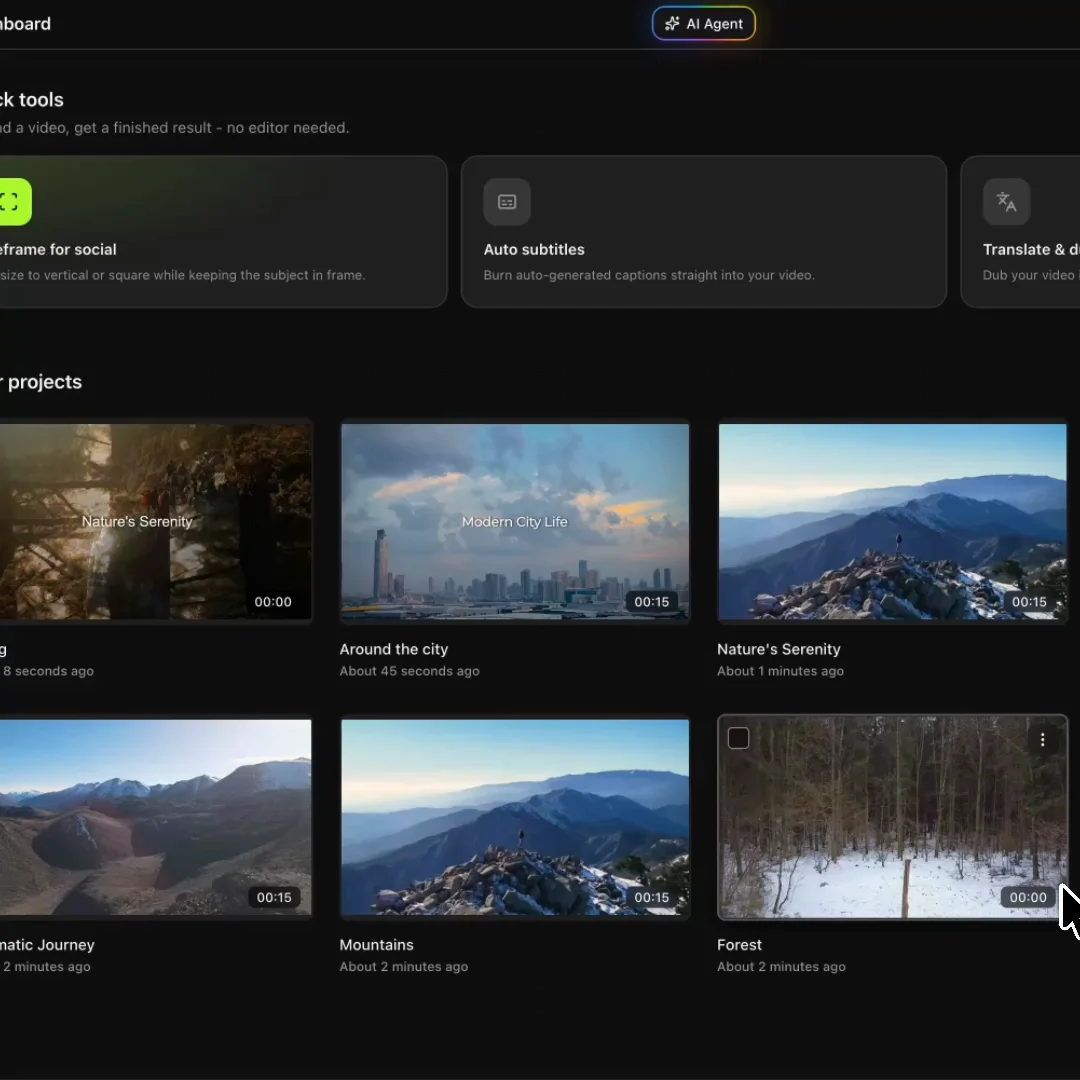
Resize one video for Reels, Youtube, and LinkedIn. Smart reframing keeps your subject in shot across every aspect ratio.

  • Adjustable keyframes for full control over every edit
  • One video, ready for every platform and format
Resize a video

Repurpose your existing content into videos.

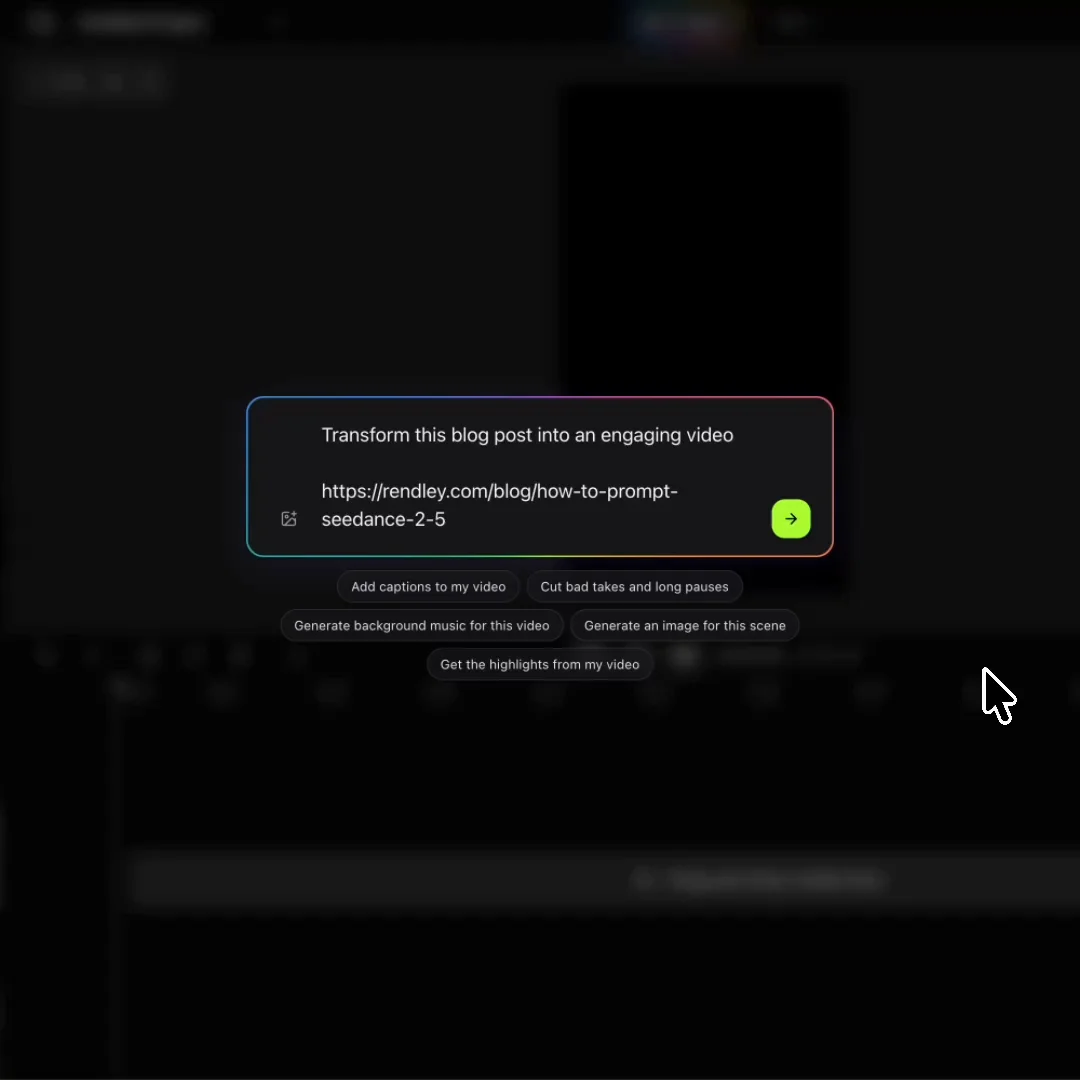
Transform the content you already have into video. Import a blog post, Canva design, or images, and let Rendley Studio do the rest.

  • Blog articles and written content
  • Canva designs and static assets
  • Images, slides, and screenshots
Repurpose video

AI Studio built right in.

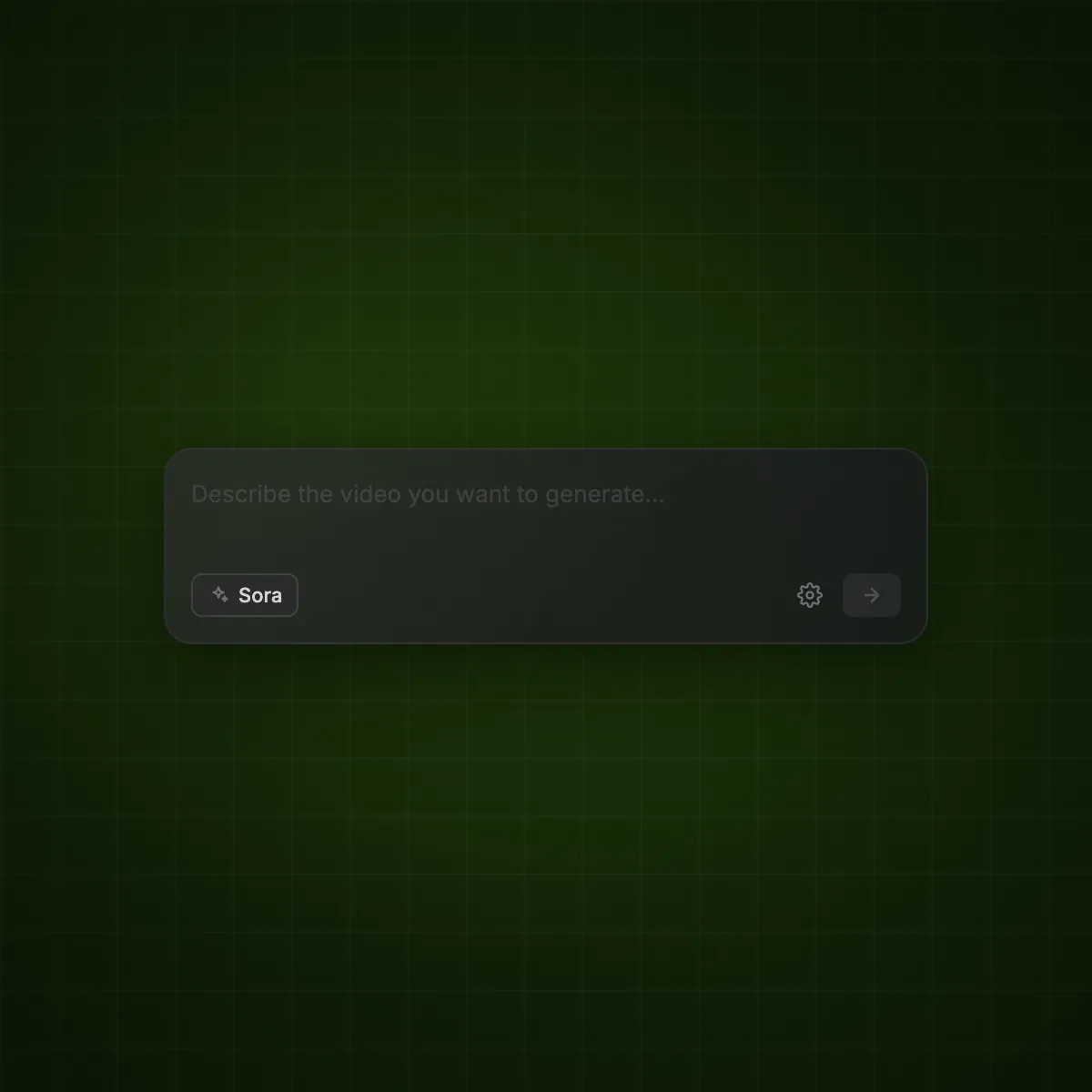
Generate clips, images, and voiceovers. Remove backgrounds, isolate voices, fix audio. Dozens of models, one workspace.

  • Seedance, Kling, Veo, Sora, and more
  • New models added as they launch
  • One credit pool for everything
Explore AI Studio

Publish straight to social media.

Post directly to LinkedIn, Instagram, X, YouTube, and TikTok. Schedule ahead or go live in one click.

  • Direct connectors for every major platform
  • Schedule or publish instantly
Connect your channels
Rendley MCP

Edit videos right from Claude or ChatGPT.

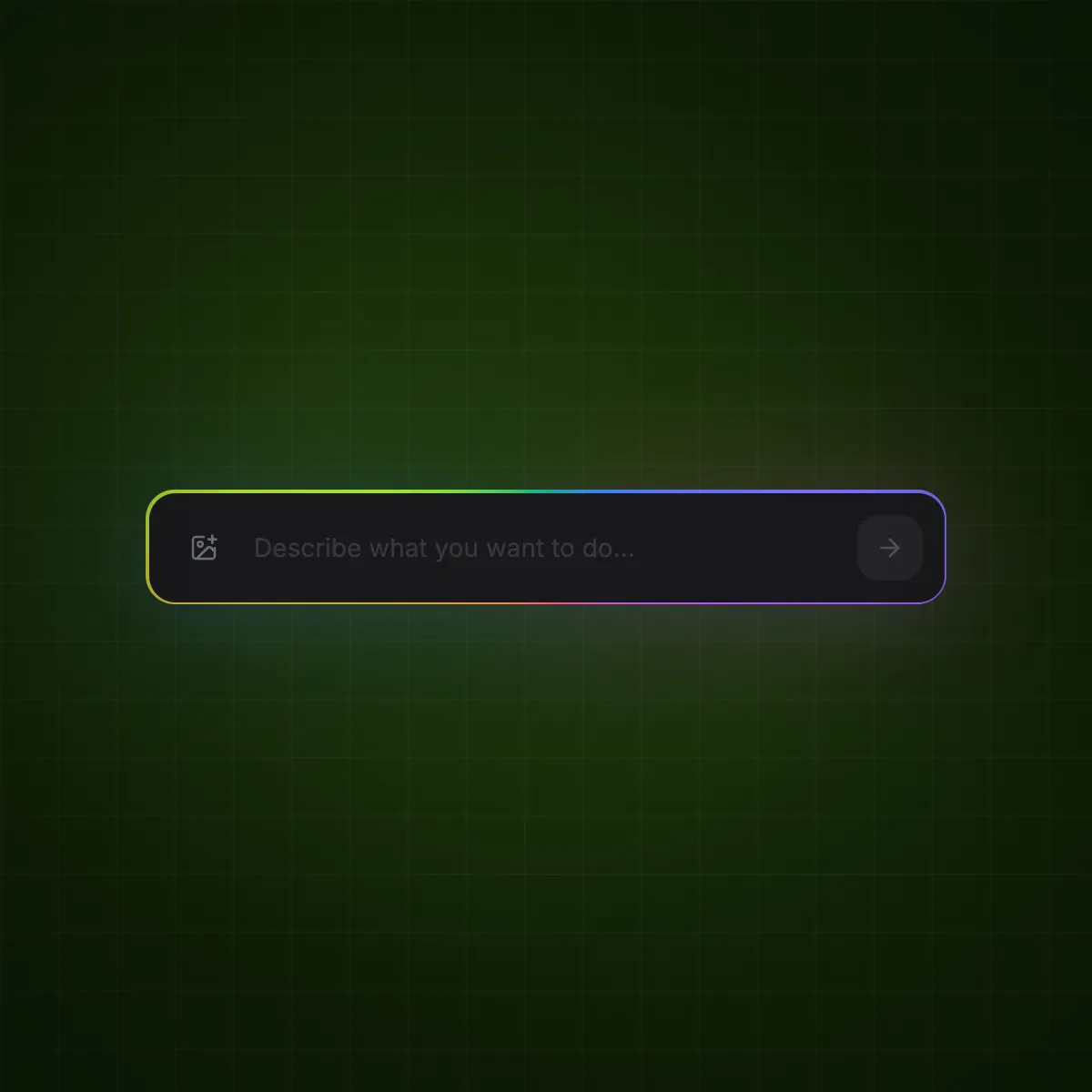
Describe the video you want right in your chat. Rendley Studio brings it to life, then opens the project so you can fine-tune every detail.

More of what you need, built in.

Everything works right inside your project, so you can create without exporting files or jumping between tools.

AI Studio15+ models

Video generation

Generate video clips from text prompts using Seedance, Kling, Veo, and 15+ other models.

AI Studio7+ models

Image generation

Generate images from text descriptions for thumbnails, B-roll, and other visual assets.

Auto captions

Transcribe audio and add word-timed captions styled to your brand.

Translate and dub

Translate and re-dub your video into 30+ languages with automatic lip sync.

Text to speech

Convert written scripts to natural voiceover in 30+ languages and voices.

Music generation

Generate background music that matches the length and mood of your video.

Background removal

Remove backgrounds from video and images frame by frame, no green screen needed.

Voice isolation

Separate speech from background noise in any audio track.

Audio enhancer

Reduce noise, echo, and level inconsistencies in recorded audio.

Voice changer

Replace the speaker's voice while preserving the original timing.

Lip sync

Match mouth movements to new or replacement audio.

Smart cut

Automatically detect and remove silences and filler words.

Image upscaler

Increase image resolution while preserving detail and sharpness.

Pricing

Simple pricing.

From solo marketers to full agencies, scale your video production budget effectively.

Save up to 20% with yearly billing
For trying it out
Free
$0forever
No card. No time limit.
  • No card required
  • 720p exports
  • 10 projects
  • No cloud storage
  • 1 free hour of auto captions
  • 15 min of AI voiceover
  • 15 min of AI music
  • Stock library, every aspect ratio
  • AI Agent, limited capacity
  • Watermark on exports
For solo creators
Starter
$15/ seat / month
Billed monthly
  • No watermark
  • Full HD exports
  • 10 GB cloud storage
  • 500 AI credits a month
  • 2.5 free hours of auto captions
  • Brand kit with colors and logos
  • Built-in stock and audio library
  • Unlimited auto reframes
Most popularFor growing teams
Pro
$30/ seat / month
Billed monthly
  • Everything in Starter
  • 4K exports
  • 50 GB cloud storage
  • 1,200 AI credits a month
  • 4 free hours of auto captions
  • 4 free hours of AI voiceover
  • 1 free hour of AI music
  • Up to 3 workspaces
  • Custom brand font uploads
  • Unlimited brand voices
  • Social media toolkit and publishing
  • Unlimited AI Agent conversations
For scaling teams
Business
$70/ seat / month
Billed monthly
  • Everything in Pro
  • 100 GB cloud storage
  • 3,000 AI credits a month
  • 5.5 free hours of auto captions
  • Unlimited workspaces
  • Extended AI Agent context window
FAQ

Common questions, answered.

Yes. Rendley Studio is designed to be easy to use, even without editing experience. Just describe what you need, and the AI agent can handle most of the editing for you.

CapCut and Canva give you the tools to edit videos yourself. Rendley Studio goes a step further with an AI agent that does the editing for you. Simply describe what you need, and it turns your request into a finished video.

Your first five exports on the Free plan are watermark-free. After that, exports include a small Rendley Studio watermark. Upgrade to any paid plan (Starter, Pro, or Business) to remove it.

You can add more credits anytime without upgrading your plan. Credits power AI features like auto-cut, captions, voiceovers, and content generation, so you can keep creating without changing your subscription.