How to Edit Video with an API
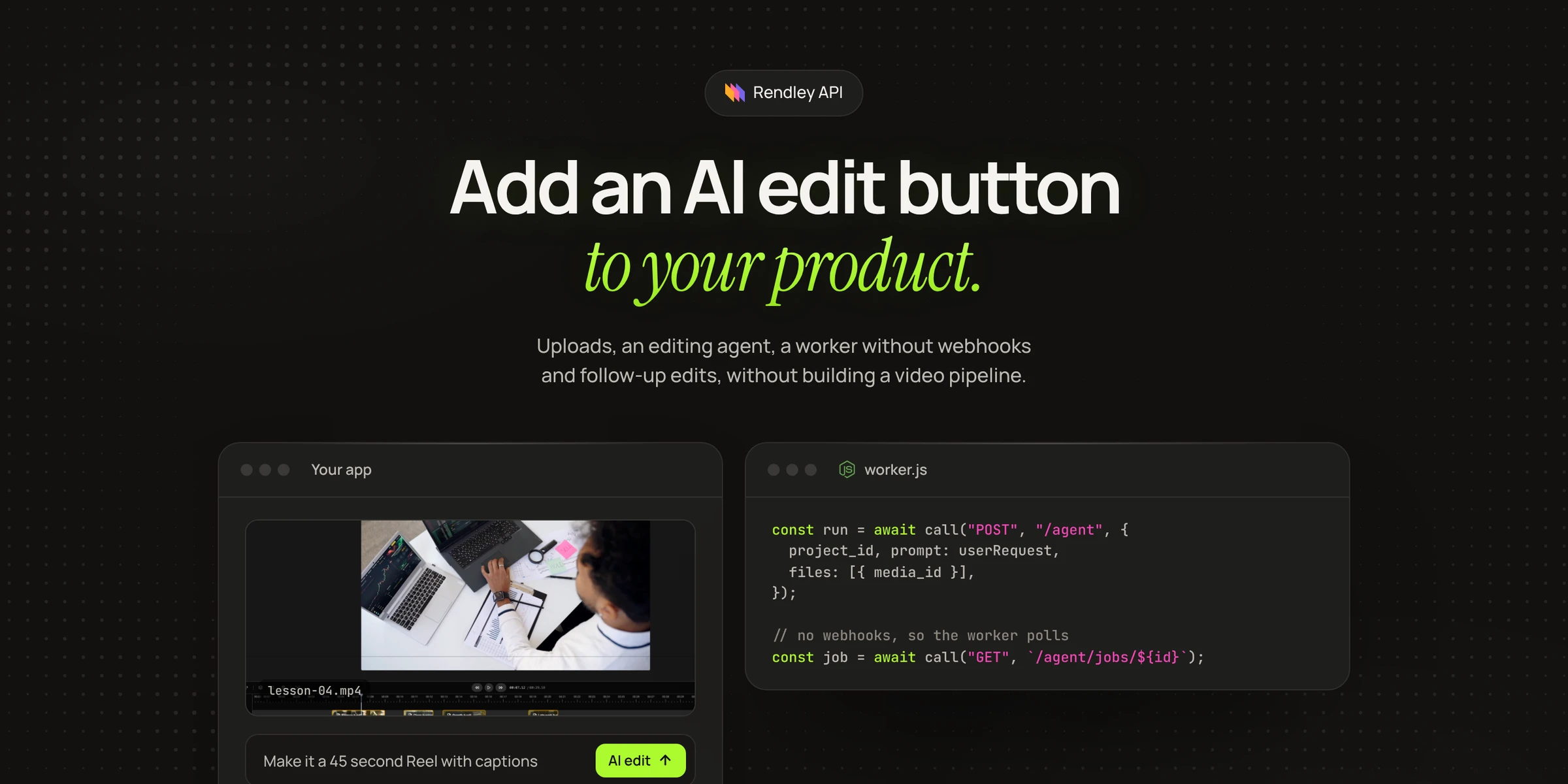
How to edit video with an API. Send footage and a one-line prompt, wait for the job, then export and download the MP4, with full scripts in curl, JavaScript and Python.
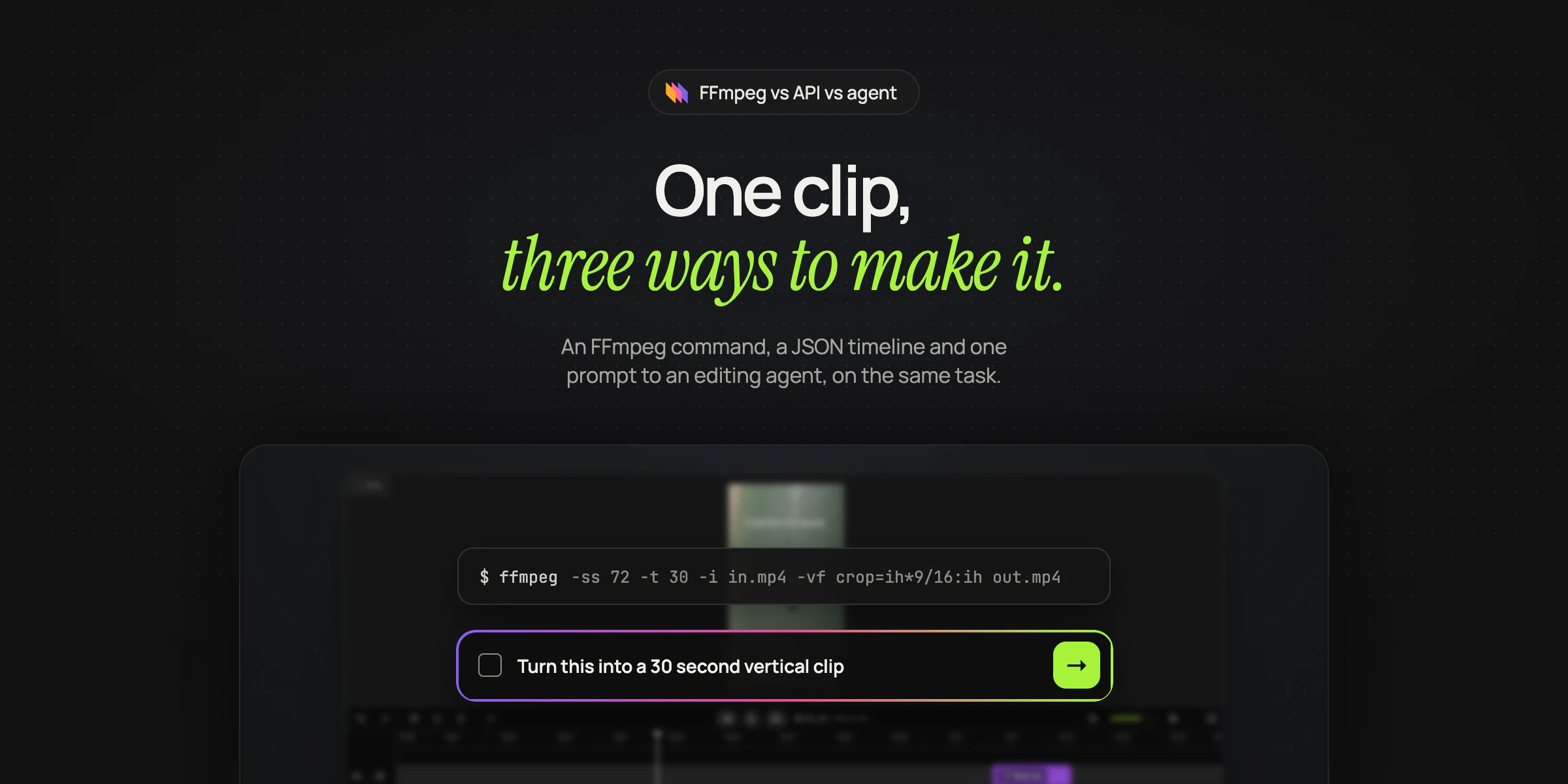
To edit video with an API, you send your footage and a description of the edit to a hosted service, poll the job until it finishes, then export and download the file. What "a description of the edit" means depends on the API. Most video APIs are rendering engines: you list every clip, its start time, its length, each text layer and each transition, and the API turns that list into an MP4. That works well when every video has the same shape, such as a product card or a personalized greeting.
It breaks down when the edit depends on the footage. To cut the filler words out of a recording, you first need a transcript with word timings. To keep the strongest quote, someone has to decide which quote that is. To add b-roll, someone has to choose shots that match what is being said. A rendering API leaves all of that to your code, and that is usually the hard part.
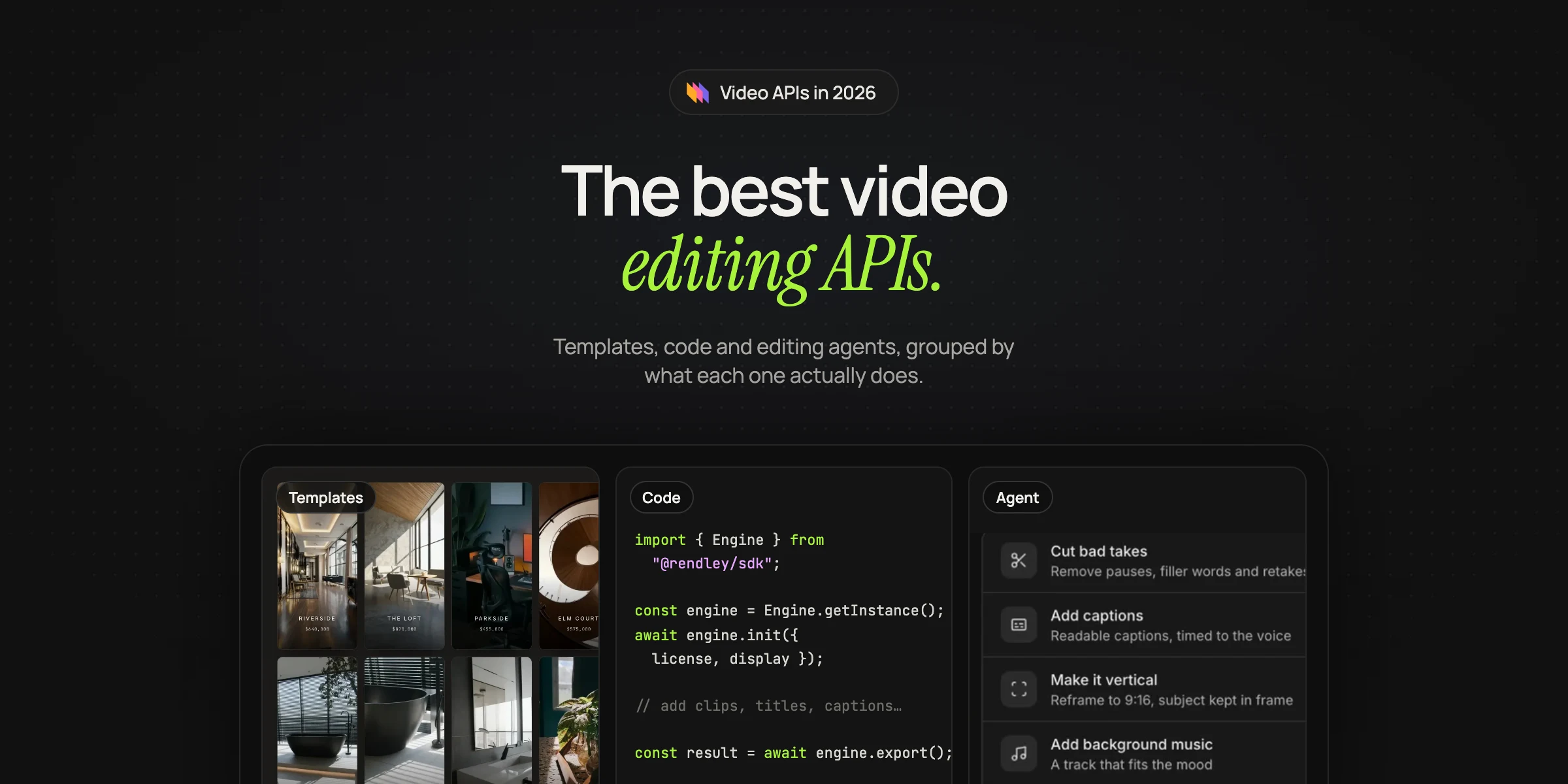
An editing agent behind an API takes the footage and a sentence describing the result, and makes those decisions itself.
The difference in one example
Here is a typical edit, written the way a timeline API needs it. The exact field names vary between vendors, but the shape is the same.
{
  "timeline": {
    "tracks": [
      { "clips": [
        { "asset": { "type": "video", "src": "https://cdn.example.com/interview.mp4", "trim": 72.4 },
          "start": 0, "length": 8.6 },
        { "asset": { "type": "video", "src": "https://cdn.example.com/interview.mp4", "trim": 131.2 },
          "start": 8.6, "length": 11.9 }
      ]},
      { "clips": [
        { "asset": { "type": "caption", "src": "https://cdn.example.com/interview.srt" },
          "start": 0, "length": 20.5 }
      ]}
    ]
  },
  "output": { "format": "mp4", "size": { "width": 1080, "height": 1920 } }
}
Every number in it, 72.4, 8.6, 131.2, came from somewhere. Someone watched the interview, found the moments and produced the subtitle file. With an agent, the same edit is a sentence.
{
  "prompt": "Cut interview.mp4 into a 20 second vertical clip built around the strongest quote about why they switched. Add captions and keep the speaker in frame.",
  "files": [{ "url": "https://cdn.example.com/interview.mp4" }]
}
The agent transcribes the interview, chooses the quote, cuts it, reframes it, adds the captions and saves the result as a project you can render.
The API we use
We use Rendley's video editing API. Rendley is a video editing agent: give it footage and ask for an edit, or ask it to make a video from scratch, and it does the work on a real timeline. The API exposes that agent, plus direct endpoints for single AI tasks, uploads, projects and exports (Rendley docs).
To follow along you need an API key and a paid plan (pricing). On the free plan the API refuses agent jobs and exports. Open Settings in Rendley, scroll to API Keys and click New key. The key is shown only once and has full access to your projects, media and credits, so keep it on your server (Rendley docs).
Every request goes to https://api.rendley.com/v1 with an Authorization: Bearer YOUR_API_KEY header. Successful responses put the result under data, and failures under error with a code and a message.
Four steps from footage to MP4
An edit takes four steps: start it, wait for the agent, export the project, and wait for the file. The agent's job ends with an edited project. Exporting is a separate step, so you can review the project first, change it, or export it in several formats.
Starting the edit
The agent takes a prompt and up to 20 files. Each file is a public link, a Rendley storage URL or the ID of media already in the project's library. Links must work without cookies, a login or custom headers (Rendley docs).
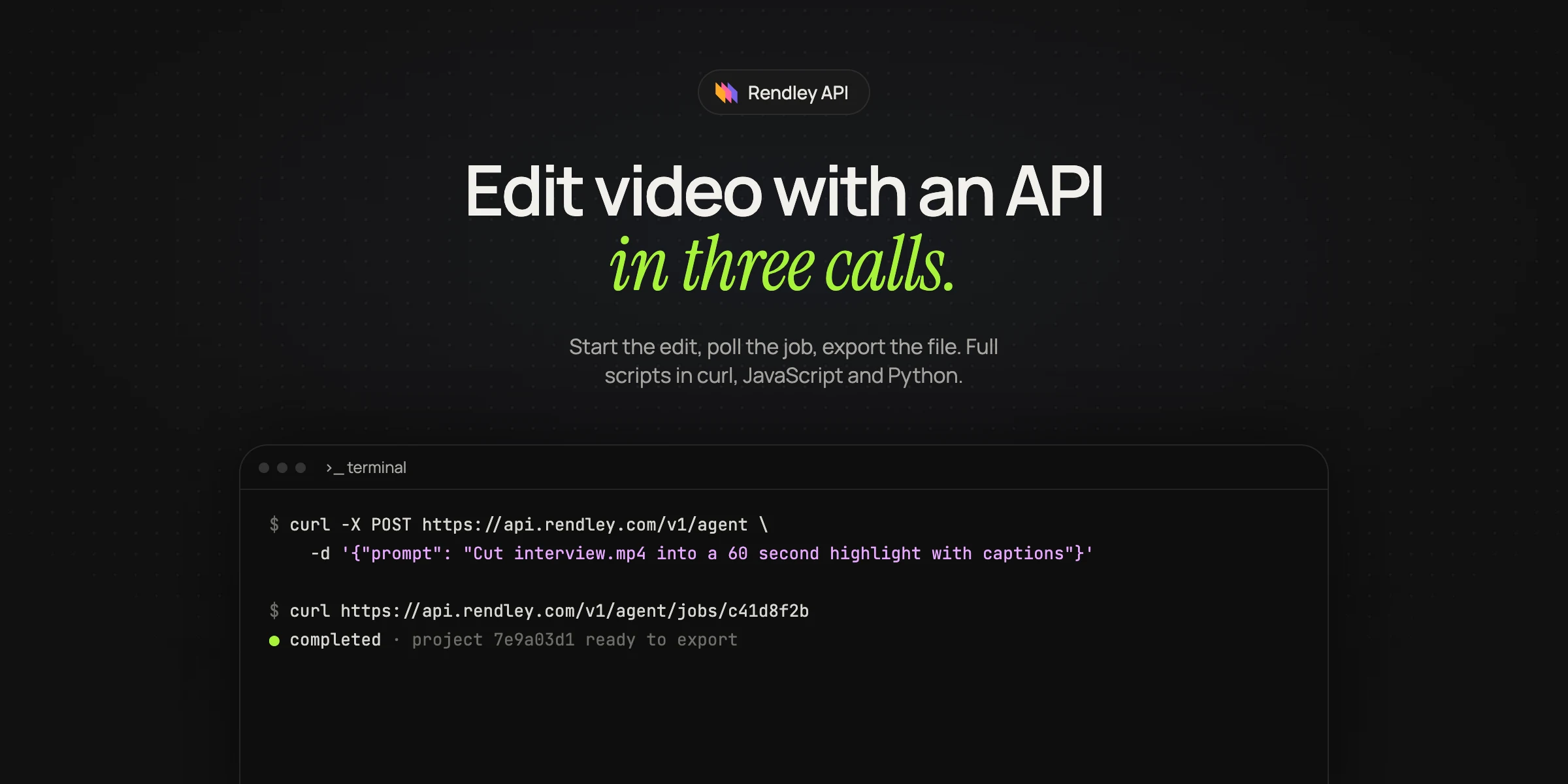
curl -X POST https://api.rendley.com/v1/agent \
  -H "Authorization: Bearer $RENDLEY_API_KEY" \
  -H "Content-Type: application/json" \
  -d '{
    "prompt": "Cut interview.mp4 into a 60 second highlight reel. Add captions, keep the strongest quotes, and put calm background music under it.",
    "files": [{ "url": "https://cdn.example.com/interview.mp4", "name": "interview.mp4" }]
  }'
The response comes back straight away. The edit itself runs in the background.
{
  "data": {
    "job_id": "c41d8f2b-7a63-4e09-bd15-8f3a29c7e604",
    "project_id": "3f0d5a4e-3d2a-4c1f-9b3e-2a1c4d5e6f70",
    "thread_id": "7e5b3c19-4d82-4a76-9f01-6c8d2b5a3e47",
    "status": "pending",
    "commands_applied": 0,
    "commands_failed": 0
  }
}
Leave out project_id and the agent creates a new project. Send one and it edits that project instead.
Waiting for the result
Rendley does not send webhooks, so you poll: read the job every few seconds until it finishes.
An agent job moves from pending to running and ends as completed, failed or canceled. A finished job carries commands_applied, which counts the timeline changes the agent made, and last_message, the agent's own summary of what it did. If commands_failed is above zero on a completed job, part of the edit did not apply, and command_error names the first failure (Rendley docs).
Exporting the project
curl -X POST https://api.rendley.com/v1/projects/3f0d5a4e-3d2a-4c1f-9b3e-2a1c4d5e6f70/export \
  -H "Authorization: Bearer $RENDLEY_API_KEY" \
  -H "Content-Type: application/json" \
  -d '{ "settings": { "target_resolution": "1080p", "codec": "h264" } }'
Settings are optional. codec is h264 for MP4 or vp8 for WebM, quality is high, medium or low, and target_resolution goes from 360p to 4K, with 4K on Pro and above. The resolution applies to the short edge, so a vertical project at 1080p renders at 1080 by 1920 (Rendley docs).
Poll the export job the same way. Export jobs use different status names, queued and processing, and end as completed, failed or canceled. The completed job has an output with the file's url, url_expires_at, size and mime_type. The URL is signed and expires, so download the file or copy it to your own storage in the same run (Rendley docs).
The complete script
Here is the whole flow in JavaScript. Save it as edit.mjs and run it with Node 18 or later.
import { writeFile } from "node:fs/promises";

const API = "https://api.rendley.com/v1";
const headers = {
  Authorization: `Bearer ${process.env.RENDLEY_API_KEY}`,
  "Content-Type": "application/json",
};

function sleep(ms) {
  return new Promise((resolve) => setTimeout(resolve, ms));
}

// 1. Start the edit
let res = await fetch(`${API}/agent`, {
  method: "POST",
  headers,
  body: JSON.stringify({
    prompt: "Cut interview.mp4 into a 60 second highlight reel. Add captions, keep the strongest quotes, and put calm background music under it.",
    files: [{ url: "https://cdn.example.com/interview.mp4", name: "interview.mp4" }],
  }),
});
let { data: job, error } = await res.json();
if (error) throw new Error(error.message);

// 2. Wait for the agent to finish
while (job.status === "pending" || job.status === "running") {
  await sleep(5000);
  res = await fetch(`${API}/agent/jobs/${job.job_id}`, { headers });
  ({ data: job } = await res.json());
}
console.log(job.status, job.last_message);

// 3. Render the project
res = await fetch(`${API}/projects/${job.project_id}/export`, {
  method: "POST",
  headers,
  body: JSON.stringify({ settings: { target_resolution: "1080p" } }),
});
const exportId = (await res.json()).data.job_id;

let render = { status: "queued" };
while (render.status === "queued" || render.status === "processing") {
  await sleep(5000);
  res = await fetch(`${API}/jobs/${exportId}`, { headers });
  ({ data: render } = await res.json());
}

// 4. Download the MP4 before the signed link expires
const mp4 = await fetch(render.output.url);
await writeFile("highlight.mp4", Buffer.from(await mp4.arrayBuffer()));
And the same flow in Python, using requests.
import os, time, requests

API = "https://api.rendley.com/v1"
HEADERS = {"Authorization": f"Bearer {os.environ['RENDLEY_API_KEY']}"}

# 1. Start the edit
job = requests.post(f"{API}/agent", headers=HEADERS, json={
    "prompt": "Cut interview.mp4 into a 60 second highlight reel. Add captions, "
              "keep the strongest quotes, and put calm background music under it.",
    "files": [{"url": "https://cdn.example.com/interview.mp4", "name": "interview.mp4"}],
}).json()["data"]

# 2. Wait for the agent to finish
while job["status"] in ("pending", "running"):
    time.sleep(5)
    job = requests.get(f"{API}/agent/jobs/{job['job_id']}", headers=HEADERS).json()["data"]
print(job["status"], job.get("last_message"))

# 3. Render the project
export_id = requests.post(f"{API}/projects/{job['project_id']}/export", headers=HEADERS,
                          json={"settings": {"target_resolution": "1080p"}}).json()["data"]["job_id"]
render = {"status": "queued"}
while render["status"] in ("queued", "processing"):
    time.sleep(5)
    render = requests.get(f"{API}/jobs/{export_id}", headers=HEADERS).json()["data"]

# 4. Download the MP4 before the signed link expires
with open("highlight.mp4", "wb") as f:
    f.write(requests.get(render["output"]["url"]).content)
What a run produces
We ran the same agent through Rendley's Zapier app, which calls this API, with an 87 word script about why airplane windows are round and a prompt asking for a vertical Short with a voiceover, stock footage for each line and captions. In a few minutes the agent made a Short of about 45 seconds at 1080 by 1920, with narration, seven stock shots matched to the script and captions in our brand style. Its summary also mentioned that its first attempts to transcribe the narration for the captions failed and that it recovered on its own. The export took another minute or two, and its signed download link expired a few hours later.
The project behind it is a normal Rendley project, with every clip, caption and keyframe on the timeline. You can open it at https://app.rendley.com/editor/{project_id} and change it by hand, or send a follow-up request.
Writing prompts that work unattended
API runs are unattended by default: the agent approves its own plan and picks the most reasonable reading of anything ambiguous, so the prompt is your only steering (Rendley docs). Give it numbers, such as "cut to 60 seconds, keeping the three strongest quotes" instead of "make it shorter". Name each file exactly as it is named in files, because uploads land in the media library and the prompt says which file goes where.
Approving the plan before credits are spent
Timeline edits do not use credits. Transcription, generated voiceover, generated footage and rendering can. If you want a person or your own code to approve the cost first, send "interactive": true.
An interactive run pauses with the status waiting_input and an interrupt that describes the decision, including the planned work and its price.
{
  "status": "waiting_input",
  "interrupt": {
    "type": "plan_review",
    "summary": "Generate music, transcribe the interview, add captions.",
    "cost_credits": 42,
    "options": [
      { "label": "Approve plan", "value": "approve" },
      { "label": "Reject", "value": "reject" }
    ],
    "allow_input_text": true
  }
}
Your code answers it. A budget check takes a few lines.
if (job.status === "waiting_input") {
  const ok = job.interrupt.cost_credits <= 100;
  await fetch(`${API}/agent/jobs/${job.job_id}/respond`, {
    method: "POST",
    headers,
    body: JSON.stringify({ response: ok ? "approve" : "reject" }),
  });
}
Answer within 24 hours, or the saved checkpoint expires. Rejecting the first plan means nothing in it runs, and the job ends with the agent's question about what to change in last_message. Rejecting a later plan in the same run skips only that extra work and finishes what you already approved. Check commands_applied before you export a rejected run. To stop a run completely, cancel the job (Rendley docs). Our post on agentic video editing covers where a person should review.
Asking for changes
Send the same project_id and thread_id with a new prompt, and the agent continues the conversation with full context of what it already did.
{
  "prompt": "Make the intro shorter and add a call to action at the end.",
  "project_id": "3f0d5a4e-3d2a-4c1f-9b3e-2a1c4d5e6f70",
  "thread_id": "7e5b3c19-4d82-4a76-9f01-6c8d2b5a3e47"
}
Only one edit can run on a project at a time. A second request returns 409 AGENT_PROJECT_BUSY, with the ID of the active job, so wait for the first to finish (Rendley docs).
Using your own files
There is no separate upload step: Rendley downloads every file you list in files. If your footage is in S3, R2 or Google Cloud Storage, send a presigned download link that opens without cookies, a login or custom headers. Only files that are not online anywhere need the upload API (Rendley docs).
Errors worth handling
403 SUBSCRIPTION_REQUIRED means the account has no paid plan. 400 NOT_ENOUGH_CREDITS clears when you top up, so alert on it instead of retrying. 409 AGENT_PROJECT_BUSY and 429 AGENT_CONCURRENCY_LIMIT_REACHED mean wait and retry, and since there is no idempotency key, retry a request that starts paid work only after a clear rejection (Rendley docs).
What it costs
The API uses your normal Rendley plan and credits. For a daily pipeline, pick a plan whose agent allowance refills every month (pricing). Exports and direct AI tasks can be priced for free before you run them. Agent runs are priced as the agent plans them, which is why interactive mode shows cost_credits before it continues (Rendley docs).
Frequently asked questions
Is there an AI that can edit video?
Yes. Editing agents such as Rendley's take footage and a request like "cut this into a 60 second highlight reel with captions", choose the cuts themselves and save an editable project that you export to get the file. Through the API, Rendley's agent needs a paid plan; in Rendley Studio the free plan includes a small one-time allowance.
Can I use it without writing code?
Yes. Rendley has apps for Zapier, Make and n8n that call the same API, and you can run the same agent from Claude and ChatGPT over MCP. Agent runs through the API, these apps and assistants need a paid plan.
How long does an edit take?
It depends on the length of the footage and how much the agent has to generate. In our test, a Short of about 45 seconds made from a script took a few minutes to edit and a minute or two to export.
Does the API support webhooks?
No. Poll the job endpoints every few seconds until the job finishes.
Getting started
Create an API key, run the curl request above with a link to one of your own recordings, and open the project it creates in the editor. When the result looks right, move the prompt into the script and let it run. The full reference is in the Rendley API docs.