How to automate video editing.
Write one brief, connect a trigger and an export, and each new file becomes a video.
Set it up once. Then every new file gets the same brief.
Trigger
A new file, a sheet row, or an API call.
Brief
Your prompt, written once.
Edit
Cuts, captions, music, and titles.
Export
A finished file in the format you set.
Still editable
Every run opens in Studio.
What is video editing automation?
Video editing automation means a video gets cut, captioned, branded, and rendered without someone editing the timeline each time. You decide once what should happen, then a trigger (a new recording, a spreadsheet row, an API call, or a chat message) starts the edit, and you review or publish the result.
What you can automate.
Most of an edit is the same work every time. Hand that part over.
Your footage, cut to a brief
The agent picks the shots, cuts to the music, and adds the title. Every run opens as a project in Studio.
A template, filled from a sheet
Each row of a spreadsheet becomes its own video on the same design.
Every version at once
Listings, products, or names in, and a finished video for each one out.
- Cut the dead air
- Silences, filler words, and retakes, gone from spoken footage.
- Find the moments
- The strongest parts of a long recording, picked from the transcript.
- Captions
- Styled and synced to every word.
- Every format
- 9:16, 1:1, and 16:9, with the speaker kept in shot.
- B-roll and titles
- Cutaways, titles, logos, and a call to action.
- Music and languages
- Music, a voiceover, and translated versions.
- Templates
- One design filled with new text, images, and clips for every version.
- Render and deliver
- The finished file sent to storage or straight to social accounts.
Ways to automate video editing.
Pick by what changes between videos and where the work starts.
An AI editing agent
- Best for
- Edits that change every time: your own footage cut to a brief
- What you set up
- Write the brief once as a prompt; the agent makes the cuts, captions and music
- With Rendley
- Rendley Studio
Templates filled with data
- Best for
- The same design in many versions: products, listings, names, languages
- What you set up
- Design once, mark the fields that change, supply values per version
- With Rendley
- Template Automation
A video editing API
- Best for
- Video as a step in your own product or pipeline
- What you set up
- Call the API from your backend, poll the job, download the file
- With Rendley
- Video editing API
No-code workflows
- Best for
- Teams that already run work in Make, Zapier, n8n or Apify
- What you set up
- Connect a trigger app to an edit step and an export step
- With Rendley
- Rendley in Make, Zapier, n8n and Apify
An AI assistant over MCP
- Best for
- Asking for a video in Claude, ChatGPT or Cursor
- What you set up
- Add the MCP server to your assistant once, then describe each video
- With Rendley
- Video editing MCP server
A coding agent
- Best for
- Developers who already work in Claude Code, Codex or Cursor
- What you set up
- Let the agent script FFmpeg and a speech-to-text model, or connect it to an editor over MCP
- With Rendley
- Edit videos with Claude Code
Your own FFmpeg scripts
- Best for
- Fixed, technical transforms you want to host yourself
- What you set up
- Write and maintain the scripts and the servers that run them
- With Rendley
- Not a Rendley product
| Compared | Best for | What you set up | With Rendley |
|---|---|---|---|
| An AI editing agent | Edits that change every time: your own footage cut to a brief | Write the brief once as a prompt; the agent makes the cuts, captions and music | Rendley Studio |
| Templates filled with data | The same design in many versions: products, listings, names, languages | Design once, mark the fields that change, supply values per version | Template Automation |
| A video editing API | Video as a step in your own product or pipeline | Call the API from your backend, poll the job, download the file | Video editing API |
| No-code workflows | Teams that already run work in Make, Zapier, n8n or Apify | Connect a trigger app to an edit step and an export step | Rendley in Make, Zapier, n8n and Apify |
| An AI assistant over MCP | Asking for a video in Claude, ChatGPT or Cursor | Add the MCP server to your assistant once, then describe each video | Video editing MCP server |
| A coding agent | Developers who already work in Claude Code, Codex or Cursor | Let the agent script FFmpeg and a speech-to-text model, or connect it to an editor over MCP | Edit videos with Claude Code |
| Your own FFmpeg scripts | Fixed, technical transforms you want to host yourself | Write and maintain the scripts and the servers that run them | Not a Rendley product |
Turn new Drive files into reels in five steps.
Other triggers and destinations use the same setup.
Get an API key
One key from your Rendley account. The n8n, Zapier, and Make steps use it, and so does your own code.Pick the trigger
For this workflow, a new file in a Google Drive folder. A sheet row, a form entry, or a request from your backend works the same way.Add the Rendley step and write the brief
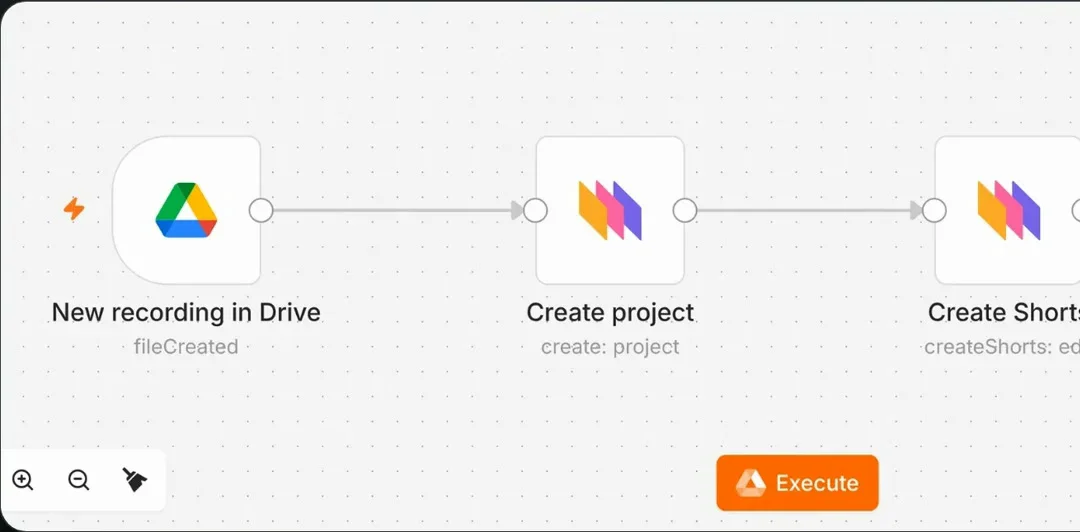
Pass it the new file and write the brief once: the length, the format, the music, the titles. Every file that lands runs through it.Build it in n8nDecide who reviews it
Runs from n8n, Zapier, and Make go straight through, and every result opens in Studio for a final touch. From your own code, you can also approve the agent’s plan and its credit cost first.Send the export on
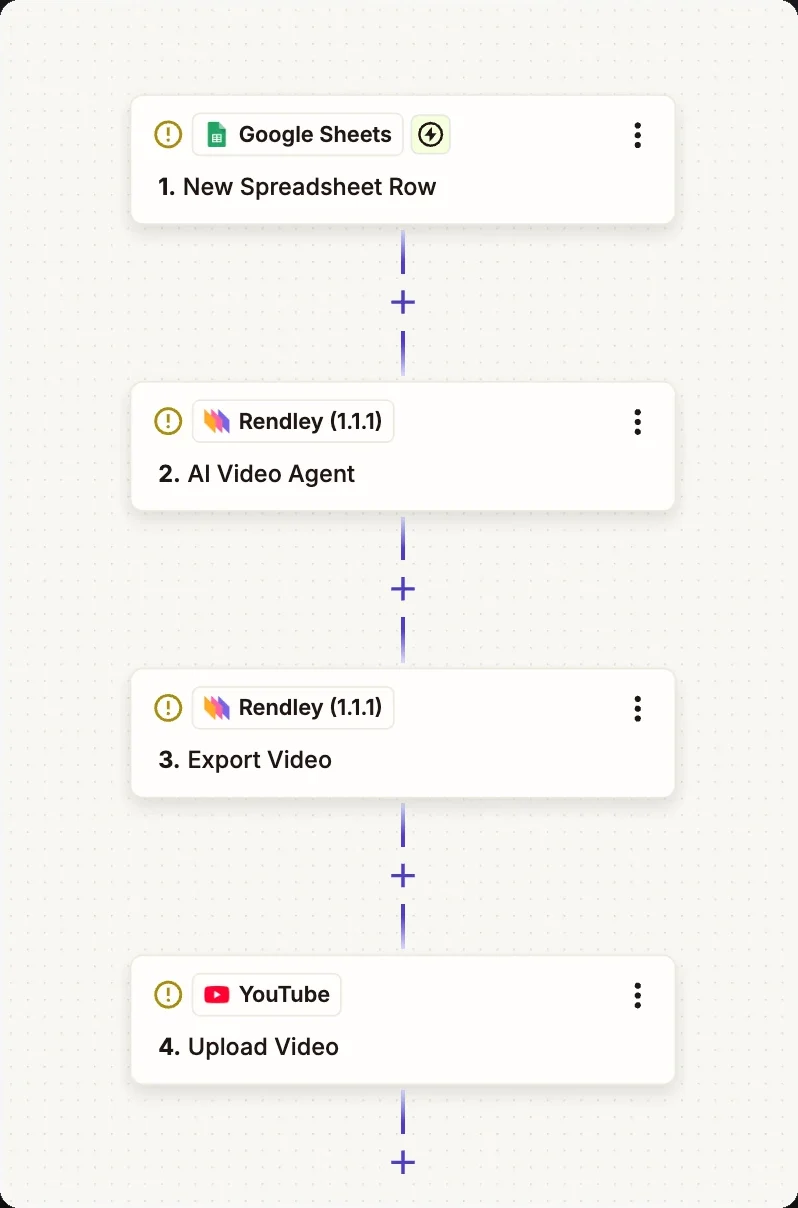
Render the 9:16 file, then send it back to Drive or to Slack. On Pro and Business, it can also go straight to your connected social accounts.Build it in Zapier
Automate it from your tools.
Rendley is a step in n8n, Zapier, and Make, and an Apify Actor.
n8n
A verified node for the agent, edits, and export.
Zapier
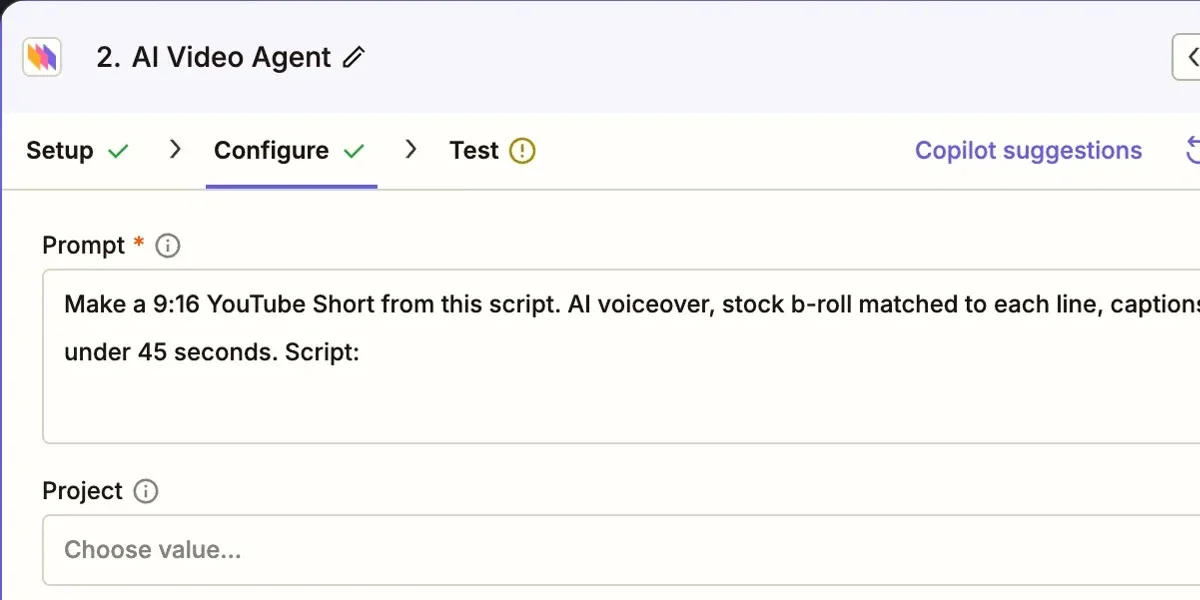
Run the AI video agent, export, and publish from any Zap.
Make
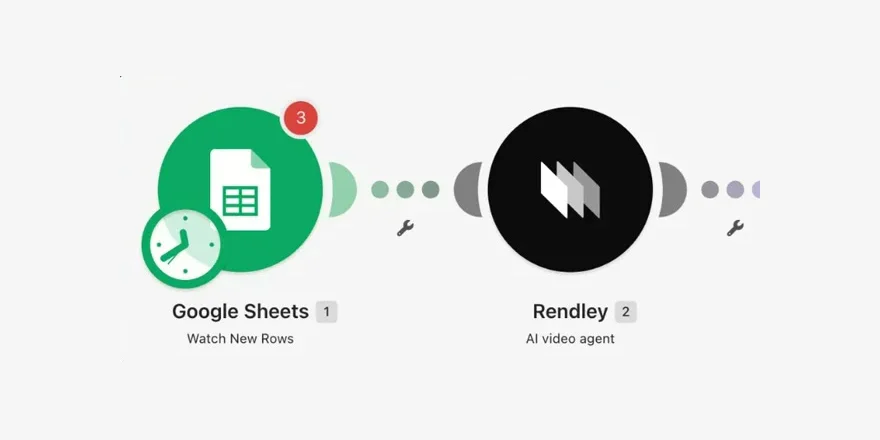
Add the agent and export steps to a Make scenario.
Frequently Asked Questions
It depends on what changes between videos. When the design stays the same and only text or media change, use templates. When your own footage has to be cut, use an AI editing agent such as Rendley with a written brief. To run either from your own systems, call them through a video editing API or a no-code tool such as Make or Zapier.
Yes. Rendley’s agent works on your own recordings: it cuts filler and retakes, adds captions and B-roll, and leaves a project you can export.
Yes. Rendley has apps in Make, Zapier, and n8n with steps for the AI video agent, export, and social publishing, so a sheet, a folder, or a form can start an edit without code.
See the Zapier guideNot in a chat on their own. Add Rendley and, on a paid plan, both can edit your clips and export the video.
Edit videos in ChatGPTYes. Every run creates a project, so you can export it, send the link to a reviewer, and publish only after they approve. From your own code, you can also make the agent wait for approval of its plan before it spends credits.
It replaces the repeated work: cutting silences and retakes, captioning, resizing, versioning, and rendering. Every result is an editable project, so an editor can still review it, change a cut, and export again.
Ask for vertical output in the brief: a 9:16 cut, captions inside the safe area, and a hook in the first seconds. On Pro and Business, the n8n, Make, and Zapier apps can then publish the export to your connected social accounts.
Studio, the API, and the MCP server share the same plans and credit balance. Running the agent from the API, n8n, Zapier, Make, or an AI assistant starts on Starter at $29 per seat a month. For a workflow that runs every day, choose Pro or Business, where the agent allowance refills every 5 hours. Saving your own templates and publishing to social accounts also need Pro or Business.
See pricingAutomate your next edit.
From $29 per seat a month. For daily runs, choose Pro or Business.