Rendley MCP Automation

Add video editing to your AI workflow.

Connect Rendley to Claude, ChatGPT, and any MCP client. Describe the video you want, then keep refining it in the full Rendley editor.

Let Rendley build it.

Describe the cut. Let Rendley build it.

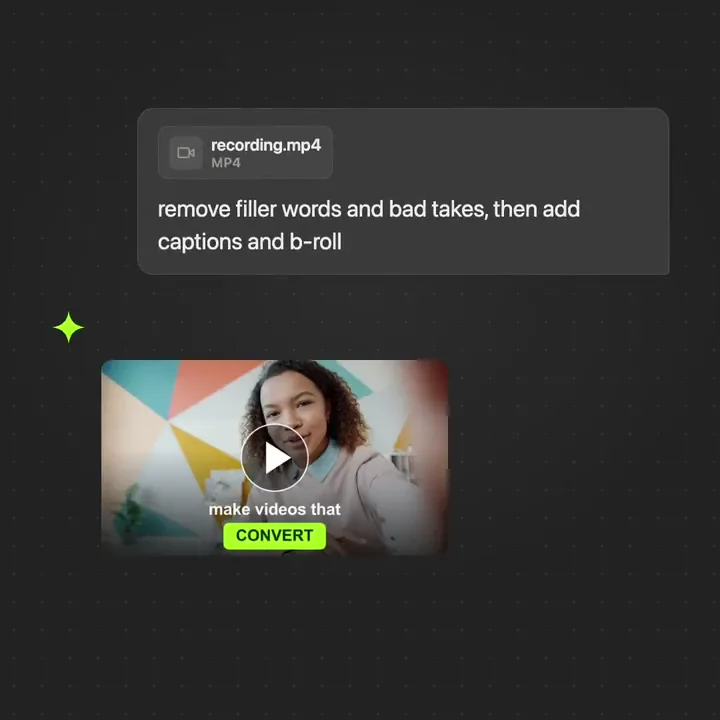
Drop a recording into Claude or ChatGPT and describe the video you want. Rendley transcribes, trims filler, adds captions, pulls B-roll, renders the cut, and returns a finished video ready to publish. Open it in the full Rendley editor anytime to fine-tune by hand.

  • From one chat prompt to a finished video
  • Captions, transitions, and B-roll on autopilot
  • Returns a ready-to-post video, not a chat reply
Keep every edit consistent.

Set the guardrails. Keep every edit consistent.

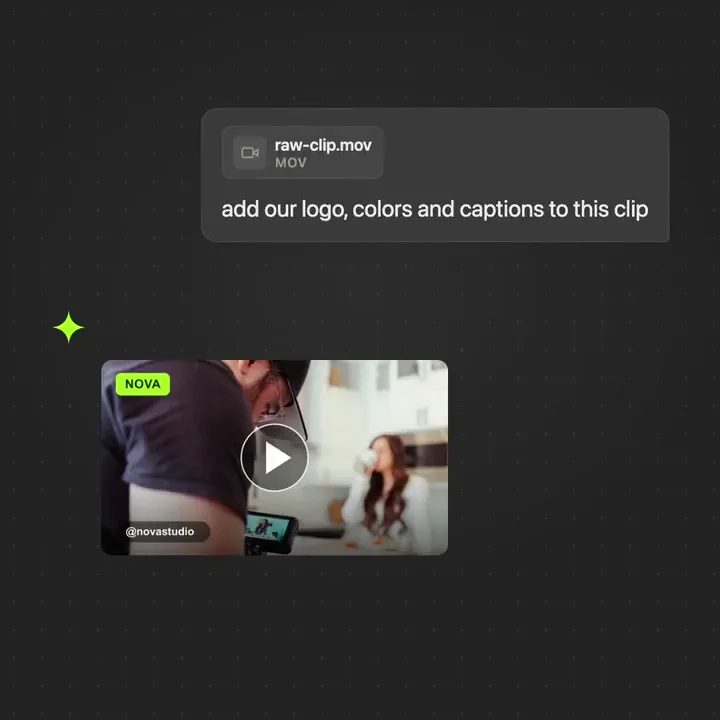
Save your logo, colors, fonts, and caption styles to a Rendley brand kit once. Every video your team renders from Claude or ChatGPT locks to that kit automatically. The work never goes out off brand, even when ten people are prompting at the same time.

  • One brand kit, one source of truth
  • Logo, palette, type, and captions on every render
  • Switch brands with a prompt
Ship every format.

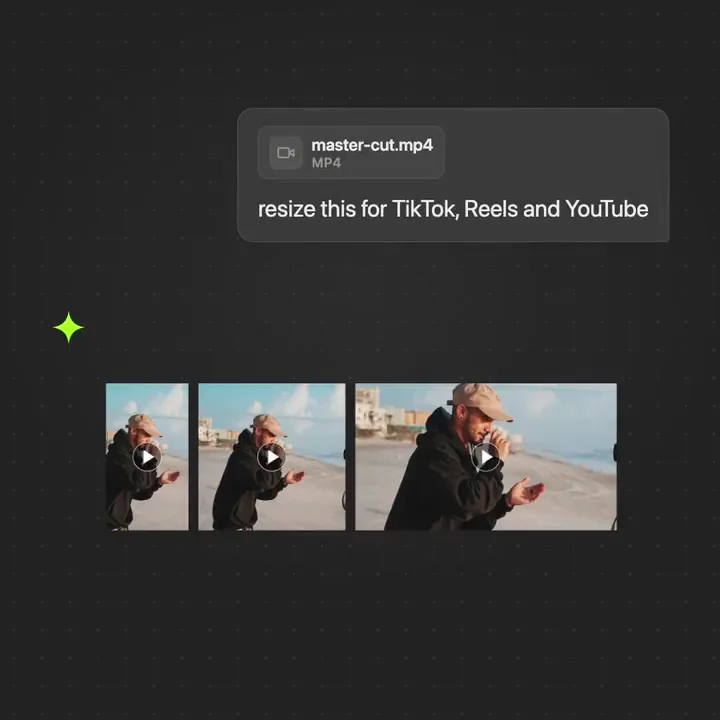
Resize the cut. Ship every format.

Ask once in Claude or ChatGPT and Rendley reframes the same edit for TikTok, Reels, and YouTube in a single MCP call. Subject-aware reframing keeps your speaker in shot at 9:16, 1:1, and 16:9. No manual cropping, no second pass, no separate exports.

  • Subject-tracked reframe across formats
  • 9:16, 1:1, and 16:9 from one call
  • Every channel covered, one ask away
Ship every format.

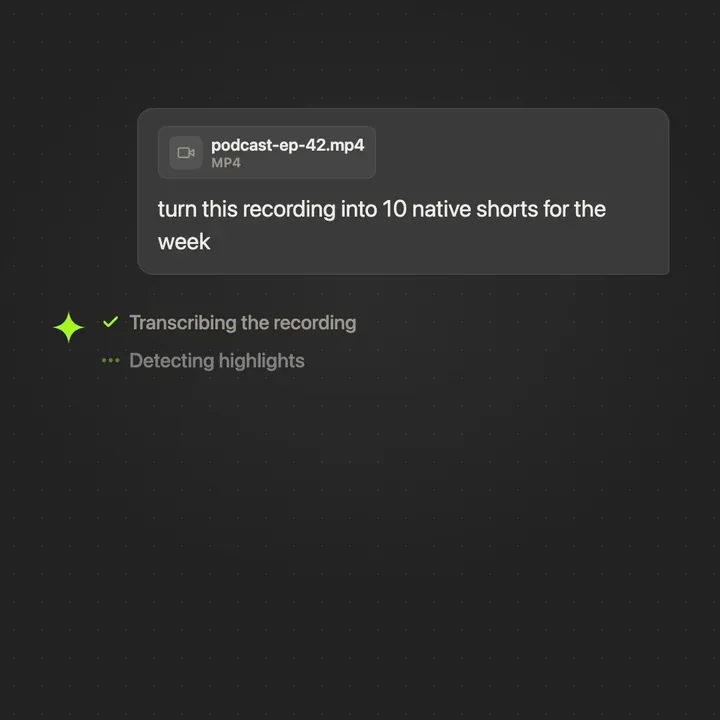
Repurpose the footage. Ship every format.

Drop a podcast or webinar into Claude or ChatGPT. Rendley transcribes the recording, scores the strongest moments, cuts ten vertical shorts, and queues a full week of native posts. Marketing keeps the channel lit while your team focuses on the next recording.

  • Highlights ranked from the full transcript
  • Ten branded shorts cut in one run
  • Vertical, captioned, and ready to schedule
Ship every language.

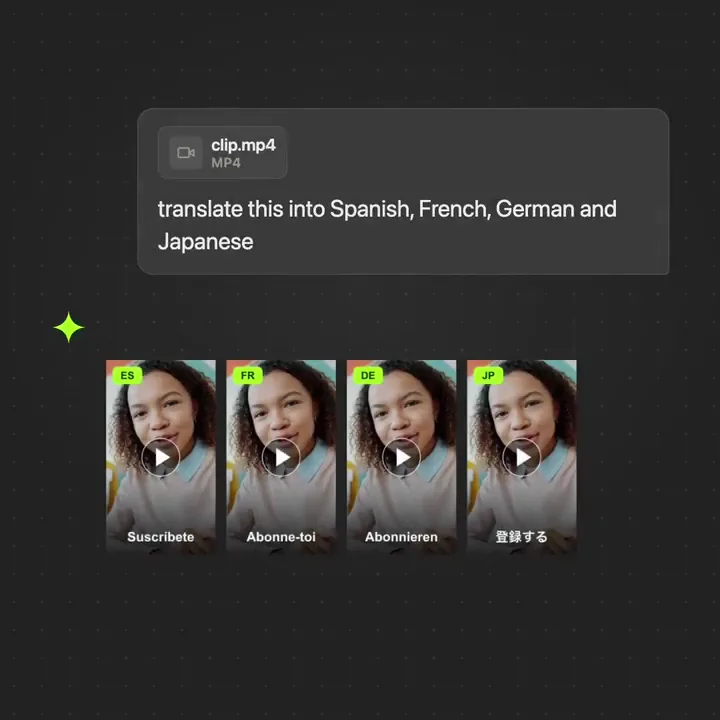
Translate a video. Ship every language.

Rendley detects the source language, translates the script, generates synced subtitles, and renders a localized export for every market you ship to. Spanish, French, German, Japanese, and more. One render request goes in, one video per language comes back, every market live the same day.

  • Automatic source-language detection
  • Translated subtitles, synced to speech
  • One render, one video per language
Get the video back.

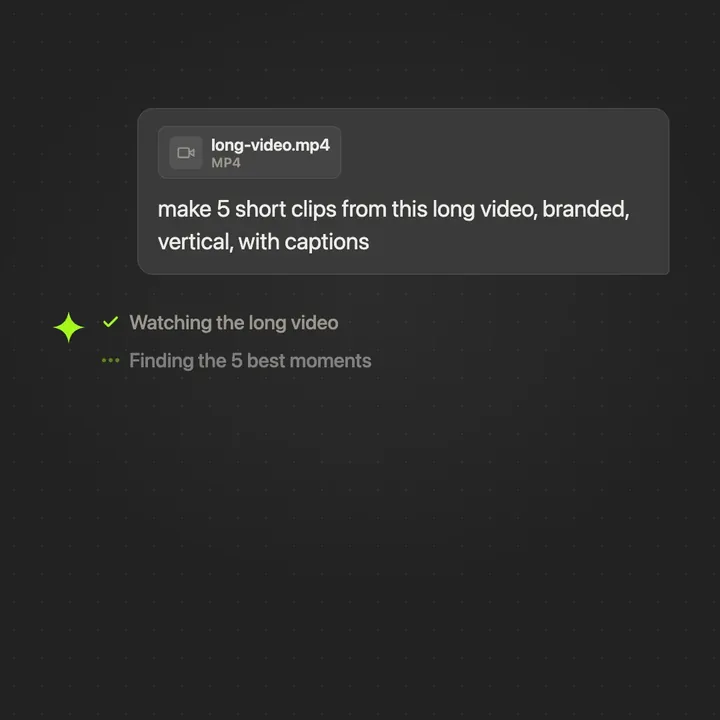
Finish the edit. Get the video back.

Point Rendley at a long recording from Claude or ChatGPT. It scans the transcript, picks the strongest moments, and exports brand-locked vertical clips with word-synced captions. Every clip is polished, on brand, and scheduler-ready the moment the render finishes.

  • Highlight detection out of the box
  • Vertical cuts with word-synced captions
  • Brand colors and logo locked on every export

Every capability, one conversation.

The full editing surface exposed to your AI assistant.

Core

Prompt-driven editing

Describe the cut in Claude, ChatGPT, or any MCP client. Rendley plans and executes the full edit.

Human-in-the-loop

Review the edit plan and approve before any paid action runs.

Auto captions

Word-synced subtitles, styled to your brand.

Brand kit

Colors, fonts, and voice locked before the edit starts.

Resize and reframe

Multiple aspect ratios from one conversation.

Cloud export

Render in the background, get a download link back.

Generate video

Seedance, Kling, Veo, and more from your conversation.

Generate image

Stills and thumbnails from a prompt.

Generate music

Soundtracks that match the pacing.

Translate

30+ languages with lip-sync dubbing.

Smart cut

Remove silence and filler words automatically.

Background removal

Frame-by-frame video and image cutout.

Text to speech

Natural voiceovers in 30+ languages.

Setup

Automate from your MCP client.

Use the automation endpoint with OAuth or an API key. Editing and export require a paid Rendley plan.

Pricing

Simple pricing.

Start free with the AI agent and free monthly minutes for captions, voiceover, and music. Upgrade to automate with the API and MCP.

For trying it out
Free
$0forever
No card. No time limit.
  • AI agent that edits for you
  • 1 hr of free captions / mo
  • Free filler-word removal
  • 15 min of free voiceover / mo
  • 15 min of free AI music / mo
  • 5 watermark-free 1080p exports
  • 5 auto reframes
  • Brand kit from your website
  • Free stock footage and GIFs
  • All filters and caption styles
For solo creators
Starter
$15/ seat / month
Billed monthly
  • No watermark, Full HD exports
  • 2.5 free hrs a month of captions and voiceover
  • 500 AI credits included / mo
  • Top up credits anytime
  • 40+ image and video AI models
  • AI dubbing and lip sync
  • Agent via API and MCP
  • Cloud save and shared Library
  • No project or reframe limits
Most popularFor growing teams
Pro
$30/ seat / month
Billed monthly
  • Everything in Starter
  • 4K exports
  • 4 free hrs a month of captions and voiceover
  • 1,200 AI credits included / mo
  • Publish to social media
  • Content calendar and scheduling
  • AI agent refills every 5 hours
  • 50 GB of cloud storage
  • 3 workspaces
  • Custom fonts, unlimited voices
  • Priority support
For scaling teams
Business
$70/ seat / month
Billed monthly
  • Everything in Pro
  • 5.5 free hrs a month of captions and voiceover
  • 3,000 AI credits included / mo
  • 2x more AI agent usage
  • Unlimited workspaces
  • A brand kit for every client
  • A Library for every client
  • 100 GB of cloud storage
  • Extended support
FAQ

Frequently Asked Questions

It is a hosted Model Context Protocol (MCP) server that gives your AI assistant a full video editor. Connect it to Claude, ChatGPT, or another MCP client, describe the video you want in chat, and Rendley builds and edits the project for you.

Claude, ChatGPT, and any client that supports remote MCP, including Cursor and the Codex CLI. You connect once, then sign in with your Rendley account or use an API key.

Add Rendley as a custom connector in your client settings, then sign in with your Rendley account. The Claude and ChatGPT setup guides walk through each step with screenshots.

Yes. Share your clips, images, and audio by link or upload, and Rendley trims, captions, and assembles them into a finished video. You can mix your own footage with stock and AI-generated shots in the same project.

Yes. Every video the agent makes is a real project in your Rendley workspace, so you can open it in the full editor to adjust the timeline, swap a clip, or tweak the text, then export again. The chat and the editor work on the same project.

Connecting is free, and your assistant can draft a video and set up the project without paying. Full automation, where the agent does the edit and exports the finished video, needs a paid subscription.