Animation Presets
Choose from beautiful animation presets to bring your frames to life.
Select your frames, choose an animation preset, and continue editing in our full video editor. Free downloads with no watermarks.
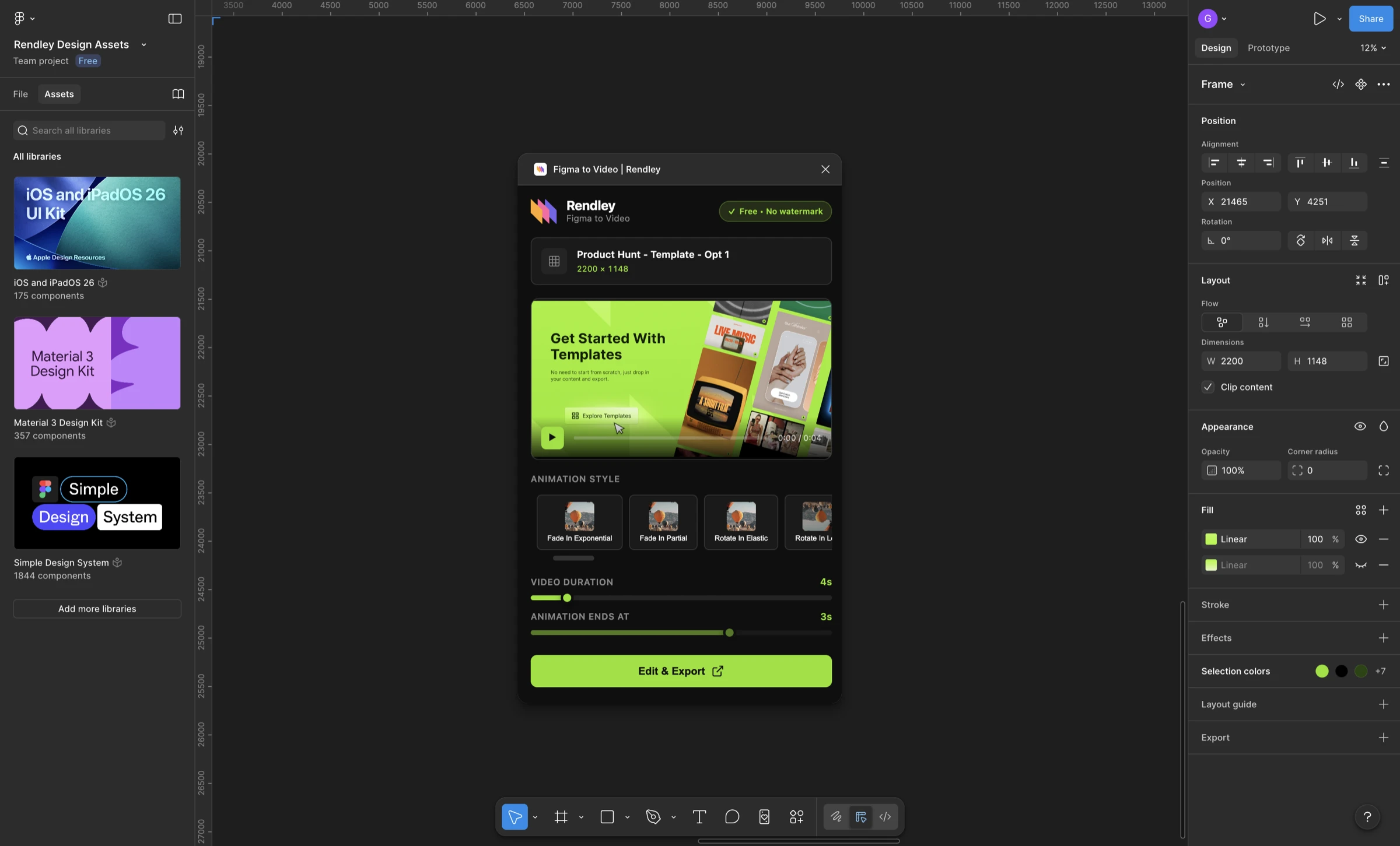
Everything you need to convert Figma designs to video.
Choose from beautiful animation presets to bring your frames to life.
Continue editing in our powerful editor with advanced controls.
Go from Figma to finished video in just a few clicks.
Download your videos without watermarks. Completely free.
Pick any Figma frame you want to animate
Pick from a variety of animation presets
One-click download, no watermark
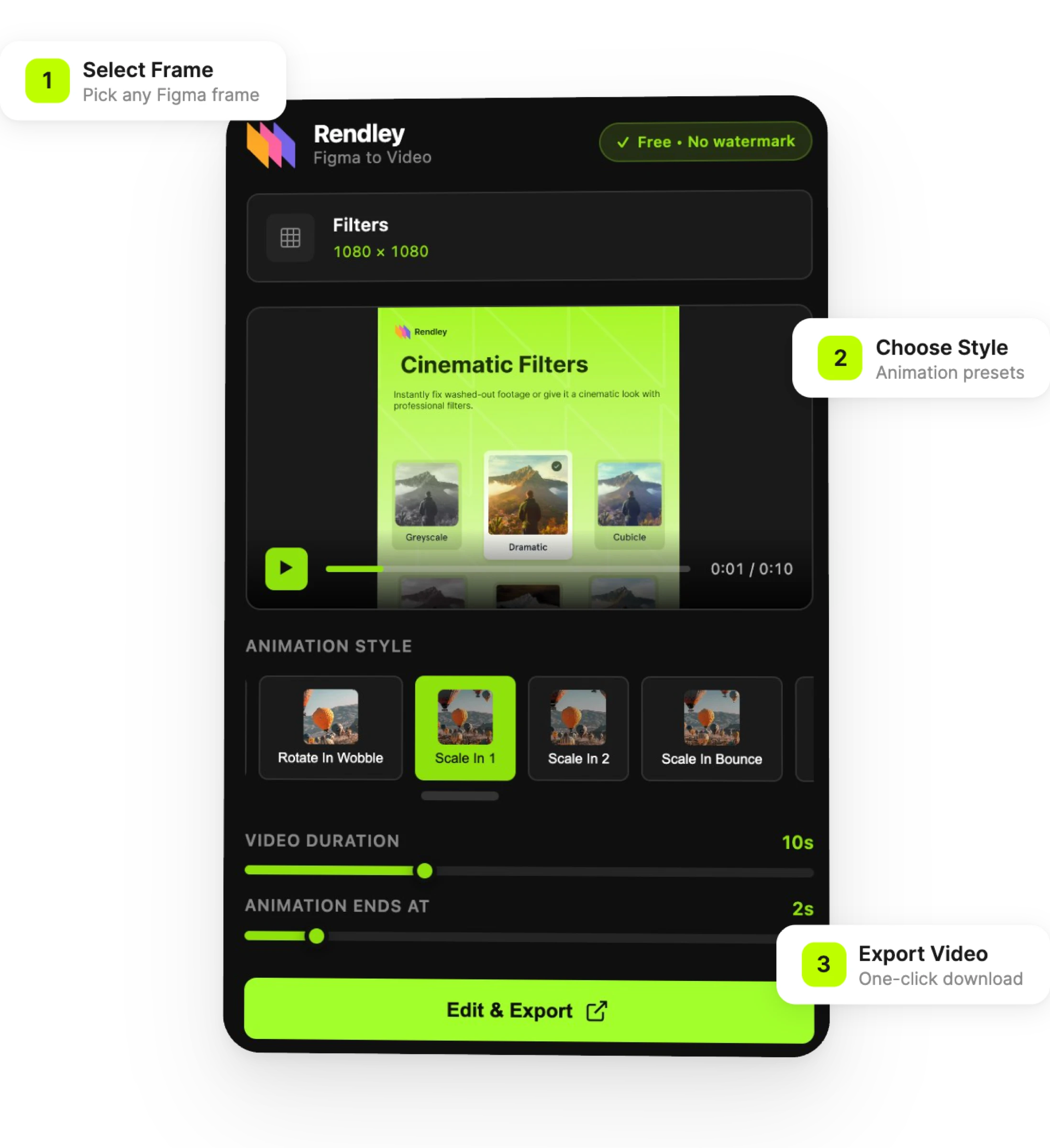
From product demos to social media content, turn your Figma designs into professional videos.
Showcase your app or website designs as interactive video walkthroughs.
Create engaging video content for Instagram, TikTok, and LinkedIn.
Present design concepts to clients with professional video exports.
Document design flows and interactions for your team.
Install the free Rendley Studio plugin from the Figma Community, select the frames you want to animate, choose an animation preset, and click Export. Your video will be ready to download as MP4 in seconds.
Yes! The plugin is completely free to use. You can download your final videos without any watermarks at no cost.
No, Figma does not support video export natively. The Rendley Studio Figma to Video plugin adds this capability, letting you export your designs and prototypes as MP4 videos directly from within Figma.
With the Rendley Studio plugin, you can export your Figma designs as MP4 videos. You can choose resolutions from HD (720p) up to 4K (2160p) depending on your needs.
Absolutely! The plugin opens your animated frames in our full video editor where you can add text, music, adjust timing, and make any customizations before downloading.
Yes! Rendley Studio's Figma to Video plugin is 100% free and exports videos without any watermarks. There are no hidden fees or premium tiers required for watermark-free exports.
Yes! You can export your Figma designs as videos optimized for Instagram, TikTok, LinkedIn, and other social platforms. Choose your preferred resolution and animation style to create engaging content.
Yes! Videos you create are yours to use however you like, including for commercial projects, social media, presentations, and more.
Install the free plugin and start creating videos from your Figma designs today.
Free forever. No credit card required.