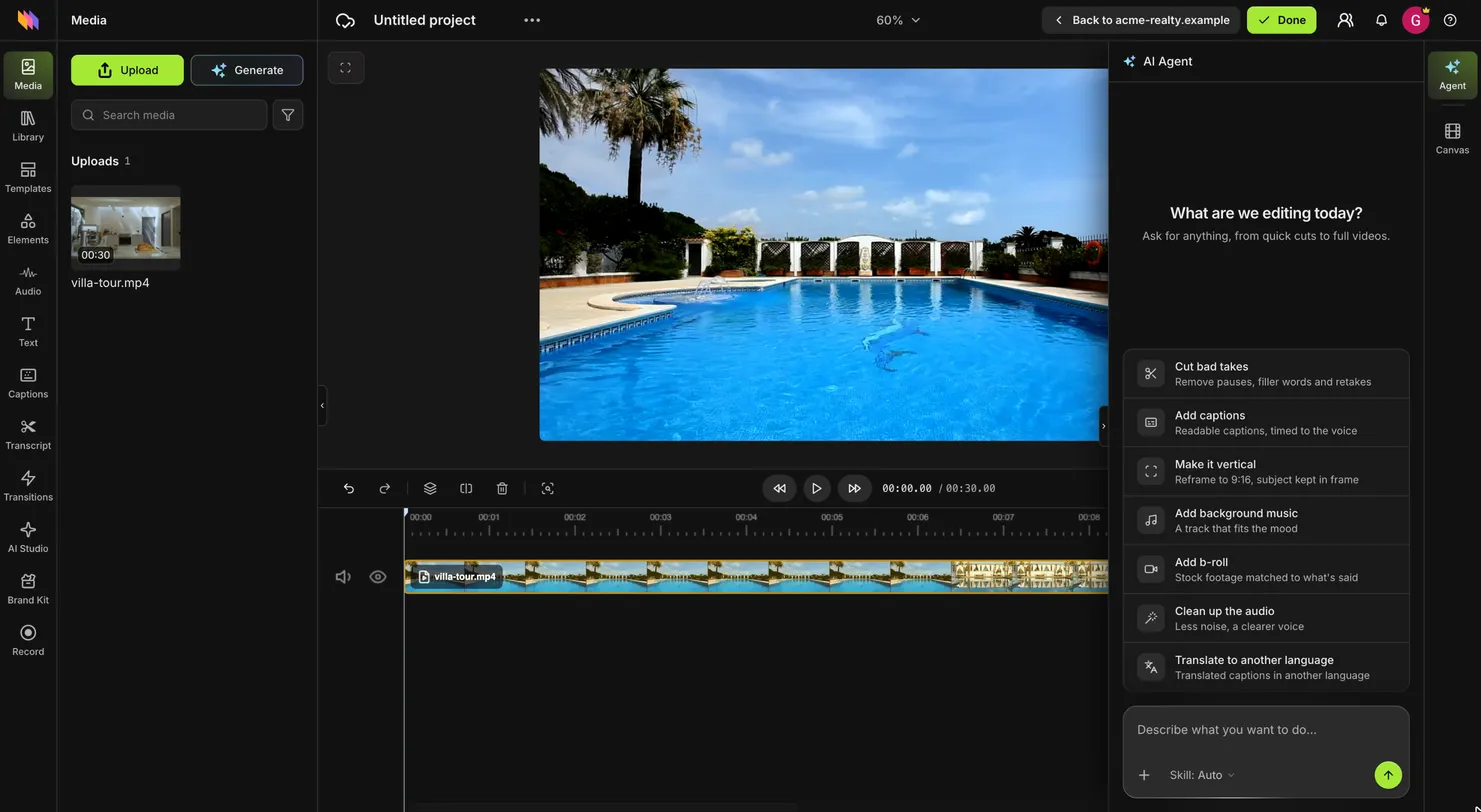
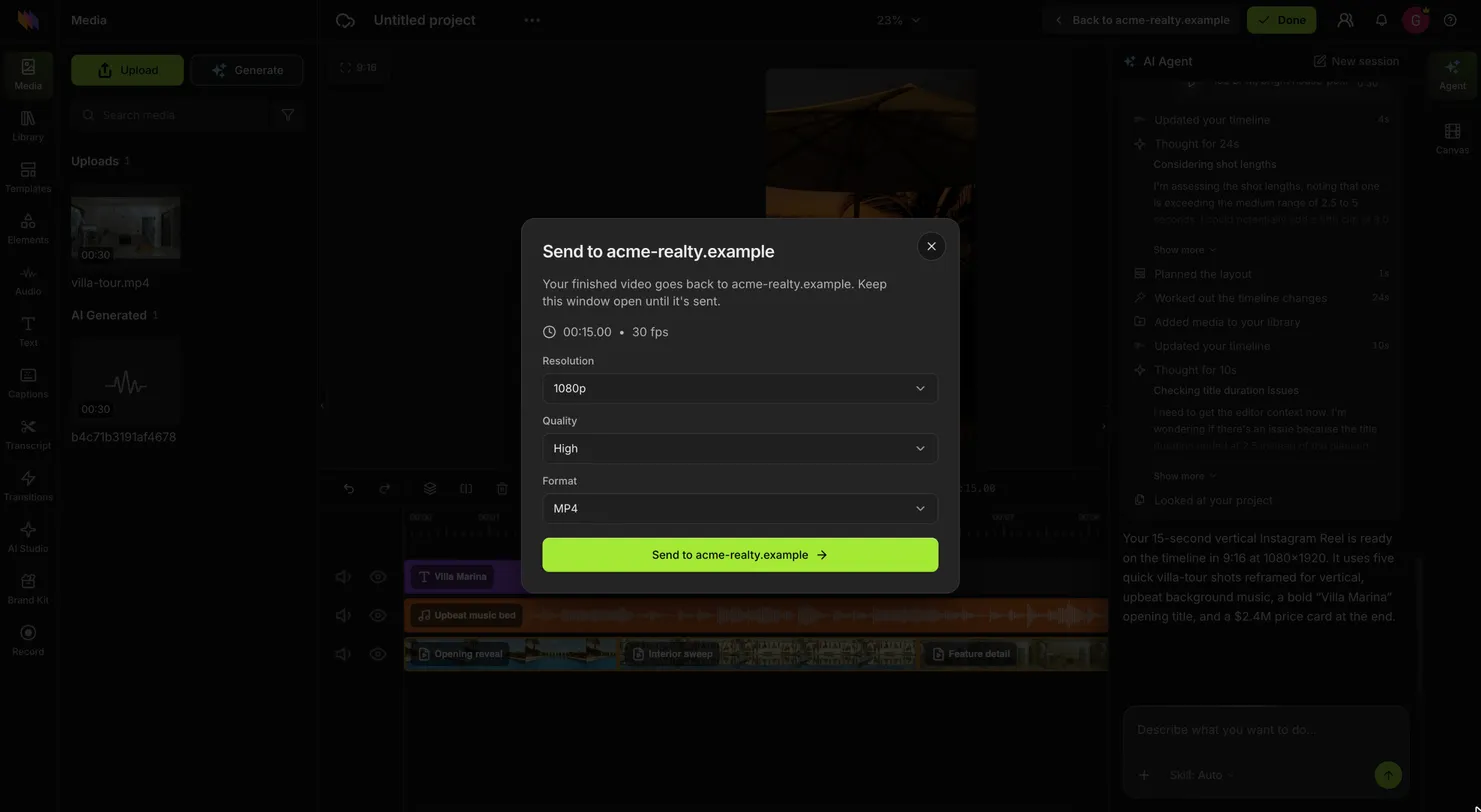
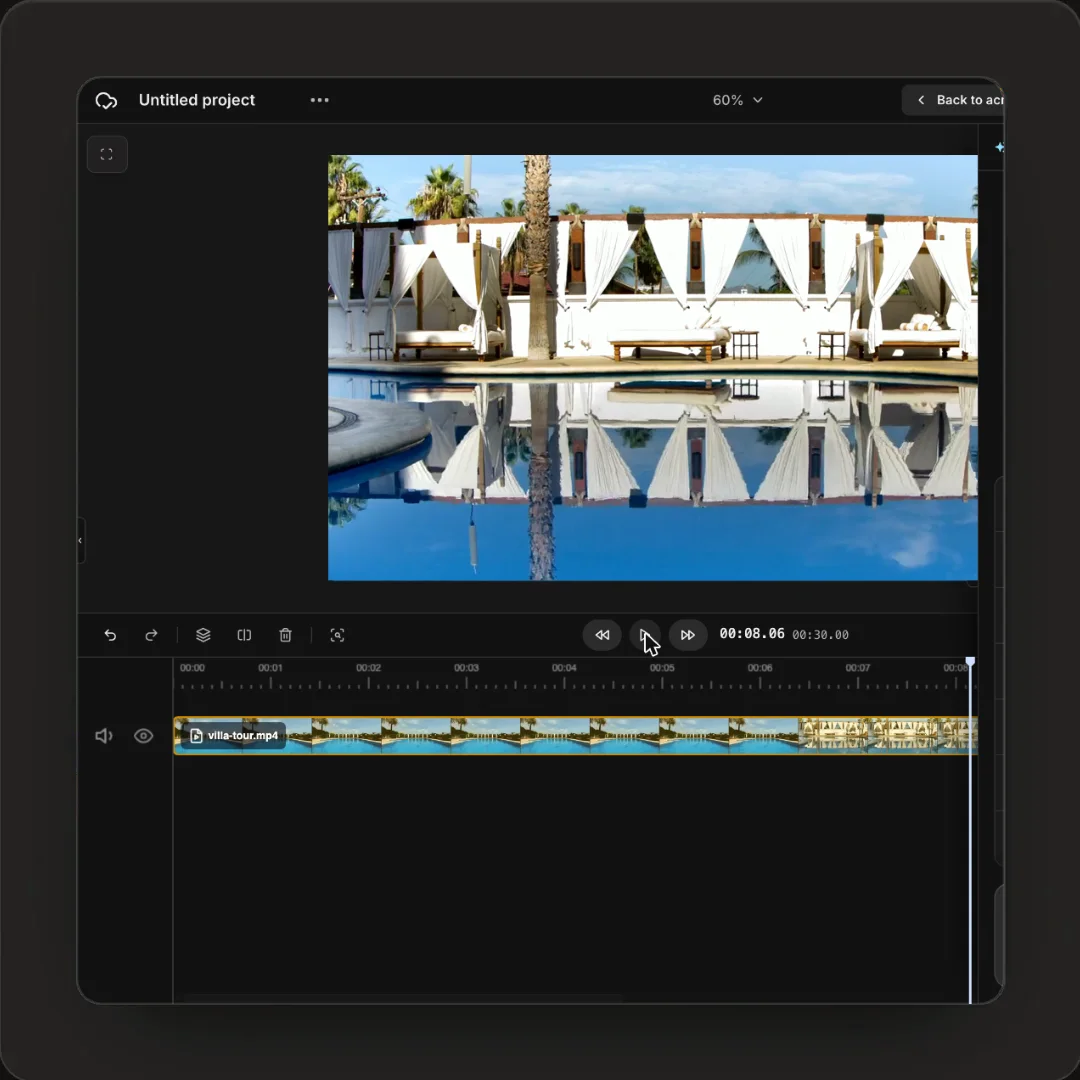
Your server creates a session with the video URL and redirects the user. The Rendley editor opens with that video on the timeline, so there is nothing to download or re-upload.
Trim, text, music, captions and brand kit
Up to 20 files per session, or none
Users sign in with their own Rendley account, free plans included
The AI agent is included.
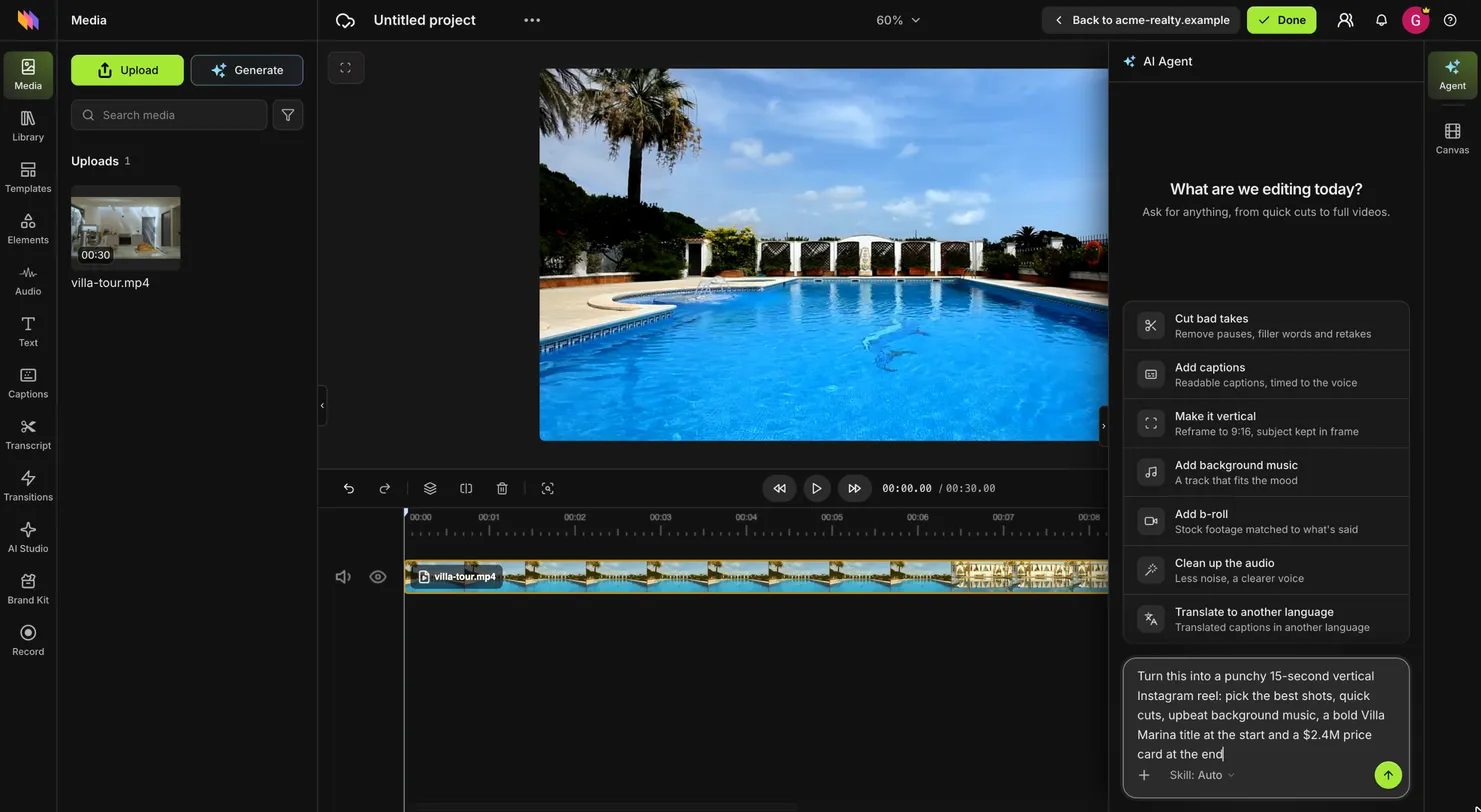
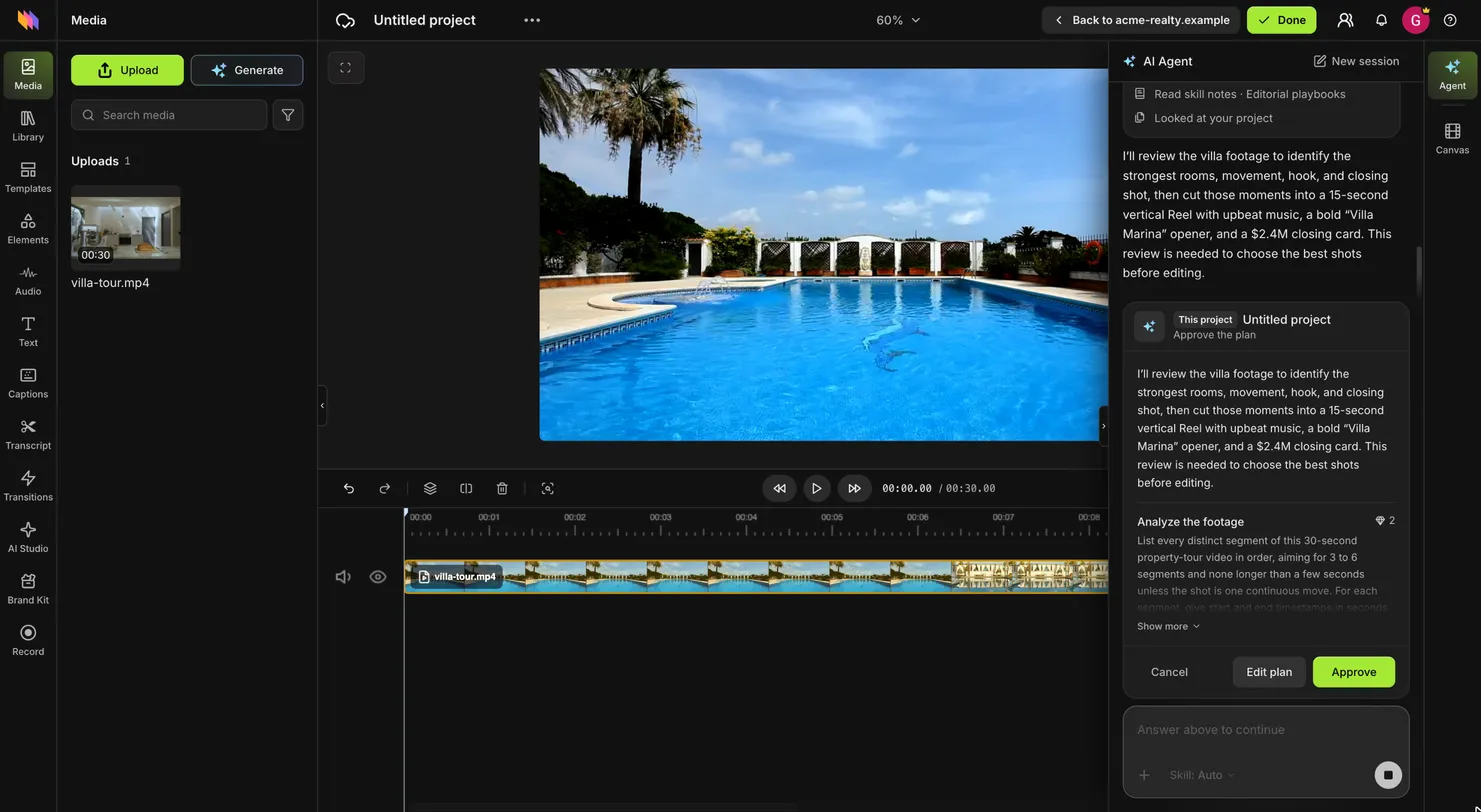
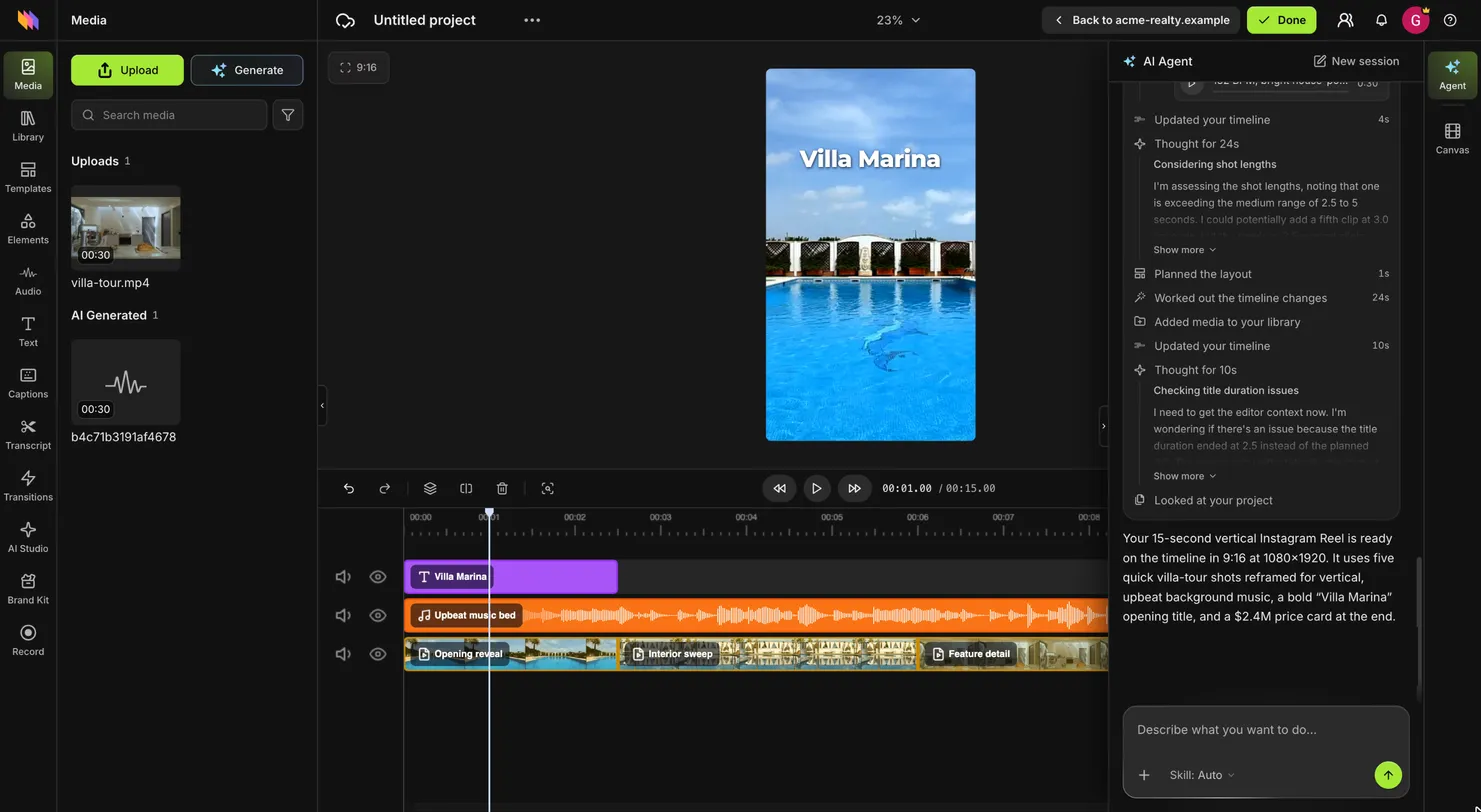
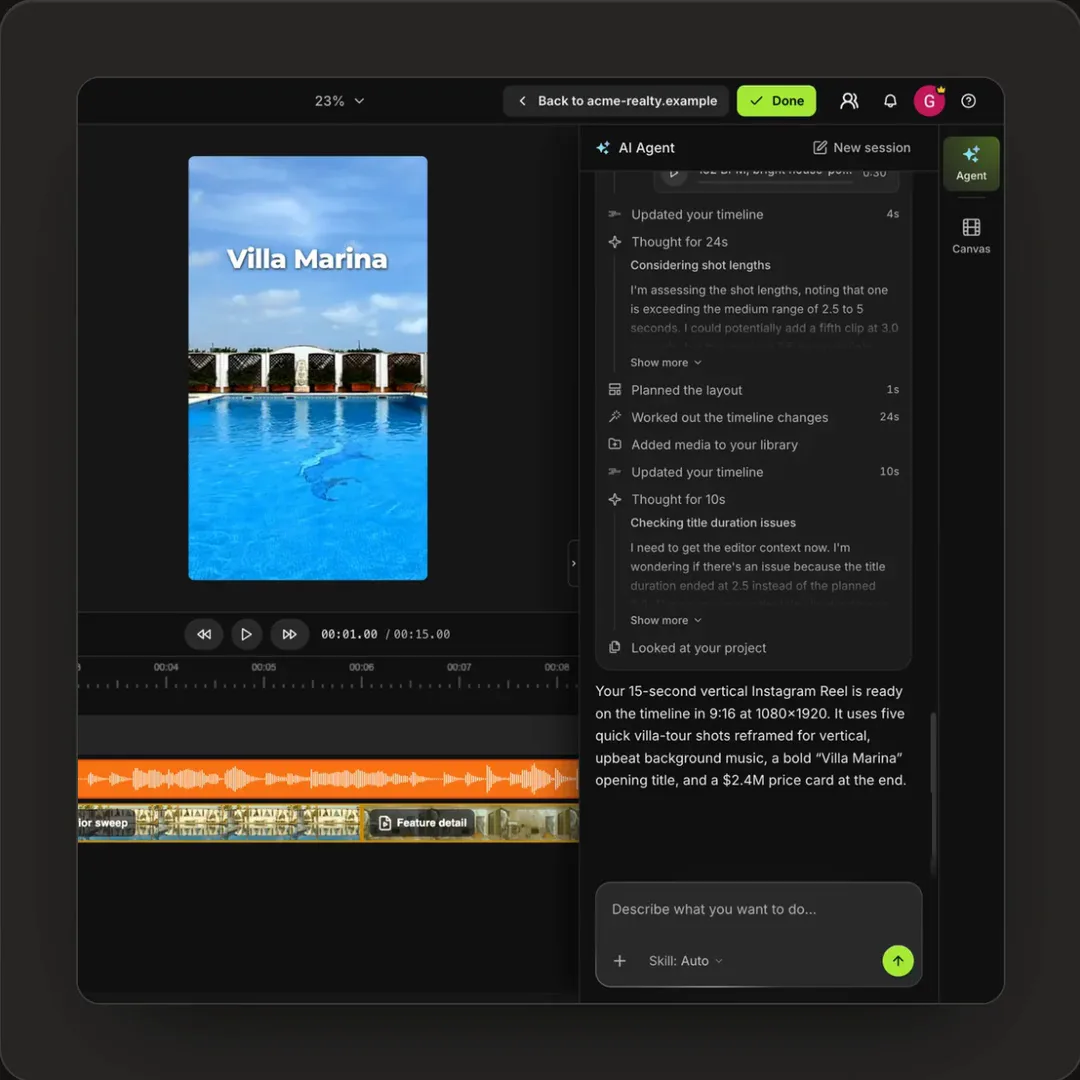
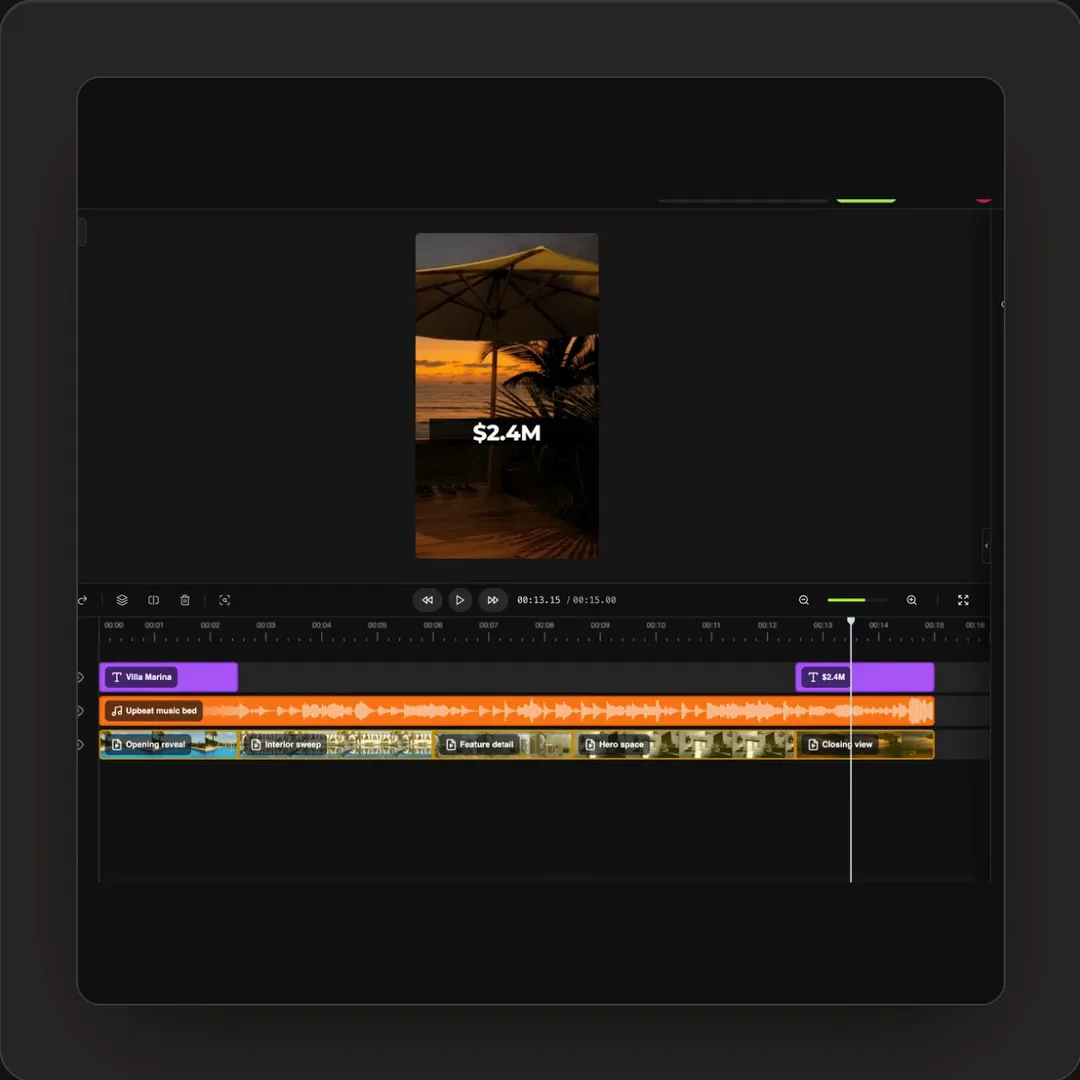
Not every user knows how to edit. They can describe the result, for example a 15-second vertical reel with music and the price at the end, and the agent builds it on the timeline.
Cuts, reframes, music, titles and captions
Runs on the user's own credits, not yours
Everything it does stays editable
The file comes back to your platform.
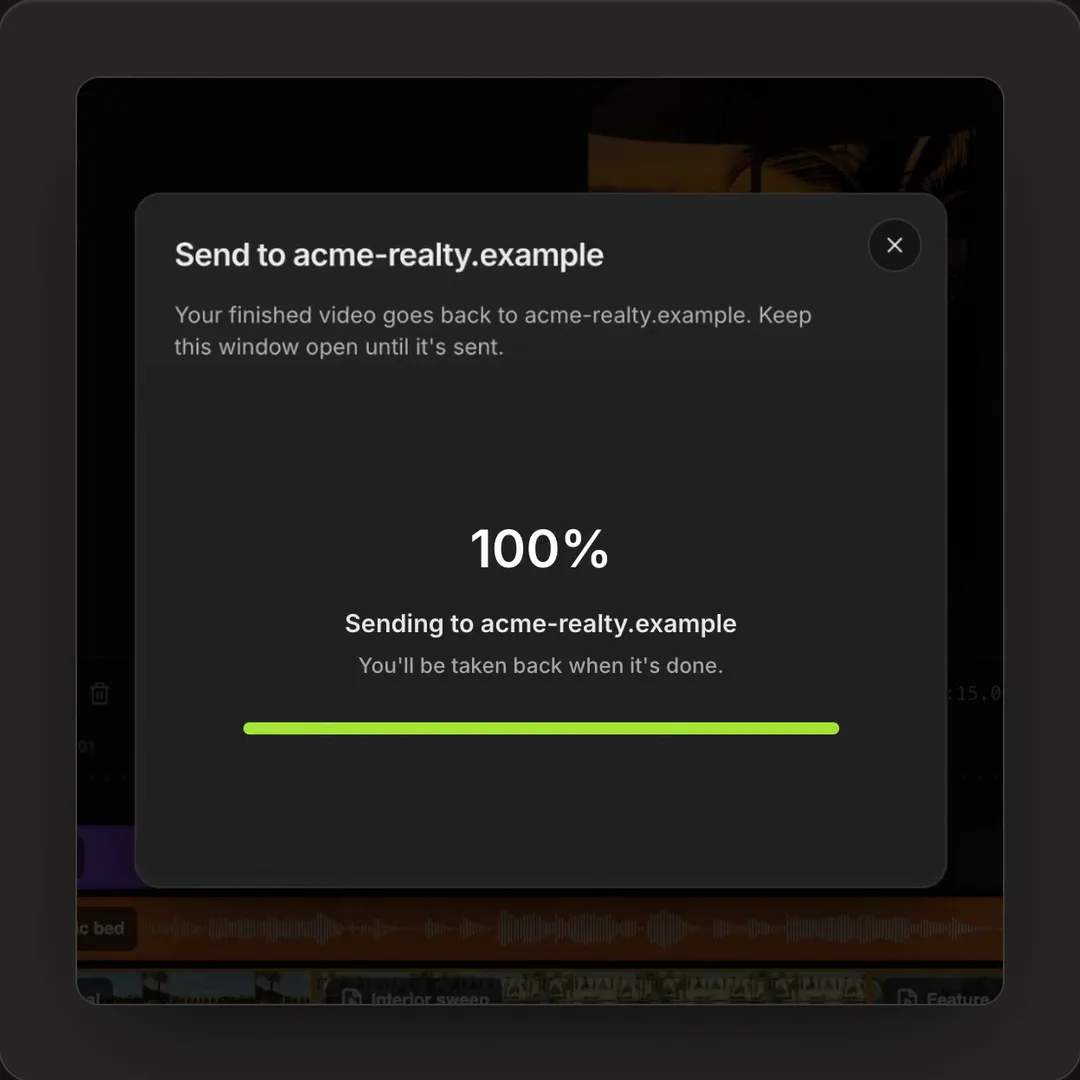
When the user clicks Done, Rendley renders the video and redirects them to your return URL. Your server reads the session and gets a download link for the file. No webhook to set up.
MP4 or WebM, up to 1080p, no watermark
Download link valid for 3 hours, file kept for 7 days
Your metadata, such as a listing ID, comes back with it
Reopen it for changes.
To edit the video again, create a session with the previous session ID. The user lands in the same project with every edit intact, and the new export comes back the same way.
Works after the original link has expired
Projects stay in the user's Rendley workspace
No new upload needed
For developers
Your side is two calls.
Create a session when the user clicks Edit, and read it when they return. Rendley hosts the editor, stores the project and renders the video.
No editor to build, host or maintain
No webhook, you read the result on return
Your own listing or order ID comes back with the video
# When they click Edit videocurl-X POST https://api.rendley.com/v1/connect/sessions\-H"Authorization: Bearer $RENDLEY_CONNECT_KEY"\-H"Content-Type: application/json"\-d'{"assets":[{"url":"https://cdn.acme-realty.example/villa-tour.mp4"}],"return_url":"https://acme-realty.example/listings/villa-marina","metadata":{"listing_id":"villa-marina"}}'
Yes. They sign in or sign up when they open the link, and a free account works. Each new video adds a project to their workspace, and a free account holds 10, so reopen earlier projects instead of starting new ones.
No. Your users open Rendley's editor on app.rendley.com, with your domain on the Back to button, and return to your page when they click Done. For an editor inside your own pages under your brand, use the Rendley SDK.
You need a paid Rendley plan, Starter, Pro or Business, to open editing sessions with your Connect key. Your users can edit on a free Rendley account.
Your user. AI features use the credits and plan limits of the account they are signed in with, and new projects count against that same plan.
Rendley sends your user back to your page when they click Done. Your server then asks Rendley for the session and downloads the file. The download link lasts 3 hours, the file is kept for 7 days, and there is no webhook to set up.
Anything where your users have a video and want it ready to post. Agents turn a listing walkthrough into a reel, sellers cut product shots into a promo, instructors trim recorded lessons, and clients finish the drafts your team prepared.
With Connect, your user edits by hand in Rendley. With the Rendley API, your code or the agent makes the edit and nobody opens an editor. With the Rendley SDK, you build the editor into your own pages under your own brand.
An API for adding video editing to your product without building an editor. You create a session with your user's video, they edit it in Rendley, and you read the finished file when they return.