Marketing notes.
Articles about video strategy, production, creative workflows, and the use of AI in content work.
AI B-Roll Generator for Talking-Head Videos
How to add b-roll to a talking-head video with AI. Where cutaways help, how an AI picks them from what you say, and a real edit with the result and how we fine-tuned one shot.
How to Make AI Video Ads from One Product Photo
Turn one product photo into a vertical video ad with camera moves, copy and a call to action from one prompt to an AI agent, then make the variants you will actually test. A real example with the prompt we used.
How to Auto Reframe Video for Reels, Shorts, and TikTok
Turn a wide video into a vertical one without losing the subject. How auto reframe differs from cropping, the settings that matter, a real example, and how to make every aspect ratio automatically.
How to Automatically Create and Post YouTube Shorts
Two ways to automate YouTube Shorts from start to finish. Turn a script into a Short, or cut Shorts out of the long videos you already have, then upload them automatically.
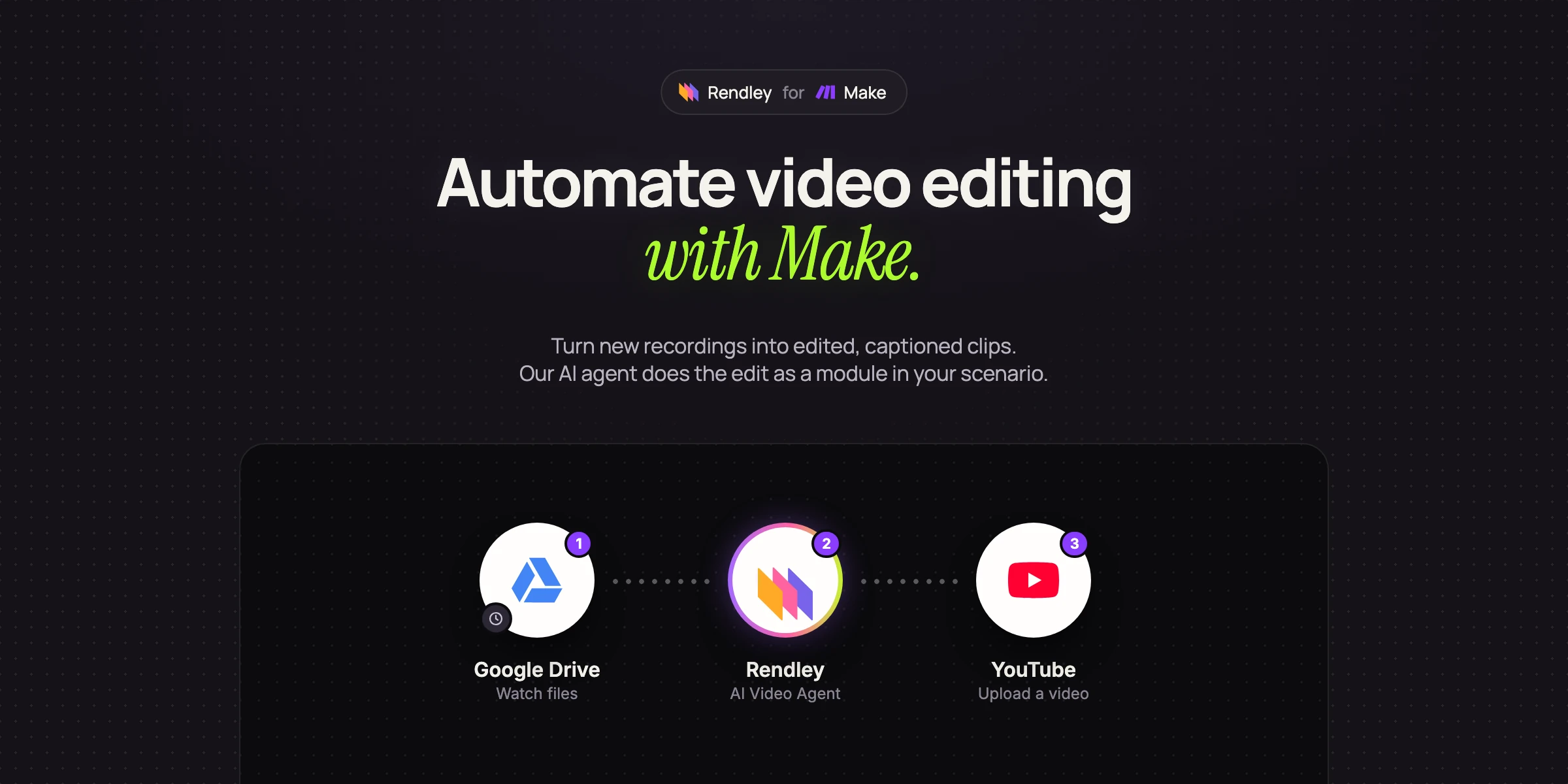
How to Automate Video Editing with Make
Build a Make scenario that turns new recordings into edited, captioned vertical clips, with an AI agent doing the edit for you.
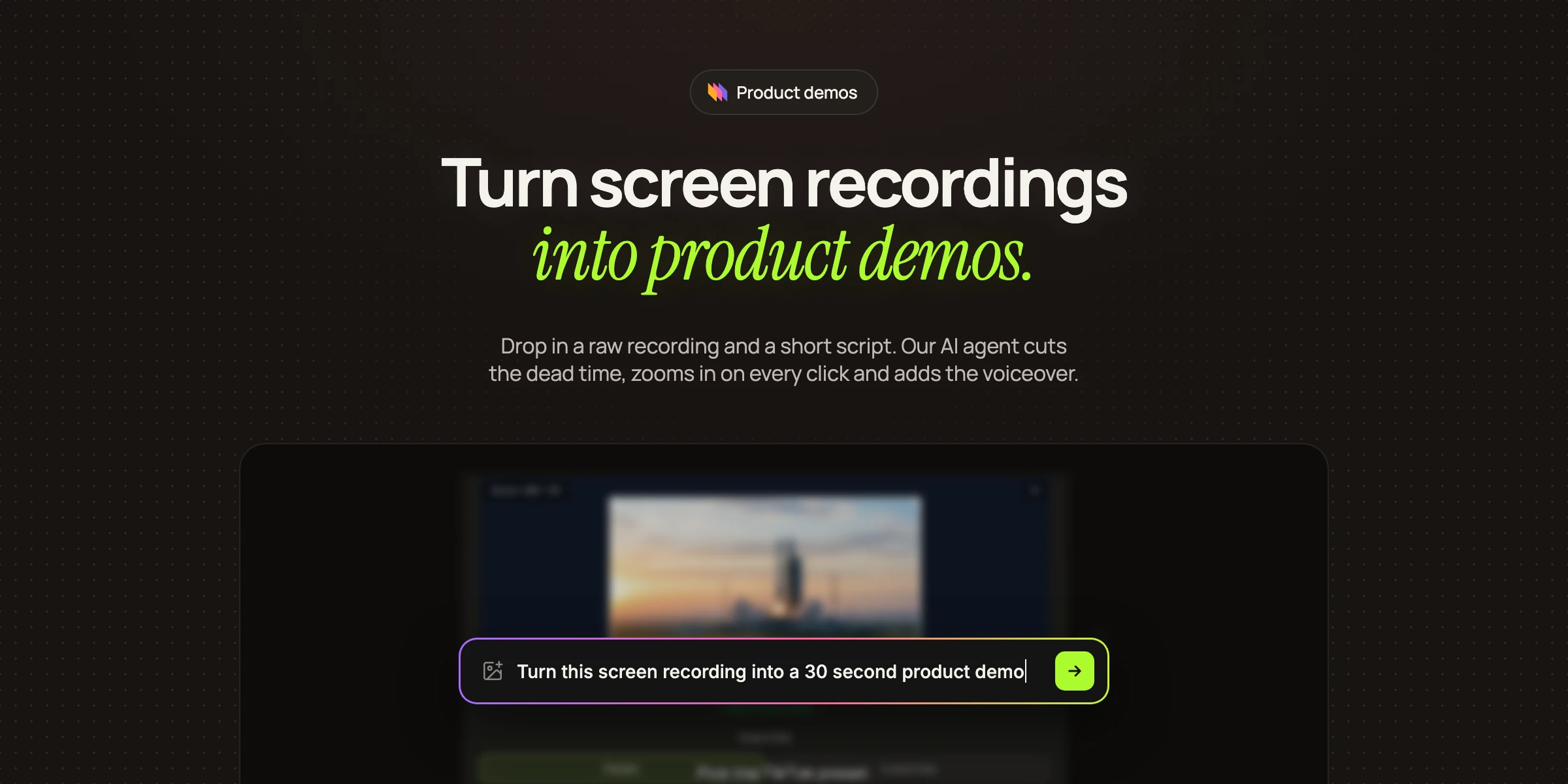
How to Make a Product Demo Video from a Screen Recording
Turn a raw screen recording and a short script into a 30 second product demo video with zooms, voiceover, captions and an end card. A real example you can repeat for every release.
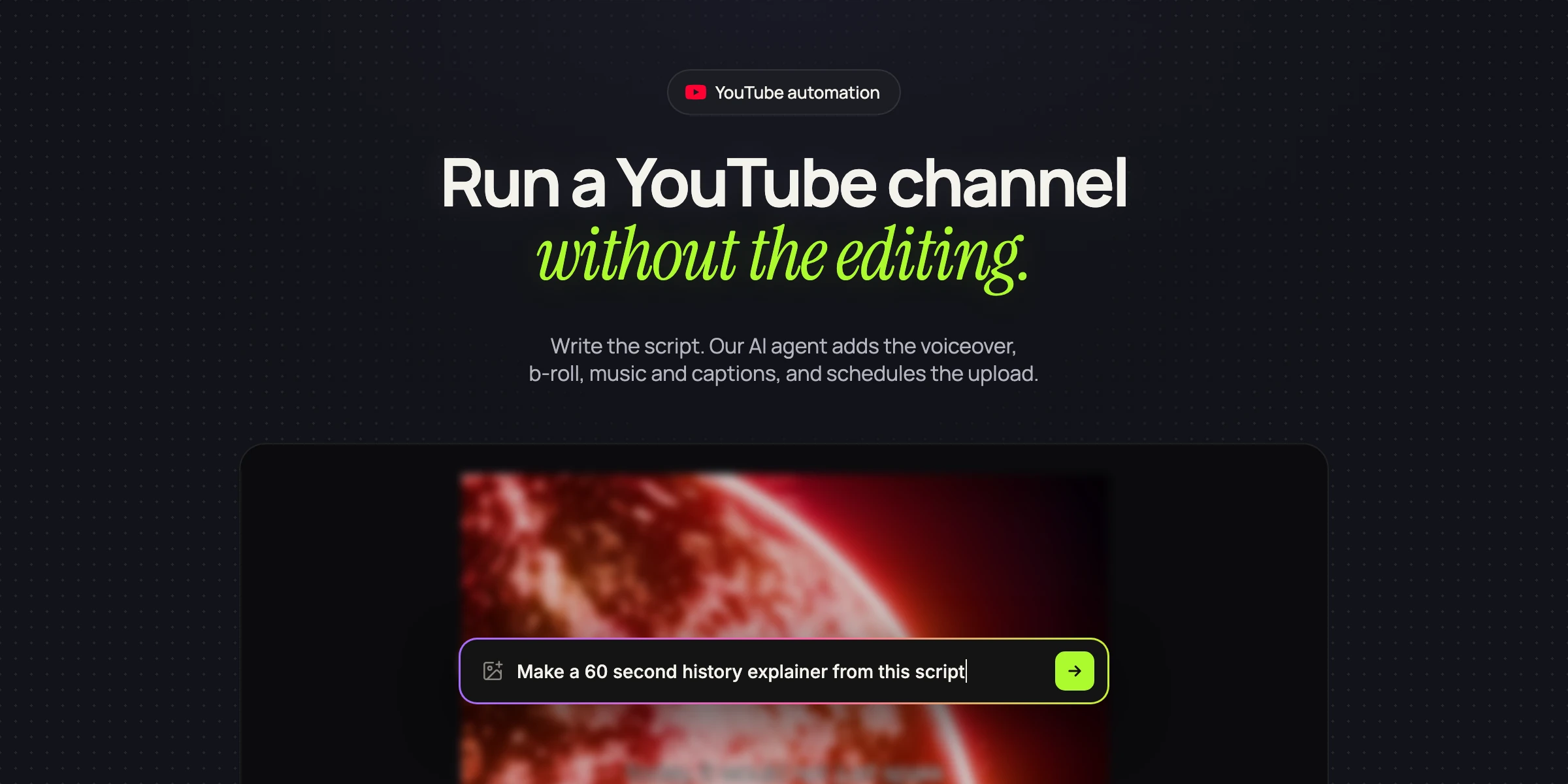
How to Start a YouTube Automation Channel with AI
Set up a faceless YouTube automation channel that stays inside YouTube's 2026 rules. Script, AI voiceover, b-roll, captions, Shorts and scheduled uploads, with an editing agent doing the edit.
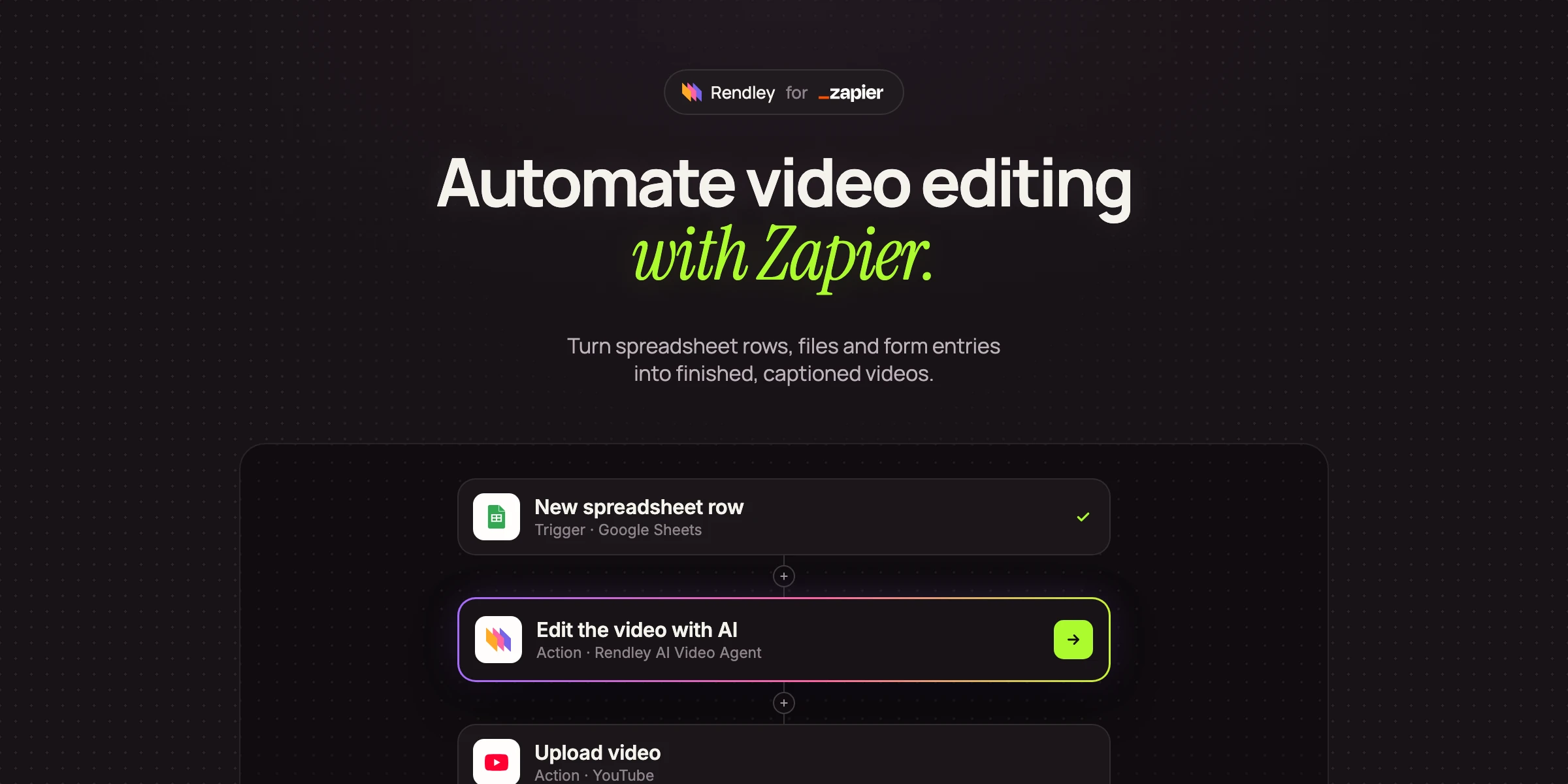
How to Automate Video Editing with Zapier
Turn spreadsheet rows, files and form entries into finished, captioned videos with Zapier. We build a Zap that turns a script into a YouTube Short and show the video it made.
Automate video production with templates
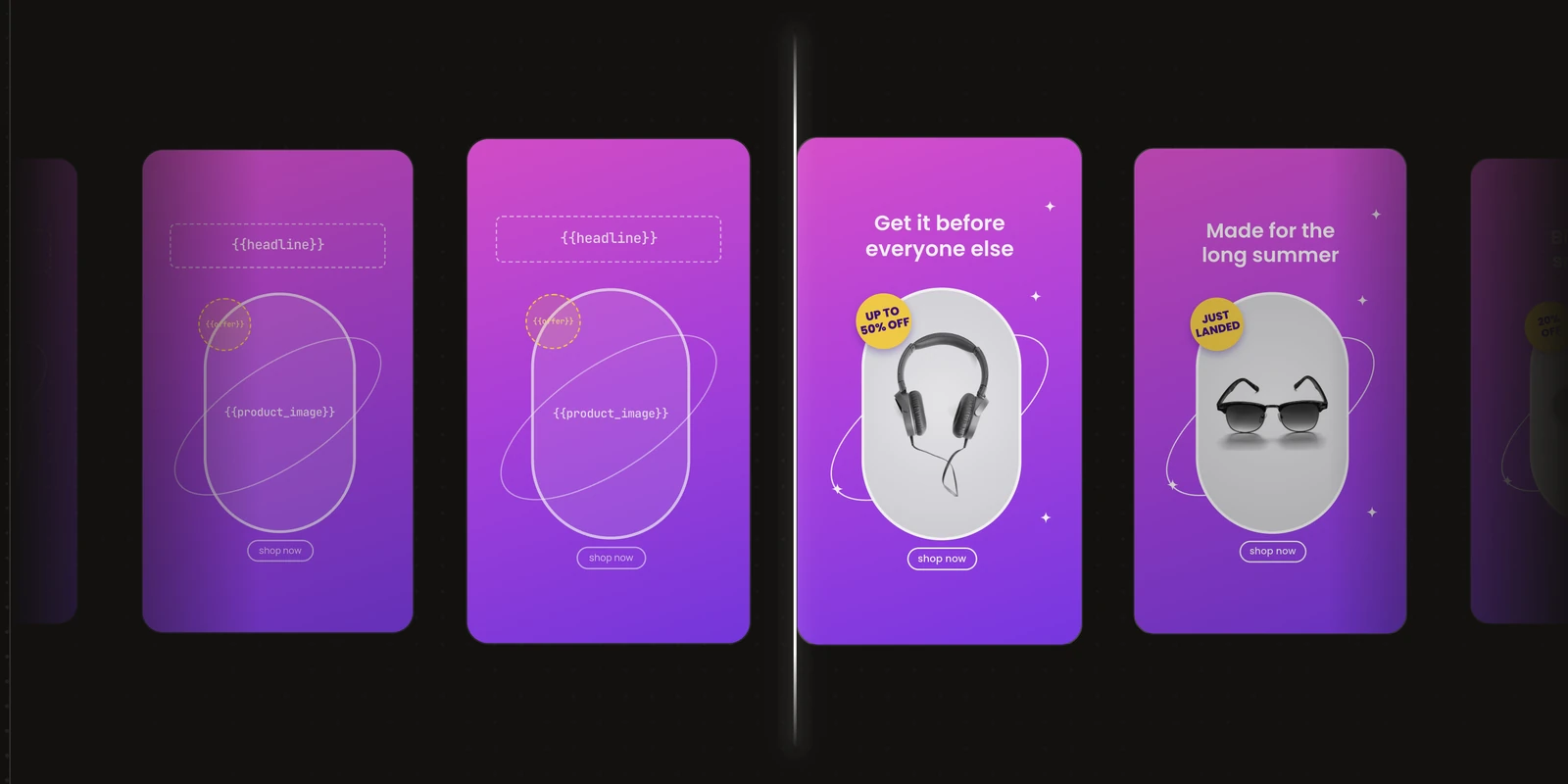
Design a video once, choose the parts that change, and make every new version without re-editing. Each version is a separate project you can edit in Studio.