The Best Video Editing APIs in 2026
The best video editing APIs grouped by what they do, from template renderers and code frameworks to hosted FFmpeg and AI editing agents, with prices checked in November 2026.
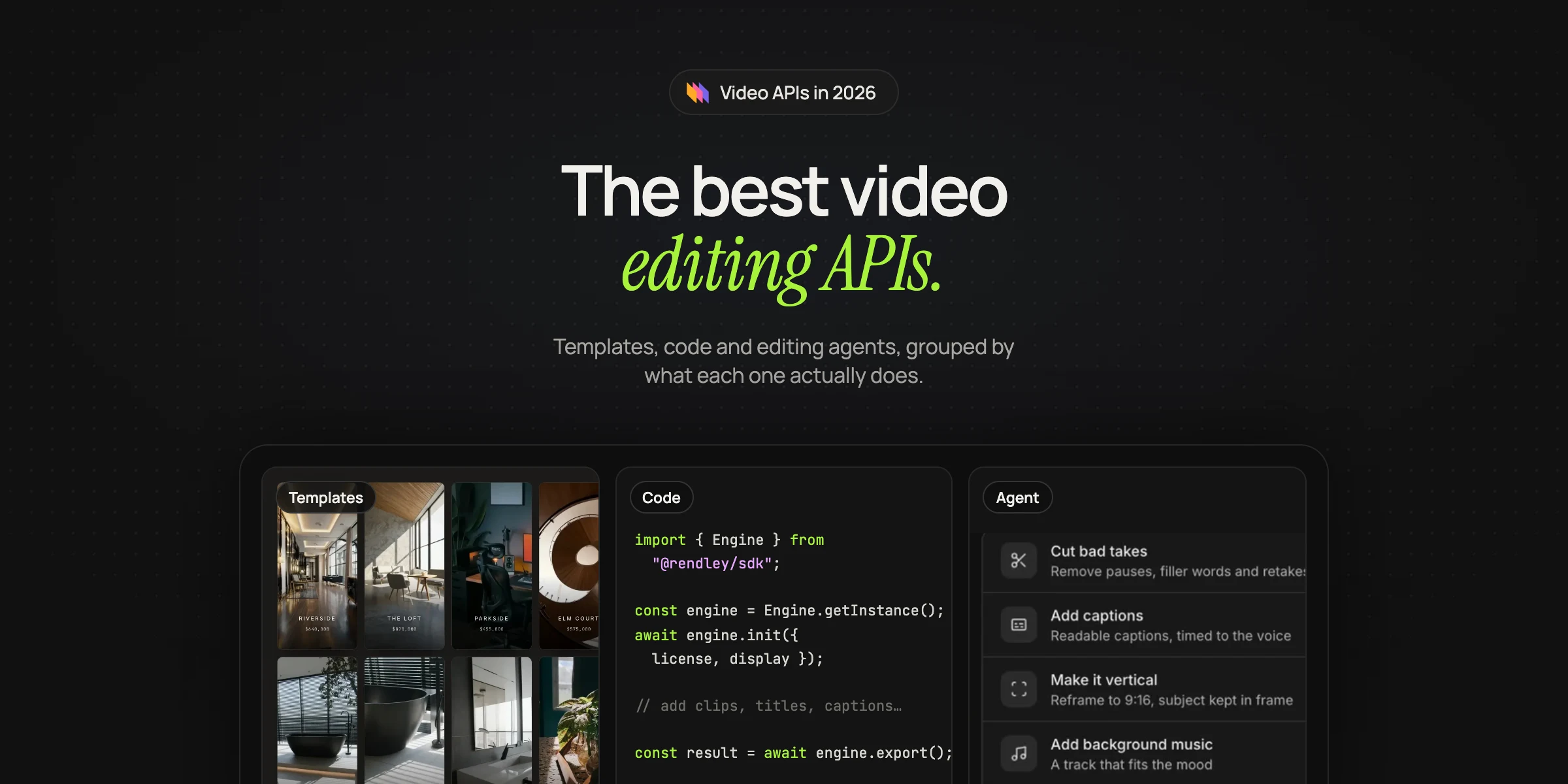
The best video editing API depends on which part of the job you want to hand off. Some APIs render a video you describe in JSON, some let you build videos in code, some run FFmpeg for you, and some edit your footage with an AI agent. They all call themselves video APIs, but they solve different problems.
For each one we note how you describe a video, how it charges, whether it has an MCP server for AI assistants such as Claude, and whether it works with no-code tools. We checked every price and feature on the vendor's own site in November 2026. Prices change often, so check again before you commit.
We make Rendley, and it appears in all three groups below: it fills templates with new data, has a JavaScript SDK for building videos in code, and has an editing agent that works from a prompt, all on one API key. We have tried to describe it as plainly as the others.
First, decide what kind of API you need
| If you need to | Look at | Examples |
|---|---|---|
| Render the same layout many times with new data | Template and JSON renderers | Rendley templates, Shotstack, Creatomate, JSON2Video, Plainly, Bannerbear |
| Build videos in code you own and host | Code frameworks | Rendley SDK, Remotion, HyperFrames, Editframe, IMG.LY |
| Edit footage based on what is in it | AI editing agents and clipping APIs | Rendley, Descript, OpusClip, Submagic |
Template and JSON renderers
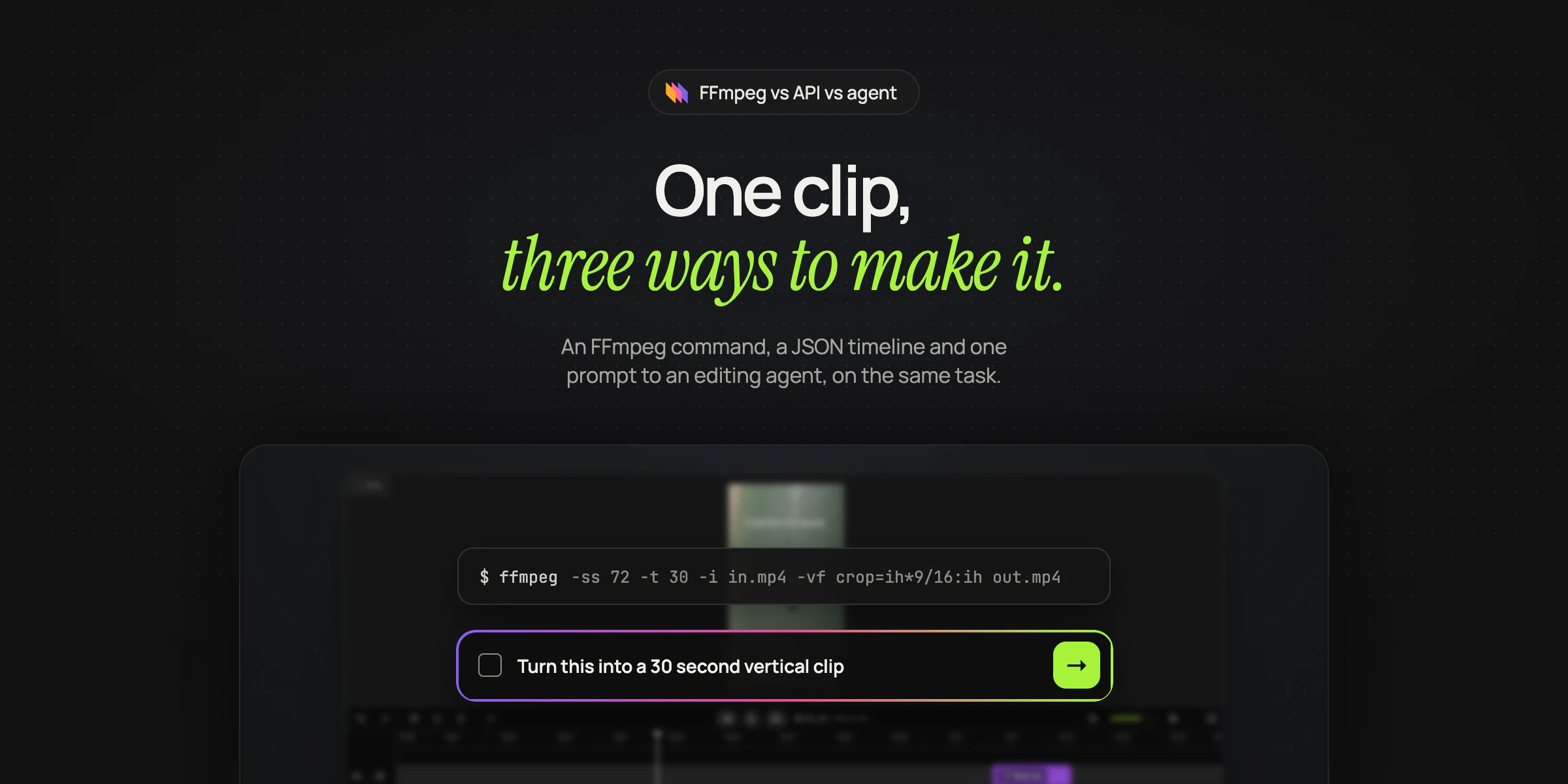
These APIs turn a description of a finished video into a file. You send the clips, text, timing and layout as JSON or as values for a template, and their servers render it. They are predictable and leave the editorial decisions to you. Our comparison of FFmpeg, video APIs and editing agents shows what that means in practice.
Rendley templates
Save any Rendley project as a template and mark the parts that change as fields: text, numbers, colors, images, video clips and audio. Your code sends the template and new values for its fields, Rendley creates a filled-in project, and an export renders it. A media field takes a public URL. You can also send a whole project as JSON and render it directly (Rendley docs). Templates use the same plans and credits as the rest of the API, and the n8n node and the MCP server can fill them too. Our template automation page shows how fields work.
Shotstack
A JSON timeline API with templates and an editor you can embed. Pay as you go starts at $10 for 50 minutes, and the Starter plan is $39 a month for 250 minutes at up to 1080p. Rendering is billed by the second, and AI generation is charged separately per model. It has a hosted MCP server in beta, and it lists Make, Zapier and n8n on every plan.
Creatomate
Templates designed in its own editor, or videos described in its RenderScript JSON format. Credits are based on pixels rendered, so a minute of 720p video at 25 frames per second uses about 14 credits. Creatomate's Essential plan has 2,000 credits a month for $54 billed monthly, or $45 a month billed yearly, and new accounts get 50 free credits. It has a hosted MCP server for templates and renders and apps for Zapier, Make and n8n.
JSON2Video
Videos described as scenes and elements in JSON. The cheapest plan is billed yearly at $199.50, and the monthly Professional plan is $49.95 for 200 minutes. It has a hosted MCP server, and a local one through its command line tool. It has native apps for Make, n8n and Zapier.
Plainly
Renders After Effects templates with your data, which suits teams that already design in After Effects. Starter is $69 a month for 50 minutes, with up to 4K output. It released an official MCP server in September 2025, and it integrates with Zapier.
Bannerbear
Started with images and added video templates. The Automate plan is $49 a month for 1,000 API credits, and animated video uses credits per second. It has hosted and local MCP servers and works with Zapier.
Code frameworks
These give developers the most control and ask for the most work.
Rendley SDK
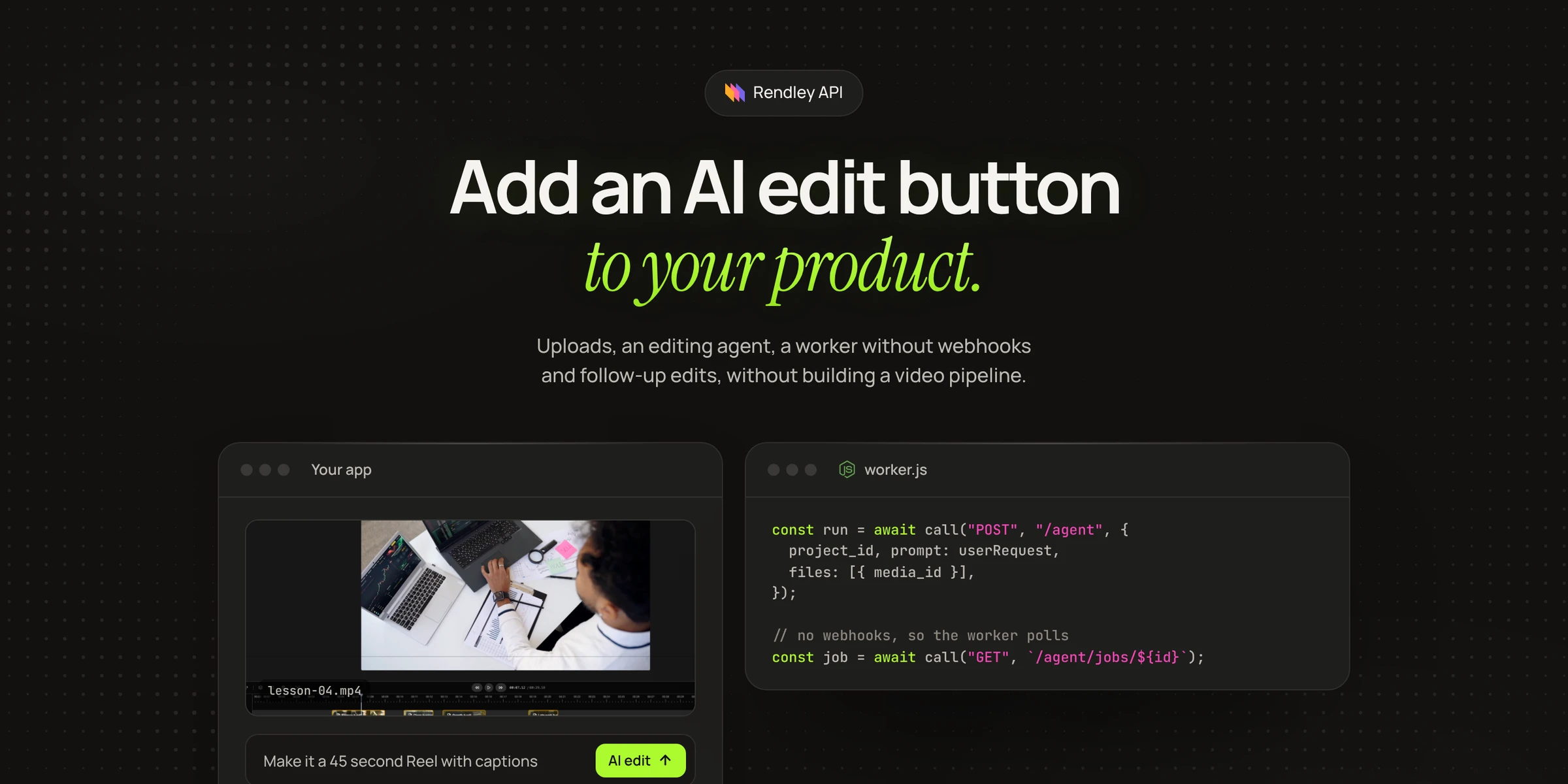
A JavaScript video editing engine. Your code builds the timeline, with clips, text, captions and keyframe animations, and renders it in the user's browser, on your own server with the same engine, or on Rendley's servers through the export API. It is free to try on localhost with a watermark, and a licence removes it (Rendley SDK). It also powers editors that users drive by hand.
Remotion
Videos written as React components, rendered on your own machines or cloud account, such as AWS Lambda. It is free for individuals and companies of up to three people, and larger companies need a licence. Automated rendering is $0.01 per render with a $100 monthly minimum, on top of your own cloud costs. Its documentation MCP server shut down on October 26, 2026, replaced by agent skills.
HyperFrames
HeyGen's open-source HTML-to-video framework. Each scene is an HTML page animated with GSAP or another library, and HyperFrames plays it in a headless browser and encodes MP4, MOV, WebM or GIF. HeyGen built it for coding agents. It is free under Apache 2.0, and HeyGen also offers cloud rendering.
Editframe
Videos built from HTML and CSS or React, rendered in the browser, from a command line or in Editframe's cloud. Cloud rendering is $99 a month plus $0.02 per rendered minute at 1080p.
IMG.LY
An editor SDK you embed in your own product, with server-side rendering. Pricing is by quote. It suits products whose users edit video by hand.
Hosted FFmpeg APIs
If you already know the FFmpeg command you need, a hosted FFmpeg API runs it on someone else's servers. Rendi is one. It bills by gigabytes processed, counting input and output, with 50 GB a month free and a Pro plan from $25 a month for 250 GB.
AI editing agents and clipping APIs
You send a recording and an instruction, and these APIs transcribe it, decide what to keep and return an edited result.
Rendley agent
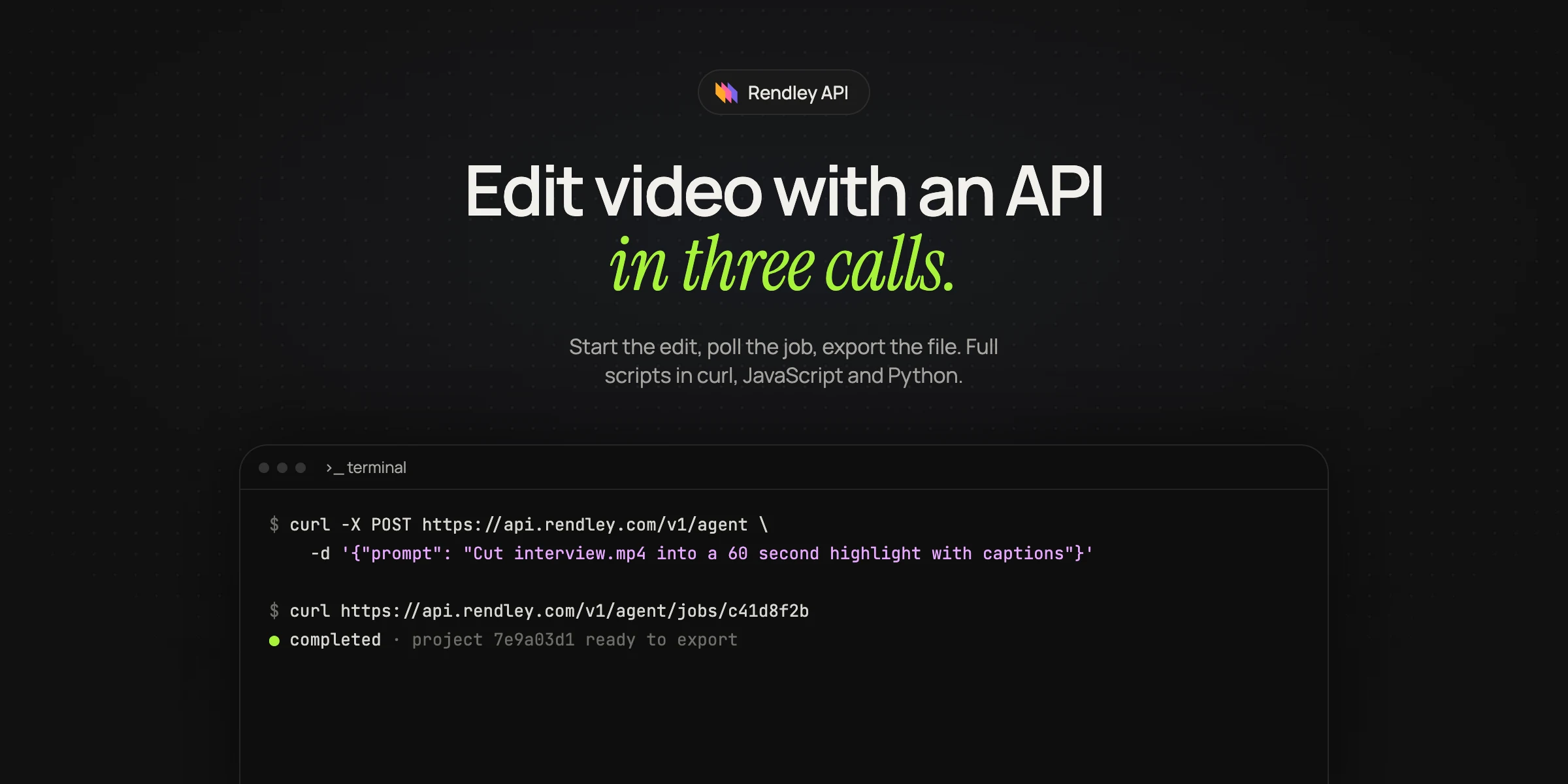
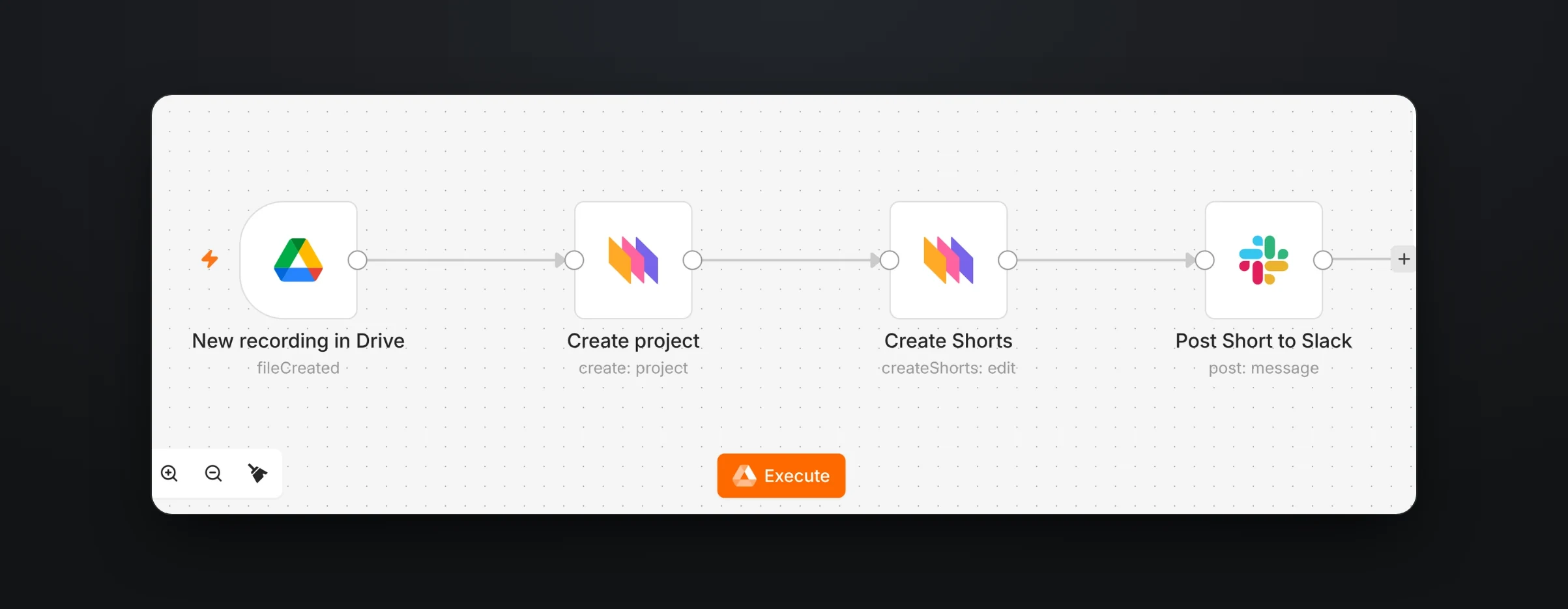
An AI editing agent with a video editing API. You send footage and a prompt, and the agent transcribes and analyzes the footage, edits a real timeline, adds captions, music, voiceover, b-roll or generated shots when asked, and returns an editable project you can export to MP4 or WebM, up to 4K on Pro and above (Rendley docs). Runs are unattended by default, and an interactive mode pauses for approval with the planned cost before credits are spent.
There is no separate API price: it runs on Rendley's per-seat plans and their shared credits (Rendley pricing). On the free plan the API refuses agent runs and exports. It has a hosted MCP server for Claude, ChatGPT and other clients, and apps for Zapier, Make and n8n. It does not send webhooks, so you poll for results. Our API tutorial has complete code.
Descript
Descript's API lets you import media, edit it by prompting its AI agent, Underlord, and publish the result. It is in early access, and direct file exports are not supported yet. API use is included in paid plans and draws on their AI credits and media minutes. Descript has an MCP connector listed in Claude's and ChatGPT's directories. We compare Descript with other AI video editors in a separate post.
OpusClip
A clipping API. You send a long video and get back short clips with captions and reframing, ranked with a virality score. API access is on the Pro plan, in beta, and on Business, and processing uses one credit per minute. Pro is $29 a month for 300 credits. It has a hosted MCP server.
Submagic
Captions, b-roll and clips for short-form video. Plans start at $19 a month billed monthly, with 10 API minutes a month on Starter and Pro and 100 on Business. It has a hosted MCP server and apps for Zapier, Make and n8n.
Generation and hosting
Generation and avatar APIs such as Runway, Google's Gemini Omni, HeyGen and Synthesia create new footage rather than edit yours, and an editing API can place their shots on a timeline with your own footage, captions and music. Hosting APIs such as Mux, Cloudinary and api.video store, encode and stream the finished file, and most products need one next to whatever makes the video.
The list at a glance
| API | What it does | How you describe a video | Entry price | MCP | No-code apps |
|---|---|---|---|---|---|
| Rendley | Templates, an SDK and an editing agent | Template fields, project JSON, code or a prompt | Per-seat plans with credits | Hosted | Zapier, Make, n8n |
| Shotstack | Renders | JSON timeline or template | $10 for 50 min, or $39 a month | Hosted, beta | Zapier, Make, n8n |
| Creatomate | Renders | Template or RenderScript JSON | $54 a month for 2,000 credits | Hosted | Zapier, Make, n8n |
| JSON2Video | Renders | JSON scenes | $199.50 a year, or $49.95 a month | Hosted and local | Zapier, Make, n8n |
| Plainly | Renders | After Effects template | $69 a month | Yes | Zapier |
| Bannerbear | Renders | Template | $49 a month | Hosted | Zapier |
| Remotion | Code framework | React | Free for small teams, $0.01 a render to automate | None, docs server shut down | None |
| Editframe | Code framework | HTML, CSS or React | $99 a month plus usage | None found | None |
| Descript | Edits footage with an agent | Footage and a prompt, early access | Included in paid plans | Hosted | Zapier |
| OpusClip | Clips long videos | A video URL | $29 a month | Hosted | Zapier |
| Submagic | Captions and clips | A video and options | $19 a month | Hosted | Zapier, Make, n8n |
How to choose
Start with the decision in your product that is hardest to automate today. If it is the rendering, because your videos all look the same and only the data changes, choose a template renderer. If it is the editing, because someone has to watch each recording to decide what to keep, choose an editing agent. If it is the footage, because you do not have any, choose a generation API and an editor to assemble the result.
Run one of your own recordings through the two or three that fit before you decide.
Frequently asked questions
What is the best video editing API?
It depends on the job. Rendley covers all three with one API: templates filled with new data, an SDK for videos written in code and an agent that edits real footage from a prompt. Among the specialists, Shotstack and Creatomate render templates, and Remotion and HyperFrames build videos in code.
Which video APIs work with Claude and ChatGPT?
Shotstack, Creatomate, JSON2Video, Bannerbear, Rendley, OpusClip and Submagic offer hosted MCP servers that AI assistants can connect to. Plainly also has an MCP server, and Descript is listed in both Claude's and ChatGPT's connector directories.
Is Shotstack free to use?
You can start free. Shotstack gives 10 credits at signup, valid for 30 days with no card, plus a sandbox for testing. After that, pay as you go is $10 for 50 minutes and Starter is $39 a month for 250 minutes. FFmpeg and HyperFrames are free if you run them yourself, while Rendley's agent API needs a paid plan.
Try the agent approach
If your bottleneck is the editing itself, choose a paid Rendley plan, create a key in Settings, send one recording and a prompt to the agent, and open the project it makes in Rendley Studio. The API docs have a quickstart that takes a few minutes.