FFmpeg vs a Video API vs an AI Editing Agent
FFmpeg vs a video API vs an AI editing agent, with the same vertical clip made three ways, what each asks of you and when each one is the right choice.
FFmpeg is free and does any fixed transform you can write as a command, but you run the servers and decide every cut. A video API renders a JSON description on its servers for a per-minute or credit price, and you still decide the cut. An AI editing agent decides the cut from the footage and returns an editable project. Use FFmpeg for transcodes and fixed transforms, an API for templated videos built from data, and an agent when the edit depends on what is in the footage.
Shotstack, which sells one of those APIs, puts the build-or-buy question this way: "FFmpeg is a component. A video API is a system". That leaves out the agent, so we took one ordinary task and did it three ways. We ran the FFmpeg version ourselves and show what the other two look like for the same job.
The task
Take a two minute 16:9 interview recording and turn it into a 30 second vertical clip for Shorts and Reels, with burned-in captions and a logo in the corner.
The task has two parts. The mechanical part is cropping, scaling, captioning, overlaying and encoding. The editorial part is deciding which 30 seconds to keep and what the captions say. FFmpeg and video APIs only help with the first part.
With FFmpeg
FFmpeg can do the whole mechanical part in one command. This is the command we ran, on a test recording, a logo PNG and a subtitle file for the clip.
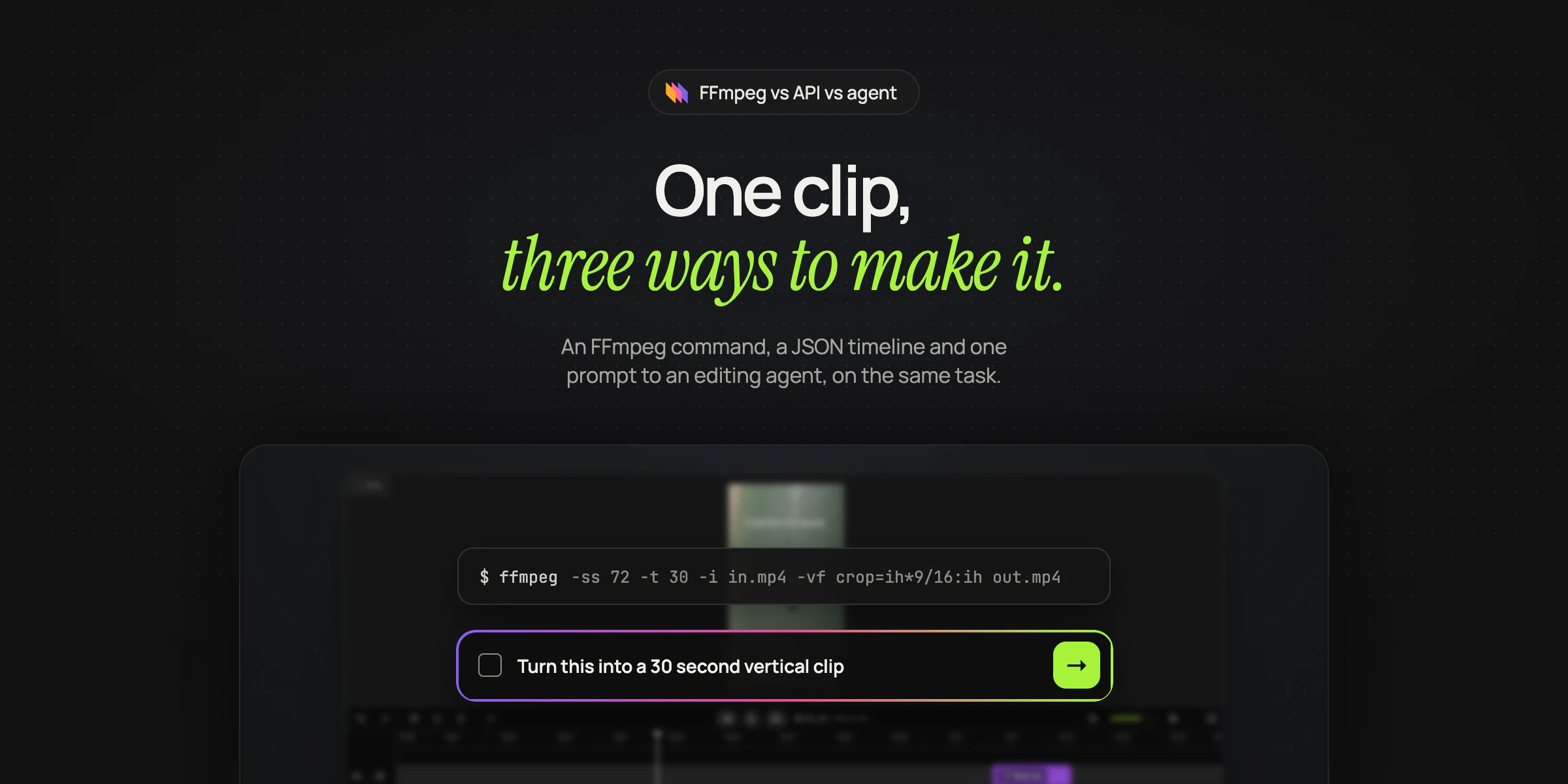
ffmpeg -ss 72 -t 30 -i interview.mp4 -i logo.png \
  -filter_complex "[0:v]crop=ih*9/16:ih,scale=1080:1920,subtitles=clip.srt:force_style='FontName=Inter,FontSize=13,Outline=1,MarginV=40'[v];[1:v]scale=200:-1[logo];[v][logo]overlay=W-w-60:60[out]" \
  -map "[out]" -map 0:a -c:v libx264 -crf 20 -preset veryfast \
  -c:a aac -b:a 160k -movflags +faststart short.mp4
It produced a 30 second, 1080 by 1920 H.264 file in about 13 seconds on a small cloud machine. Reading it from left to right, it seeks to 1 minute 12 seconds, takes 30 seconds, crops the center of the frame to 9 by 16, scales it to 1080 by 1920, burns in the subtitles, scales the logo and places it 60 pixels from the top right corner, then encodes for the web.
Three things in that command are easy to get wrong, and we got one of them wrong on the first run.
- Subtitle styling is not in pixels.
force_stylevalues are in the subtitle renderer's own coordinate system, which by default is 288 units tall, not 1920 pixels. Our first attempt usedMarginV=120, meant as 120 pixels from the bottom, and the captions landed in the middle of the frame. - Timestamps restart at the cut. Because
-sscomes before the input, the subtitle filter sees the clip starting at zero, soclip.srthas to be timed from the start of the clip, not from the start of the interview. - Quoting nests. The filter graph sits inside shell quotes, and the subtitle style sits inside the filter graph's own quotes. FFmpeg's filter documentation describes several levels of escaping for text in filters, and text with an apostrophe in it needs sequences like
\\\'(FFmpeg docs).
Then there is the editorial part, which FFmpeg does not do at all. Someone chose 72 seconds as the start. Someone produced clip.srt. For a real pipeline that means adding a speech-to-text step, writing code that decides which 30 seconds to keep, and writing the subtitle file from the transcript. A center crop also assumes the speaker stays in the center of the frame. If they lean or walk, the crop needs to follow them, which means face tracking and a crop that changes over time.
Running it in production also means workers, a queue, retries, storage and monitoring. Shotstack estimates two to four weeks for a small team to build a first production version, and points out that output can change with FFmpeg versions, linked libraries, codec builds, fonts and hardware. On fonts, burned-in subtitles depend on FFmpeg being built with libass, and the drawtext filter needs libfreetype and libharfbuzz, plus libfontconfig for font fallback (FFmpeg docs).
FFmpeg is LGPL by default, but building it with GPL parts such as libx264, which our command uses, puts the whole build under the GPL (FFmpeg). That is fine for a server you run, and something to check before you ship FFmpeg inside a product.
With a JSON timeline API
A rendering API takes away the infrastructure. You describe the finished video as JSON, the vendor's servers render it and you get a URL back. Shotstack, Creatomate and JSON2Video all work this way, each with its own schema. The shape looks like this.
{
  "timeline": {
    "tracks": [
      { "clips": [{ "asset": { "type": "image", "src": "https://cdn.example.com/logo.png" },
                    "start": 0, "length": 30, "position": "topRight" }] },
      { "clips": [{ "asset": { "type": "caption", "src": "https://cdn.example.com/clip.srt" },
                    "start": 0, "length": 30 }] },
      { "clips": [{ "asset": { "type": "video", "src": "https://cdn.example.com/interview.mp4", "trim": 72 },
                    "start": 0, "length": 30, "fit": "crop" }] }
    ]
  },
  "output": { "format": "mp4", "size": { "width": 1080, "height": 1920 } }
}
This is easier to generate from code than an FFmpeg filter graph, easier to read, and the same request renders the same way every time, on someone else's machines. Templates make it easier still, because a designer builds the layout once and your code fills in the fields.
The editorial part stays with you. The JSON still contains "trim": 72 and still points at a subtitle file someone had to produce.
With an AI editing agent
An editing agent takes the footage and a description of the result. Here is the same task as a request to Rendley's video editing API.
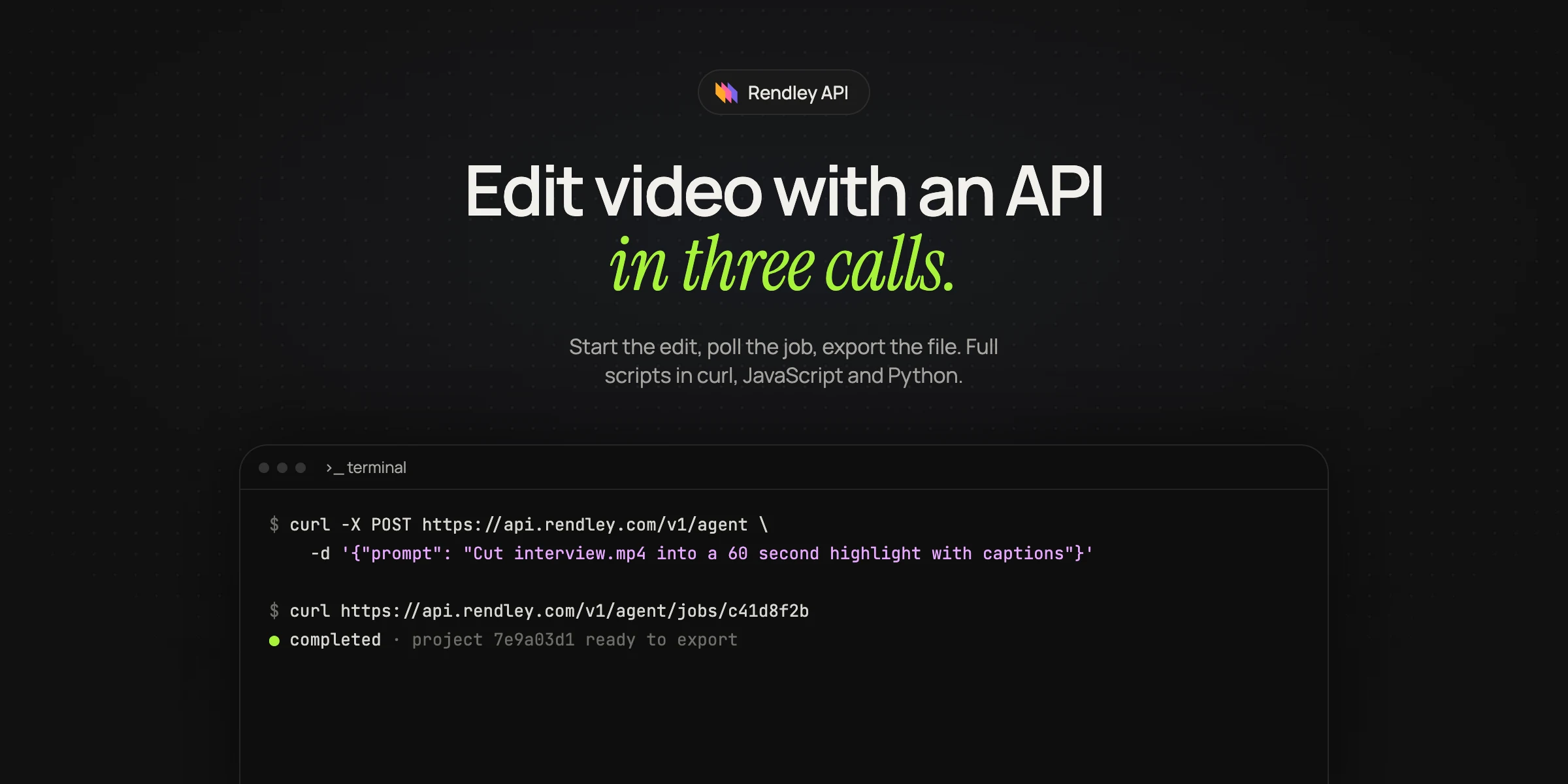
curl -X POST https://api.rendley.com/v1/agent \
  -H "Authorization: Bearer $RENDLEY_API_KEY" \
  -H "Content-Type: application/json" \
  -d '{
    "prompt": "Turn interview.mp4 into a 30 second vertical clip for Shorts and Reels built around the strongest answer. Keep the speaker in frame, add captions in our brand style and put logo.png in the top right corner.",
    "files": [
      { "url": "https://cdn.example.com/interview.mp4", "name": "interview.mp4" },
      { "url": "https://cdn.example.com/logo.png", "name": "logo.png" }
    ]
  }'
The agent transcribes the interview, picks the 30 seconds, reframes with the speaker in view rather than cropping the center, writes and styles the captions from the transcript, places the logo and saves the result as an editable project. A second request renders it to an MP4. The full flow, with polling and error handling, is in how to edit video with an API.
The trade is control. You describe the result instead of every step, so two runs on the same footage can make slightly different choices, and the edit takes minutes rather than seconds because the agent has to watch and transcribe before it cuts. When you need to see and approve its plan before it spends credits, you can run it in interactive mode (Rendley docs).
Side by side
| FFmpeg | JSON timeline API | AI editing agent | |
|---|---|---|---|
| What you write | A filter graph and the code around it | A JSON description of the finished video | A description of the result |
| Who decides the cut | Your code or a person | Your code or a person | The agent |
| Captions | You supply a subtitle file | You supply a subtitle file or text | Made from the transcript |
| Reframing a moving subject | Your own tracking code | Usually a fixed crop or position | Follows the speaker |
| Same input, same output | Yes, with a pinned build | Yes | Close, not byte for byte |
| Where it runs | Your servers | The vendor's servers | The vendor's servers |
| How you pay | Your compute and engineering time | Usually per rendered minute or credits | Plan credits for AI steps and rendering |
| What you get back | A file | A file | An editable project and a file |
Hosted FFmpeg APIs such as Rendi and Rendobar sit between the first two columns: they run the FFmpeg command you already have on their servers, which removes the infrastructure but leaves the filter graph and the editorial decisions with you.
When each one is the right choice
Use FFmpeg when the transform is fixed and you want full control. Transcoding uploads, making thumbnails, normalizing audio, compressing for delivery and anything that must run on a device or offline belong here. At high volume, your own compute can also be cheaper than any per-minute price, as long as you count the engineering time.
Use a JSON or template API when every video has the same shape and the content comes from data. Product videos from a catalog, personalized greetings and real estate listings with fixed layouts render reliably and cheaply this way, and a designer can own the template.
Use an editing agent when the edit depends on what is in the footage: cleaning up recordings, cutting clips from long videos, adding b-roll that matches the words, or making platform versions with the subject in frame.
Most real systems use more than one. A common split is FFmpeg for ingest and transcoding, an agent for the editorial work, and the agent's own renderer or a template for the final output. Shotstack recommends a similar hybrid, FFmpeg for the steps that need low-level control and an API for orchestration, delivery and scale.
Frequently asked questions
Is FFmpeg free for commercial use?
FFmpeg is free and open source under the LGPL, with optional parts under the GPL. Including GPL parts such as libx264 makes the whole build GPL. Running it on your own servers is common in commercial products. Shipping it inside a product means following the licence that applies to your build.
Can an AI agent write FFmpeg commands for me?
Yes, assistants such as Claude write FFmpeg commands well, and that is a fast way to handle fixed transforms. The command still only does what it says. It cannot decide which part of the footage to keep, because the assistant has not seen the footage.
Is a video API faster than FFmpeg?
For a single short file, FFmpeg on a fast machine is usually quicker, because there is no upload or queue. APIs win on parallel work and on not having to run the infrastructure. An editing agent is slower than both for the render itself, because it has to analyze the footage first, and much faster than a person for the editorial part.
What is the best FFmpeg alternative for automated editing?
Use a JSON timeline API for templated videos built from data, and an AI editing agent for edits that depend on what is in the footage. Our list of the best video editing APIs in 2026 groups the options by what they do.
Try the agent version
With a paid Rendley plan, send the curl request above with a link to one of your own recordings, then open the project it creates in Rendley Studio and compare it with what your FFmpeg script would have produced.