The Best Descript Alternatives for AI Video Editing
The best Descript alternatives for AI video editing as of November 2026, why people switch, and how each tool cuts talking videos, podcasts and clips.
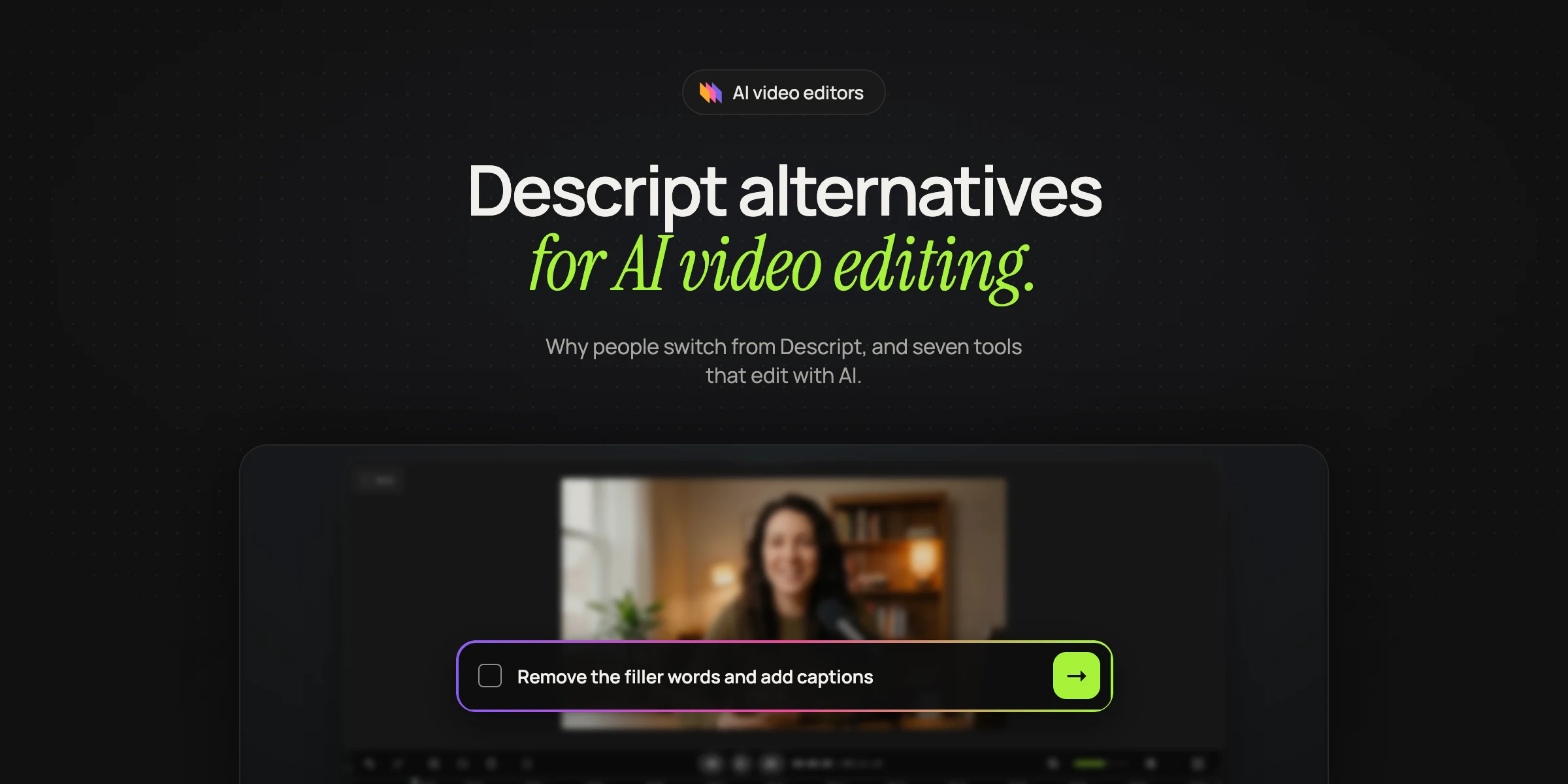
People who look for a Descript alternative usually edit talking videos or podcasts in Descript already and are tired of fighting Underlord, its AI agent. Reviewers say its edits introduce mistakes, the fixes use more AI credits, and filler-word removal now costs credits too. The best replacements as of November 2026 are Rendley, Riverside, Kapwing, VEED, Adobe Premiere Pro, CapCut and OpusClip.
We make Rendley, which is why it comes first. Every fact about another product comes from that company's own site as of November 2026, linked in its entry.
Why people look for a Descript alternative
Descript still has plenty of happy users. The complaints below come from people who pay for it.
- Underlord can use up a month of AI credits quickly. A reviewer on Trustpilot wrote in May 2026 that it "used all 400 of those credits in less than 15 minutes" (Trustpilot).
- Its mistakes cost more credits to undo. Reviewers on the same page, writing between March and May 2026, describe Underlord changing audio and video they did not ask it to touch, and say the follow-up edits needed more AI credits (Trustpilot).
- Filler-word removal now draws on credits. A March 2026 reviewer says removing filler words used to be part of their plan and now uses "UnderLord points" each time (Trustpilot).
- Underlord can replace custom work with defaults. A user on Descript's feedback board wrote in June 2025 that the assistant overwrote custom layouts, and asked for a way to chain several actions together.
Descript alternatives at a glance
| Tool | Best for | How it edits |
|---|---|---|
| Rendley | Handing off the whole edit with one prompt | An agent plans and makes the edit, then you adjust it on a timeline |
| Riverside | Remote interviews and podcasts | Transcript editor plus AI Co-Creator, which takes requests in a chat |
| Kapwing | Quick social edits in the browser | Transcript trimming plus an AI assistant that takes prompts |
| VEED | Cleaning up a talking-head video fast | Edit the script, and one click removes filler words |
| Adobe Premiere Pro | Professional editors | Text-Based Editing on the transcript, then a full timeline |
| CapCut | Short social videos on a free plan | Transcript editing with filler-word and gap detection |
| OpusClip | Turning long videos into short clips | AI picks the highlights, adds captions and reframes |
The best Descript alternatives
1. Rendley
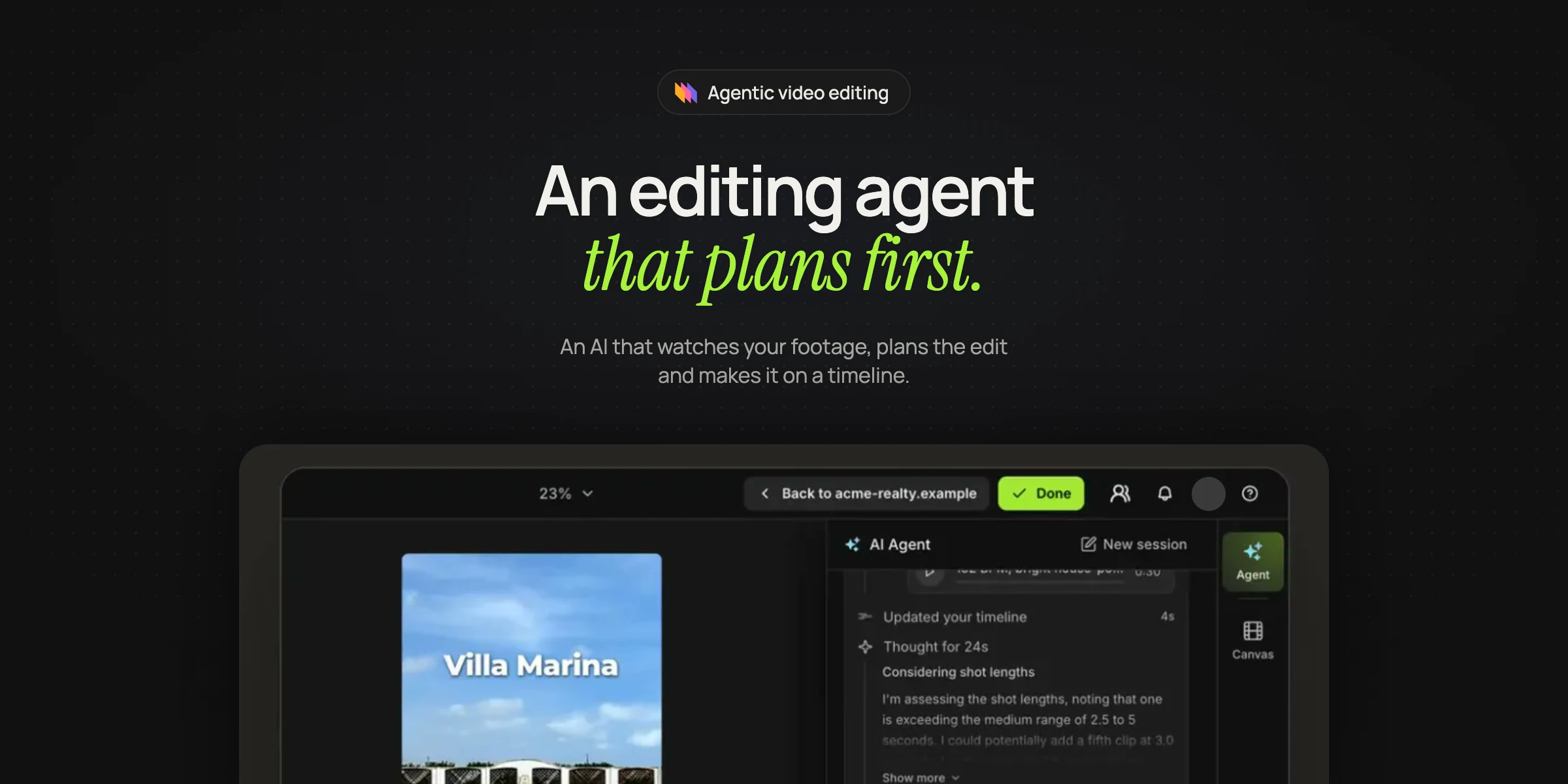
Rendley is a video editing agent: you give it your recording and a prompt, and it transcribes it, cuts filler words, pauses and retakes, adds captions, B-roll (stock, or generated on credits), titles and music, reframes to 9:16, 1:1 or 16:9 and applies your brand kit. The difference from Descript is when you see the cost. Rendley shows its plan with the credit price before it spends anything, and every result is an editable project in the Rendley editor, a full timeline editor in the browser, where you can change any cut by hand before you export an MP4. It also works inside ChatGPT and Claude, and through an API with n8n, Zapier and Make.
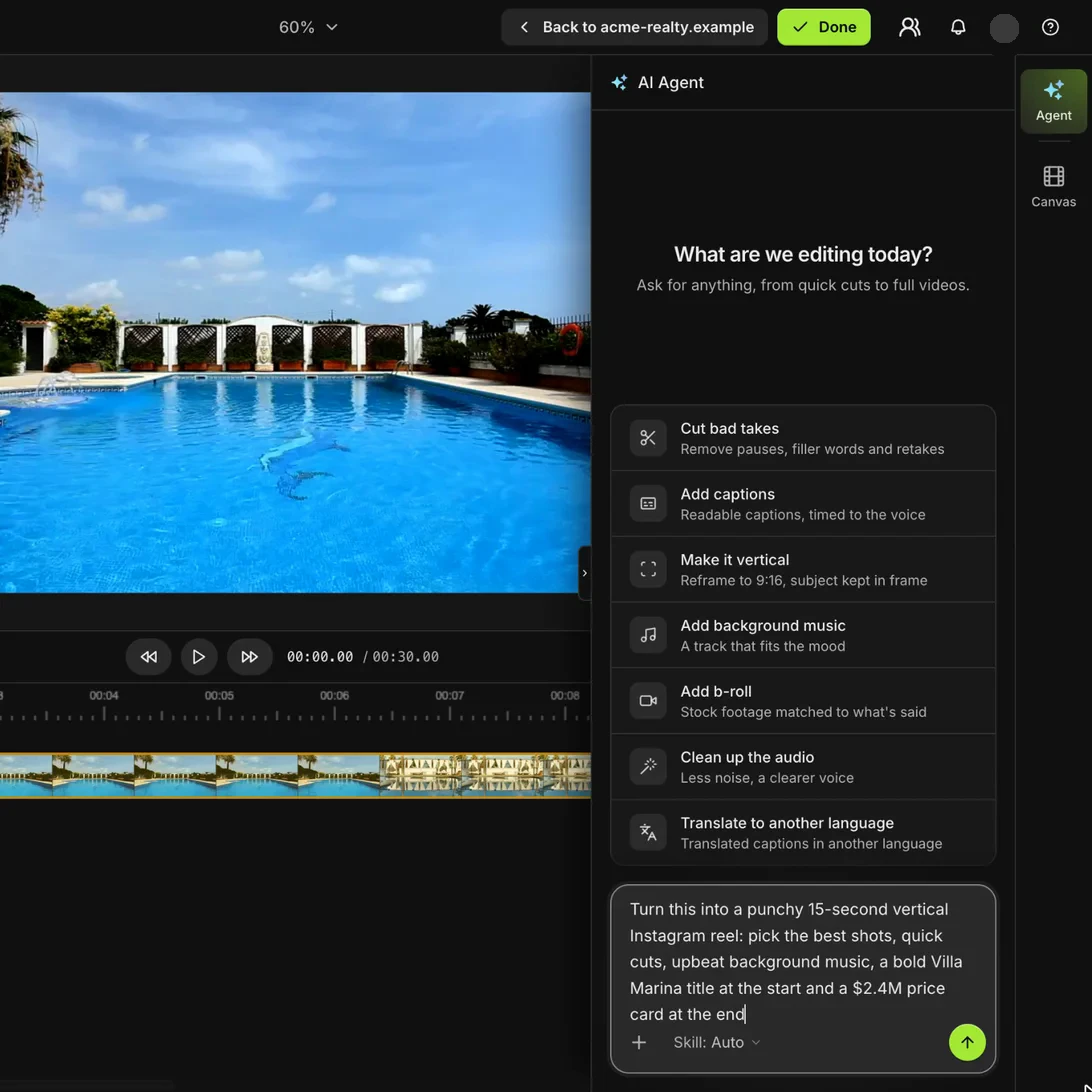
Best for: people who record talking videos, demos or podcasts and want an on-brand edit without making the cuts themselves.
2. Riverside
Riverside is a recording studio for remote podcasts and interviews with an editor built in. Like Descript, it transcribes every word and silence so you can edit the recording like a document, and its AI Co-Creator removes filler words and silences, adds captions and music, and finds clips for social posts.
Best for: teams that record remote guests and want recording and editing in one place.
3. Kapwing
Kapwing is a browser-based video editor built for social content and shared team projects. You can trim a video by editing its transcript, or type a prompt to its AI assistant to remove filler words, silences or specific phrases, and Kapwing says it is free to start.
Best for: small teams making quick social edits together in one browser tab.
4. VEED
VEED is an online video editor whose Edit with Script mode updates the video as you edit the text. One click removes the "ums" and "ahs," and VEED says script editing is on its free plan, with a watermark on free exports.
Best for: cleaning up a talking-head video quickly without installing anything.
5. Adobe Premiere Pro
Premiere Pro is Adobe's professional desktop editor, and its Text-Based Editing panel transcribes your footage so you can cut by deleting text. It finds and deletes filler words and pauses in bulk, the closest match to how Descript works, and then you finish on Premiere's full timeline.
Best for: editors who already work in Premiere or need a professional finishing tool.
6. CapCut
CapCut is a video editor with a free online version and a desktop app. Its transcript-based editing lets you edit the transcript in a side panel, and it flags filler words and speech gaps so you can remove them.
Best for: short social videos when you want to start on a free plan.
7. OpusClip
OpusClip turns long videos into short clips for social platforms. It picks the moments, adds captions and reframes with tracking that keeps moving subjects centered, which is a narrower job than Descript does, so it usually sits next to another editor.
Best for: podcasters and streamers who want a batch of short clips from one long recording.
Frequently asked questions
Is there a free alternative to Descript?
Yes, several. CapCut, VEED and Kapwing let you edit by transcript on a free plan (VEED adds a watermark to free exports), OpusClip has a free plan for clips, and Rendley has a free plan to start.
What is the best AI alternative to Descript?
Rendley is the best fit if you want an agent to do the whole edit, because it makes the cuts, captions, B-roll and versions from one prompt and shows the credit price first. If you would rather edit the transcript yourself, Riverside and Premiere Pro are the closest to Descript.
Can I edit video by text without Descript?
Yes. Riverside, Kapwing, VEED, CapCut and Adobe Premiere Pro all let you cut video by editing a transcript. Rendley also works from the transcript, but its agent makes the cuts for you from your prompt, and you can still adjust them on the timeline.