How to Keep AI Videos on Brand with a Brand Kit
A brand kit for video keeps AI edits on brand when many people ask for videos. What to put in it, how to set it up from Claude or the editor, and how to use it.
When several people ask an AI editor for videos, the results drift. One request gets captions in Inter and another in the editor's default, the logo lands in a different corner, and the voiceover changes from one video to the next. Each person described the video a little differently, and the AI filled the gaps with its own choices.
Human video teams solve this with a style guide that every editor follows. AI tools need the same thing, in a form the tool reads on every request, and that is what a brand kit for video is. Tools such as Looka, Canva Brand Kit and Claude Design help you create a brand identity; a brand kit for video takes the identity you already have and applies it to every video.
Why AI videos drift off brand
A request such as "make a 30 second clip from this webinar with captions" leaves dozens of choices open: the font and its size, the color of the highlighted word, where the logo goes, what the end card says, which voice reads the intro, what music sits underneath. Without guidance, an AI editor picks something sensible, and sensible choices vary from one request to the next.
You could write all of it into every prompt. It works until someone forgets a line, or two people remember the hex code differently. The reliable fix is to store the choices once, where the editor reads them automatically.
What belongs in a brand kit for video
A brand kit for static design holds a logo, colors and fonts. Video needs a few more things, because it moves and it talks.
- Logos, in the versions you use on video, such as a full logo for end cards and a small mark for corners.
- Colors, with their roles. Which one is primary, which one is the accent for highlighted caption words, which one is the background of title cards.
- Fonts and text styles, uploaded as files so the editor uses the real typeface, with styles for titles, lower thirds and captions. Custom font uploads are on Pro and Business.
- Caption styling, including size, position, outline and how the active word is highlighted. Captions appear on almost every short video, so this does more for consistency than anything else.
- Voices for voiceover, so the narrator sounds the same across videos. Claude's directory connector does not generate voiceover; the Rendley editor and API do.
- Brand voice and writing guidance, so on-screen text and generated scripts sound like you.
- Reusable media, such as product shots and intro and outro clips.
Setting it up in the editor
In Rendley, each workspace has one brand kit, and the editing agent applies it to every video it makes there (Rendley docs).
The quickest way to fill it in is in Rendley Studio, where the brand kit has sections for brand voice, logos, colors, typography, assets, voices and captions, with a live preview of the caption style.
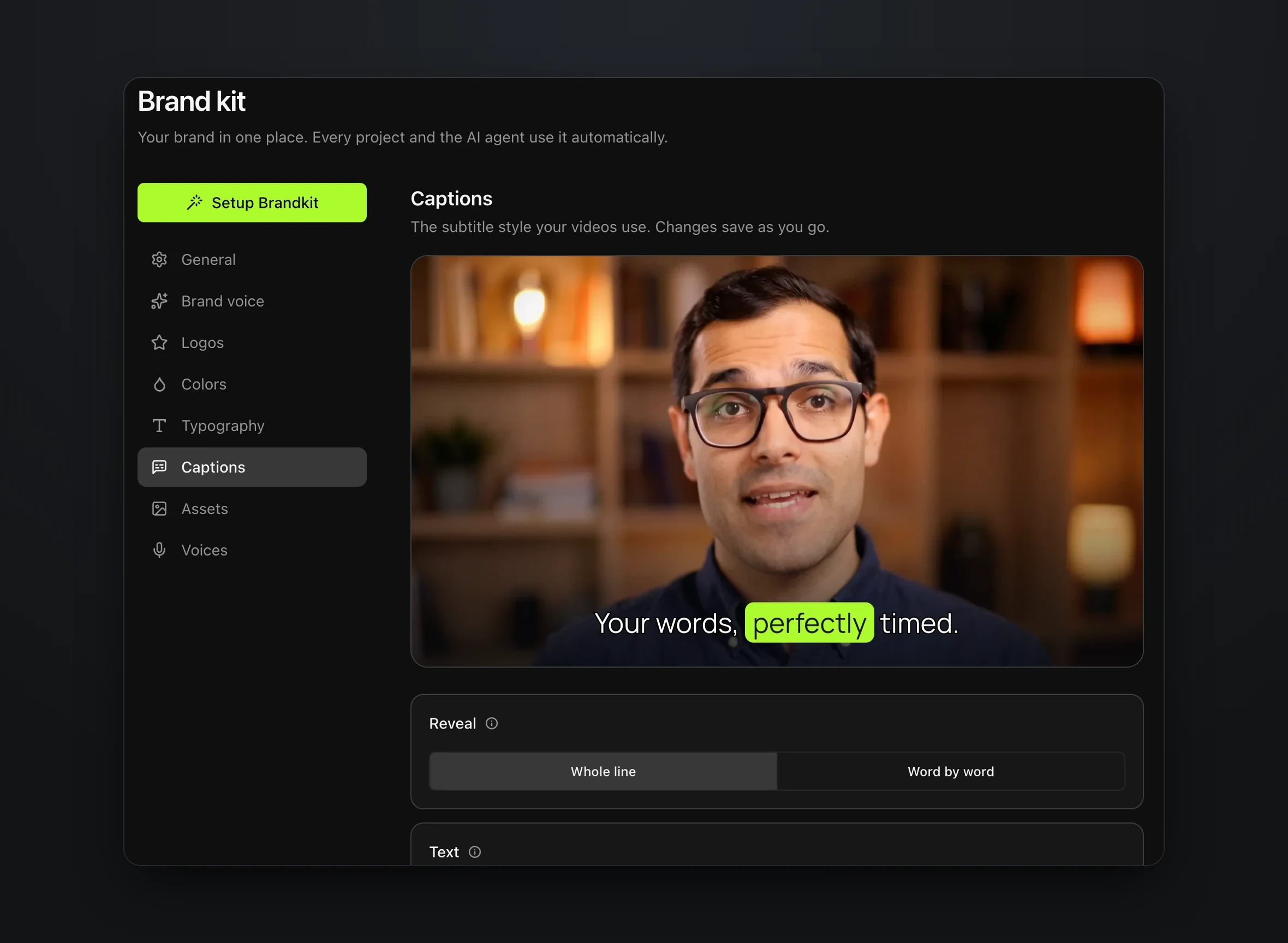
Spend the most time on captions. Look at the preview on a real shot of your own and adjust the size and position until it reads well on a phone, because that is where most short video is watched.
Setting it up from Claude
If your team works in Claude, you can build and update the brand kit from the conversation through Rendley's connector. Our guide to Claude video editing covers adding it. Then ask for the changes in plain language, as in this request adapted from Rendley's docs (Rendley docs).
Add these colors to the Marketing workspace brand kit. Navy #0B1F3A as primary, Orange #F25C05 as accent, and White #FFFFFF as background. Add the attached logo.svg and Inter-Variable.ttf as brand assets.
Logos, fonts and other files saved to the brand kit stay available to every project in the workspace, unlike ordinary uploads, which belong to one project (Rendley docs).
Asking for videos that use it
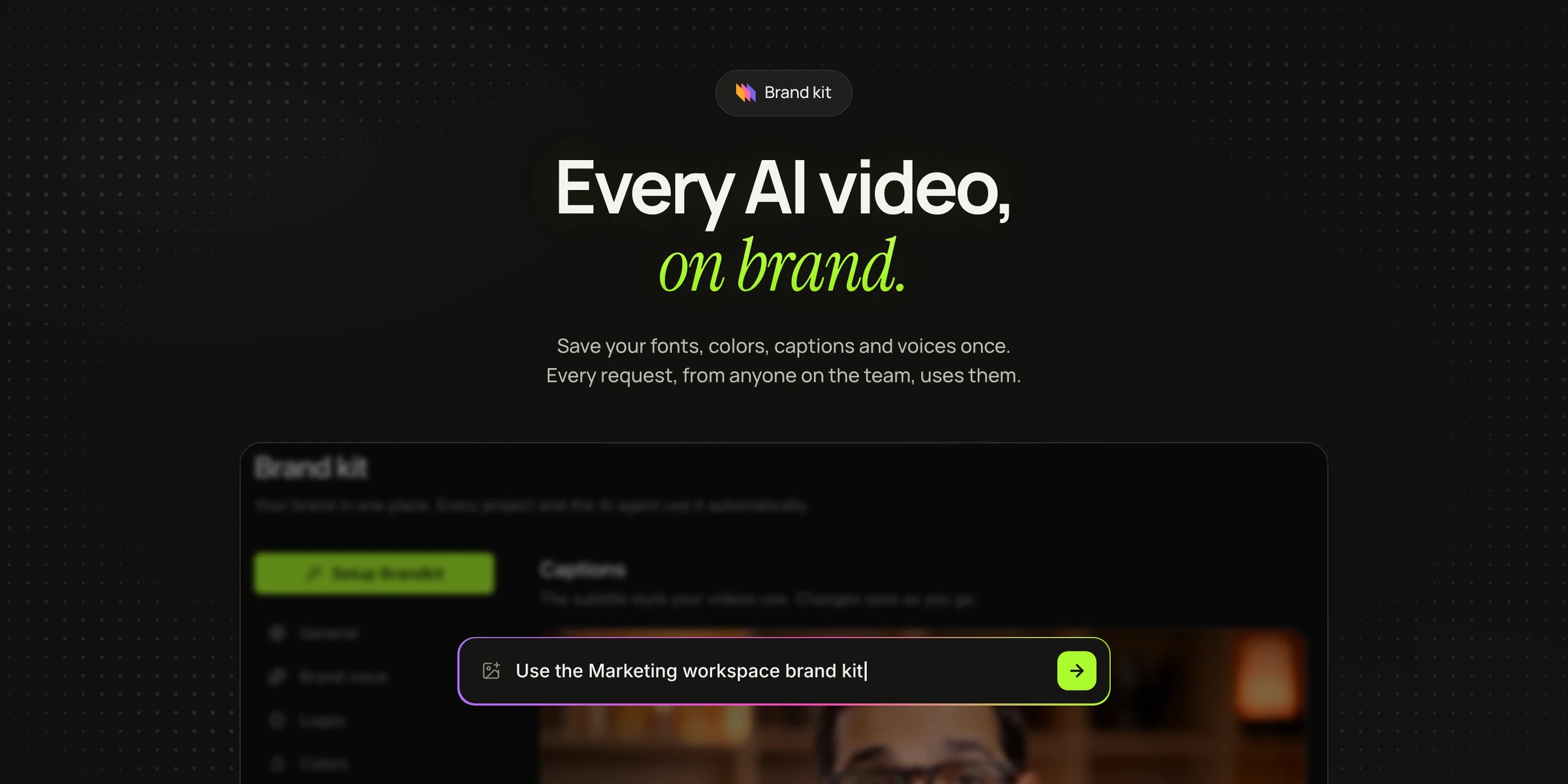
Once the kit exists, a request only needs to point at it. "Use the workspace brand kit" is enough, or you can name the parts you care about. From Claude or the API, agent edits need a paid plan (pricing).
Turn feature-demo.mp4 into a 30 second launch clip. Use the Marketing workspace brand kit for the title, captions, colors, font, logo and writing style. Keep the copy direct and practical. Place the logo on the final card rather than over the whole video. Export vertical and square versions.
A support lead can ask for a how-to from a screen recording without mentioning a font or a color, and it comes back with the brand's type, caption style and writing voice.
The same kit also shapes animation. Before Claude writes a motion graphic, such as an animated title or a lower third, ask it to read the workspace brand kit, and it uses the same colors, fonts, text styles and logos as the rest of the video (Rendley docs).
Overriding it for one campaign
A brand kit sets the default. For a seasonal campaign or a partner video, say what changes in the request and keep the rest.
Use the brand kit, but set the captions in white with a yellow highlight for this campaign, and use the holiday end card from the Campaign assets project.
The override applies to that video only, and the kit stays as it was for everything else.
One kit per brand or client
Because a brand kit belongs to a workspace, a team that runs several brands, or an agency with several clients, keeps one workspace per brand. Each request then starts in the right workspace, so one client's logo does not end up in another client's video. The Pro plan includes three workspaces and Business has no limit (Rendley pricing).
When you work from Claude, name the workspace in the request, such as "in the Acme workspace". When you work through the Rendley API, the project you edit belongs to a workspace, so the kit follows the project.
Check the first few videos
Before you rely on the kit, make three or four videos with different kinds of footage and look at them on a phone.
- Captions. Are they readable over bright and dark shots, and clear of the buttons and text that platforms overlay on vertical video?
- Logo. Is it the right version, at a sensible size, and only where you want it?
- Voice. Does the voiceover sound like the same narrator every time?
- Text. Does the on-screen copy follow your writing guidance, and is every claim true?
Fix what you find in the kit rather than in each video, so every later video inherits the fix.
Frequently asked questions
What is a brand kit for video?
It is a saved set of brand assets and rules, such as logos, colors, fonts, caption styles, voices and writing guidance, that a video tool reads every time it makes something. It keeps output consistent no matter who writes the request.
Can Claude use my brand kit?
Yes, in two places. Claude Design's design systems (beta on Pro, Max, Ultra, Team and Enterprise) keep your colors, typography and components for the designs and decks Claude makes. For video, connect Rendley: Claude can read and update the brand kit in your Rendley workspace, and videos edited there use it.
Can the brand kit include my own fonts?
Yes, on the Pro and Business plans. Upload the font files to the brand kit, and the editor uses them for titles, captions and animated text, including motion graphics that Claude writes.
Do I need a separate brand kit for each client?
Yes, if each client has its own look. Use one workspace per client, each with its own brand kit, so requests in one workspace never pick up another client's assets.
Start with captions
Open the brand kit in Rendley Studio, upload your logo and fonts, and get the caption style right on one of your own shots. Then ask for one video without mentioning any of it, and see whether it comes back looking like you.