Rendley Is Now an Official ChatGPT Plugin
Rendley is now listed in ChatGPT's plugin directory. Install it from the plugin directory, attach your footage and ChatGPT edits the video, then open it in Rendley to change anything.
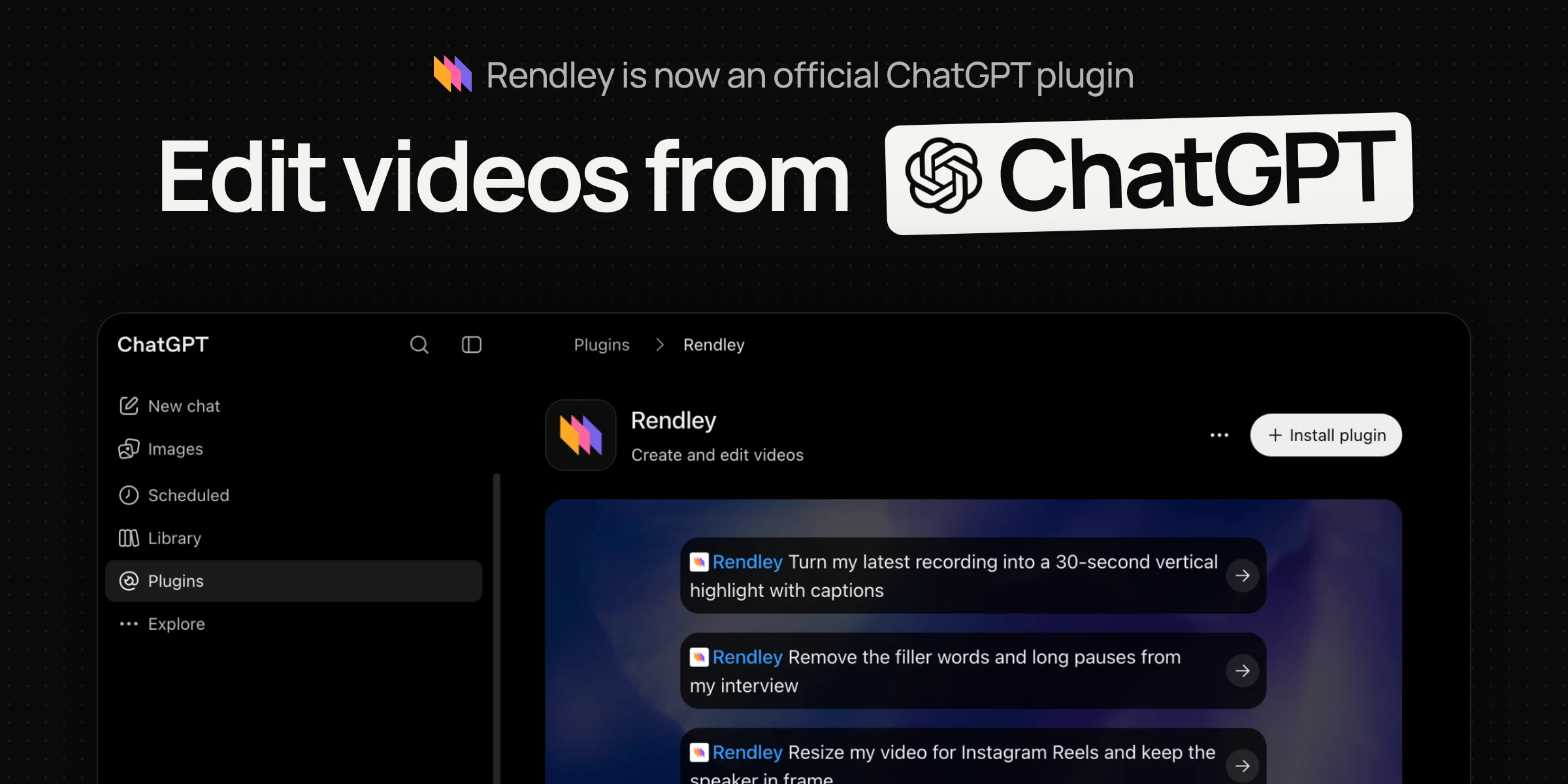
Rendley is now an official plugin in ChatGPT's plugin directory. You can install it once, attach your footage in any chat and describe the video you want. ChatGPT hands the edit to Rendley, and you get an edit you can export or keep changing.
ChatGPT can plan an edit, write a script or draft captions, but on its own it has no timeline to cut footage or render a video. Rendley adds that part. Its editing agent watches the footage, decides the cut and builds the video on a real timeline, so what comes back is your footage, edited, not a new video generated from a prompt.
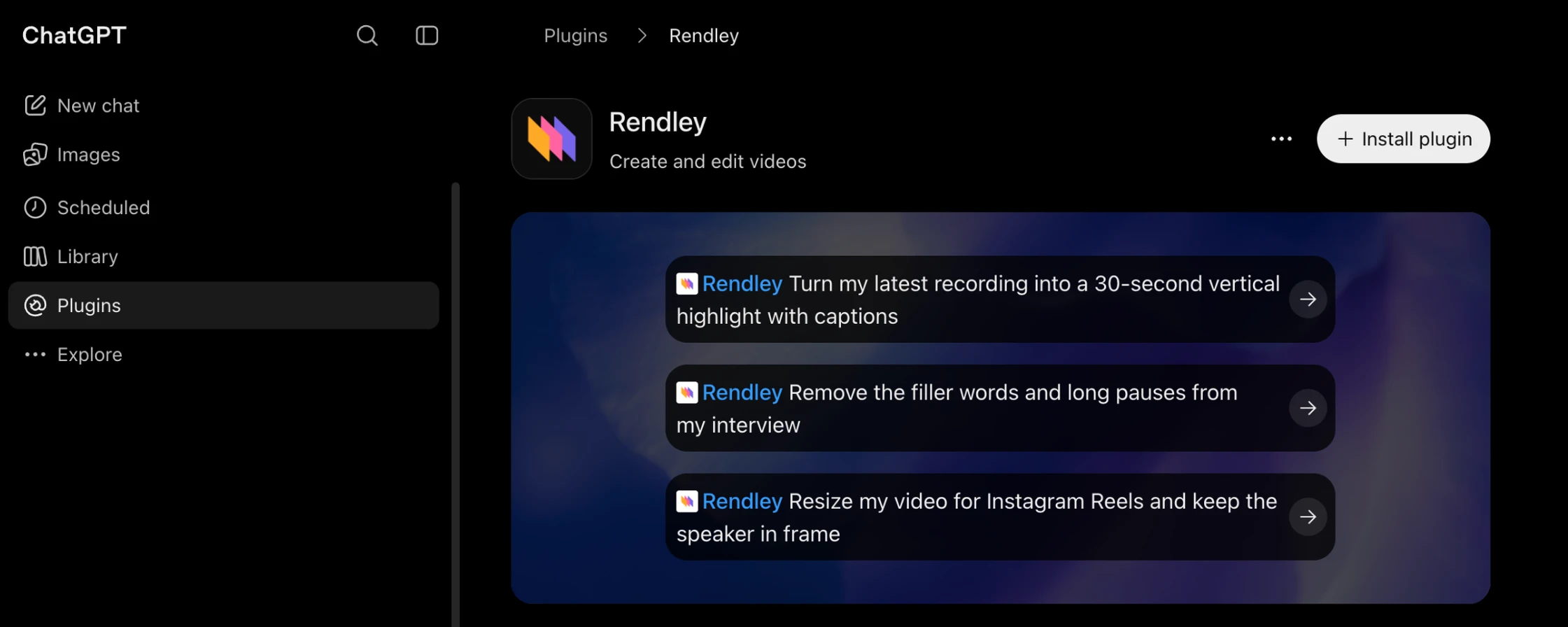
Works wherever you use ChatGPT
The plugin runs in ChatGPT on the web and in the desktop app. You don't need developer mode, a config file or any terminal commands. Once it is installed, it is available in every chat.
How to install it
- In ChatGPT, open Plugins and search for Rendley, or go straight to the Rendley listing.
- Click Install plugin.
- A Rendley tab opens. Sign in and click Allow access.
That's the whole setup. In any chat, pick Rendley from the + menu, attach a clip and describe the result: how long it should be, the format, the captions and what to cut. A typical edit takes one to three minutes, and ChatGPT shows Rendley's progress while it works.
On Business and Enterprise workspaces, an admin may need to allow the plugin first. The setup guide covers that case too.
What it can do
The plugin has the same tools and editing skills as Rendley itself:
- Edit like an editor. It finds the strong moments and cuts filler words, pauses and retakes.
- Captions. Synced to the speech word by word, styled or karaoke.
- B-roll, music and voiceover. Free stock B-roll, or generated images, video, voiceovers, music and sound effects on credits.
- Motion graphics. ChatGPT writes the animation and Rendley adds it as a clip you can edit.
- Every format. 9:16, 1:1 and 16:9 from one project, reframed to keep the subject in shot.
- Translation. Translated subtitles, or a dubbed voice with lip-sync.
- Your brand kit. Logo, colors, fonts and caption styles from your workspace brand kit.
The editing agent shows its plan with the credit price and waits for your approval before it spends credits. Cloud exports also use credits, and they run when you ask for one.
Prompts to start with
Plain requests work. Say what the video is for, how long it should be and what goes on screen.
- Turn my latest recording into a 30-second vertical highlight with captions
- Remove the filler words and long pauses from my interview
- Resize my video for Instagram Reels and keep the speaker in frame
- Make a Spanish version of this ad with a dubbed voice and subtitles
- Turn this blog post into a 45-second explainer with stock B-roll and a voiceover
For more, see the example prompts in our docs.
Change anything afterwards
When the edit is done, ChatGPT shows a Download button and a link to open the video in Rendley. The download link expires after a few hours, but the video stays a project in your Rendley workspace. Open it in the browser editor, change any cut, caption or clip, and export it again.
If your team works in ChatGPT, each person adds Rendley in their own ChatGPT and signs in to the same Rendley workspace, so everyone's videos, brand kit and projects stay in one place.
Pricing
Adding Rendley to ChatGPT is free. Editing and exporting need a paid Rendley plan, from Starter at $29 per seat a month. Generated media and cloud exports use credits. See pricing for the details.
Add Rendley to ChatGPT and try it on your next video.