Ship more video than you can in Clipchamp

Rendley lets you edit video through prompts. Describe what you want, and our AI agent builds the edit for you. No watermarks, no export caps.

No watermarksUnlimited exportsFree planBrowser-based
Rendley Video Editor

Trusted by 2,500+ marketers

NVIDIA Inception ProgramElevenLabs Grants
Rendley vs Clipchamp

Clipchamp is a great video editor, but you have to do everything yourself. Rendley has an AI agent that does the editing for you and integrates all the latest AI models like Seedance, Kling, and Veo.

EU servers, GDPR compliantRuns in any browserNo watermarks on any planFree plan included
In Clipchamp you edit.
In Rendley, our AI does it.

This video was made with Rendley AI

In Clipchamp you edit. In Rendley, our AI does it.

Clipchamp is a great timeline editor, but you do all the work yourself. Rendley's agent takes your raw footage and a brief, then delivers a finished multi-track cut you can review and export.

  • Hand off raw footage with a brief, get a finished cut back
  • Review the result on the timeline before exporting
  • Iterate by re-prompting, no manual re-cuts
In Clipchamp you cut.
In Rendley, our AI does it.

This video was made with Rendley AI

In Clipchamp you cut. In Rendley, our AI does it.

Smart cut is free on every Rendley plan. Hand the AI a long recording and it strips silence, filler words, and dead air in one pass.

  • AI smart cut removes ums, pauses, and dead air in one pass
  • Works on short clips and hour-long recordings alike
  • Included on every plan, free included
In Clipchamp you find B-roll.
In Rendley, our AI does it.

This video was made with Rendley AI

In Clipchamp you find B-roll. In Rendley, our AI does it.

Stop bouncing between stock sites every time you need a shot. Rendley generates B-roll with AI, pulls from a built-in commercial-cleared stock library, and creates motion graphics in place.

  • AI generates B-roll on demand from a description
  • Built-in HD and 4K stock library cleared for commercial use
  • Motion graphics and transitions created in the timeline
In Clipchamp you style captions.
In Rendley, our AI does it.

This video was made with Rendley AI

In Clipchamp you style captions. In Rendley, our AI does it.

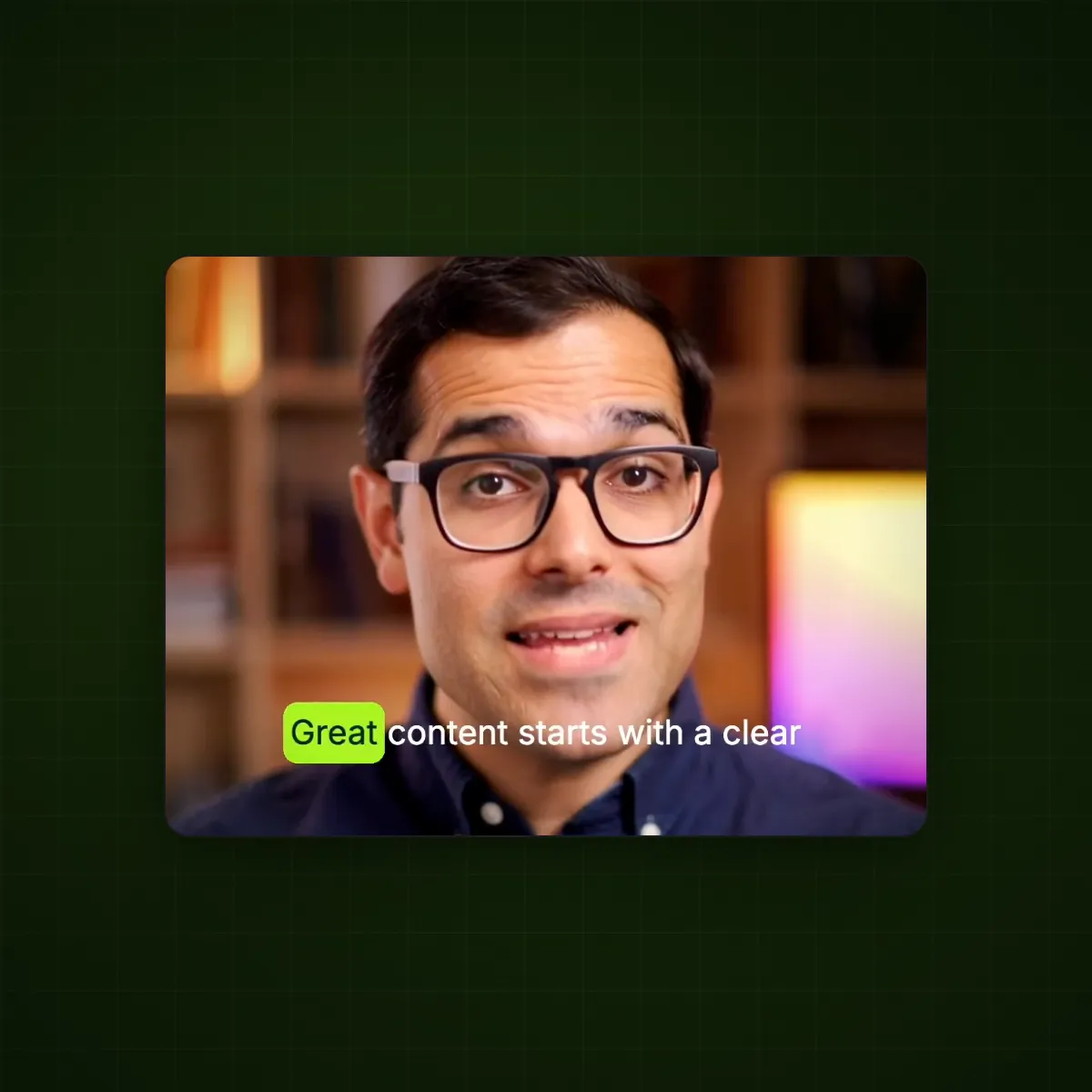
Both editors generate auto captions. Rendley's AI also styles them to your brand once and keeps them perfectly synced, so you never tweak fonts, colors, or timing per clip.

  • Word-accurate auto captions synced down to the syllable
  • Style them to your brand once and reuse across every video
  • Automatic captions on every plan
In Clipchamp you switch tools.
In Rendley, our AI does it.

This video was made with Rendley AI

In Clipchamp you switch tools. In Rendley, our AI does it.

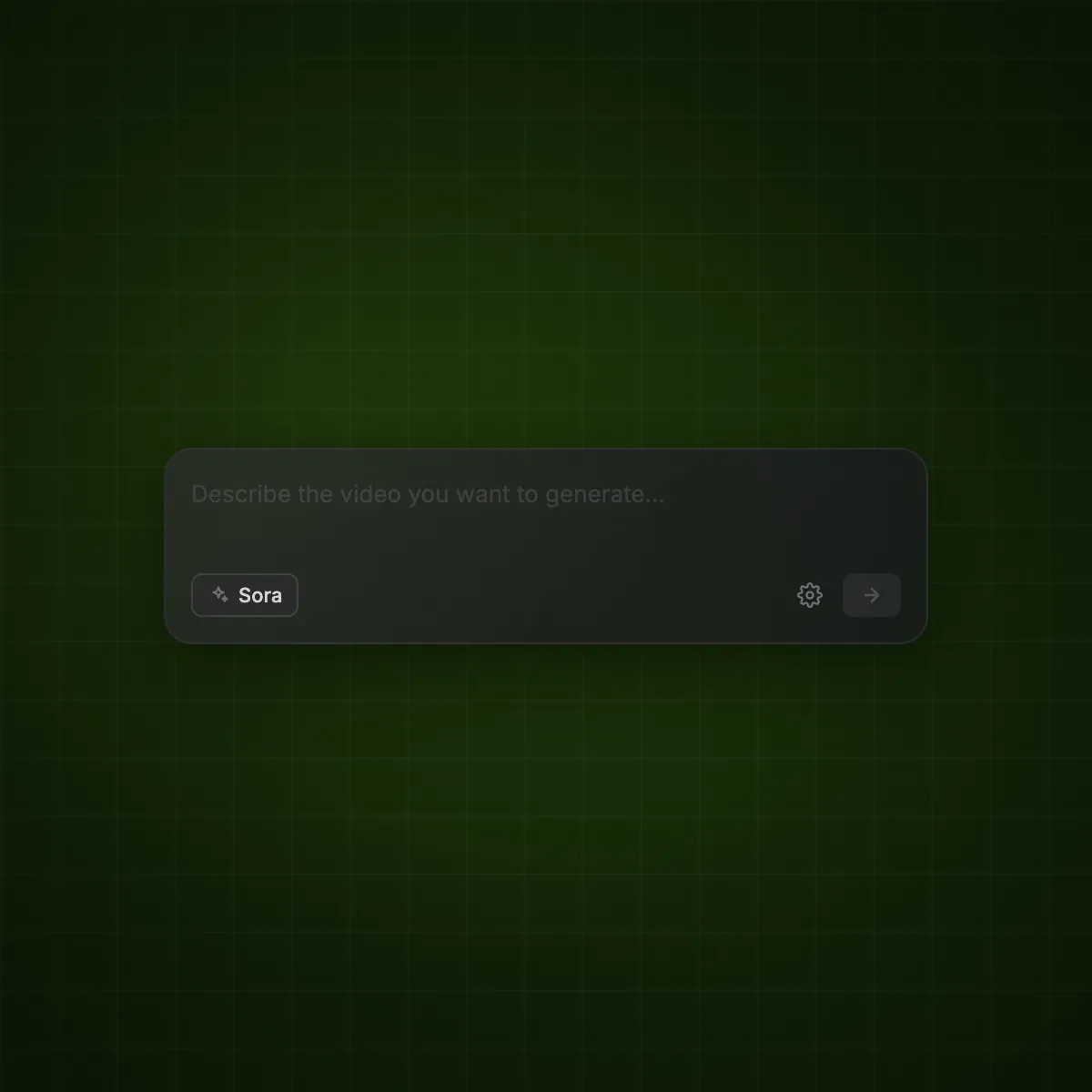
Clipchamp's AI is limited to a smaller set of models. Rendley integrates all the latest models like Seedance, Kling, Veo, DALL-E, and Flux directly into the editor, so you generate clips, images, and voiceovers without leaving your project.

  • Seedance, Kling, and Veo for video generation, in-app
  • DALL-E, Flux, and Nano Banana for image generation
  • New models added as they launch, all in the same project
In Clipchamp you keep on brand.
In Rendley, our AI does it.

This video was made with Rendley AI

In Clipchamp you keep on brand. In Rendley, our AI does it.

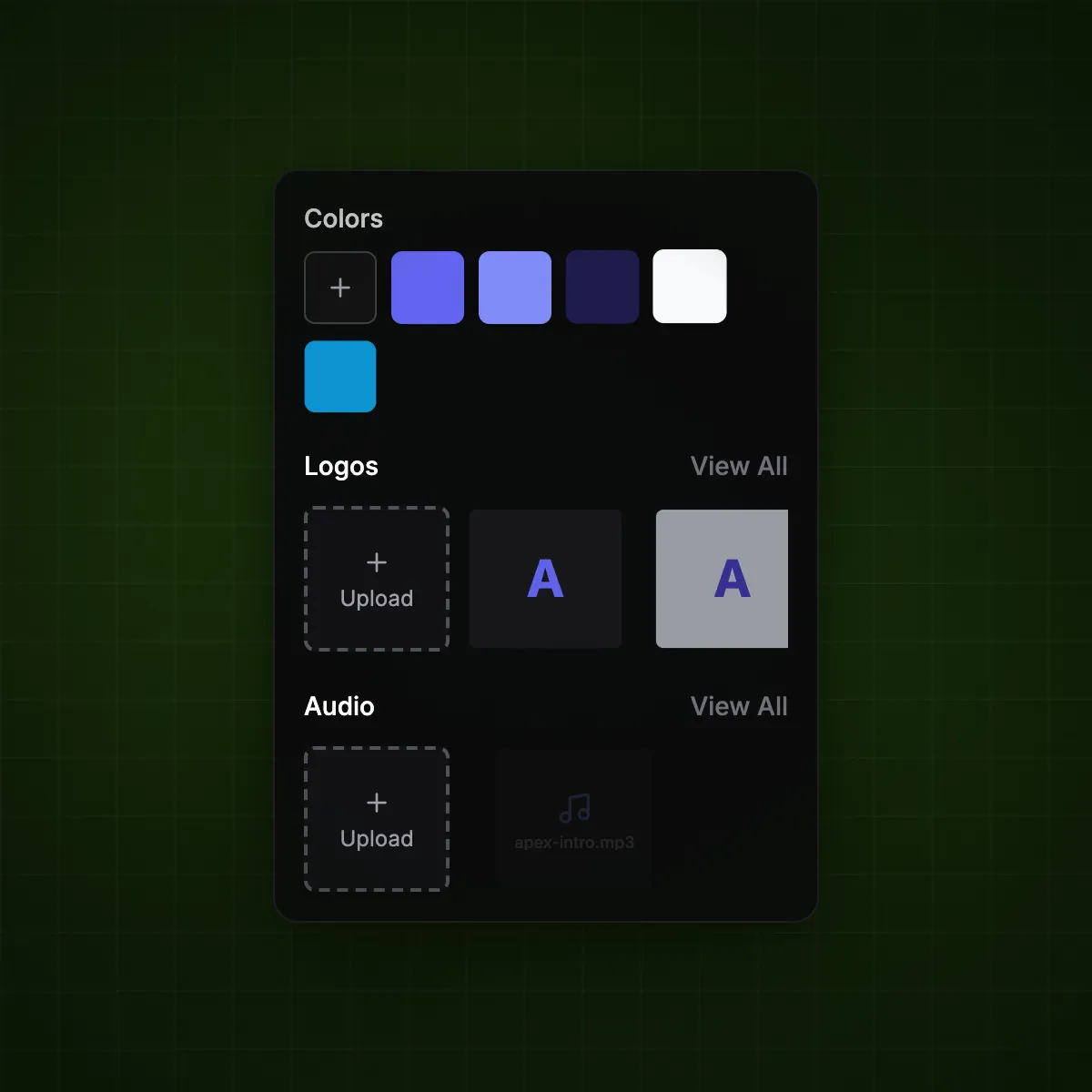
Both editors have brand kits, but Rendley's AI applies them automatically. Set up each client's logos, colors, and audio once in a workspace, and the agent picks the right brand and applies it to every video it ships.

  • Logos, colors, and audio set up once per brand
  • Multi-workspace support to keep client work separated
  • Switch between brands in one click
Best-in-class AI models, built in

Generate clips, images, and voiceovers without leaving the editor. New models are added as they launch.

SeedanceKlingVeoSeedanceNano BananaElevenLabs

The full editor, on every plan

All the tools your team needs to ship video, included from the free plan up.

Auto Captions

AI captions synced to speech with fully customizable styles.

AI Voiceovers

Turn scripts into professional voiceovers without recording audio.

AI Agent

Hand off the edit to our agent. Describe what you want, get a finished video back.

Audio Enhancement

Rescue footage with poor audio. Remove noise, level tracks, and enhance voice clarity.

Smart Cut

Remove silence and filler words in one click.

Color Grading

Cinematic presets and manual controls for professional looks.

Brand Kits

Logos, colors, and audio that keep every video on-brand.

Team Collaboration

Multi-workspace support and team workflows built for agencies.

AI Models

Generate video and images with Seedance, Kling, Veo, DALL-E, and Flux.

Stock Library

HD and 4K footage, images, GIFs, and animated elements for commercial use.

Browser-Based

No downloads. Works on any device with a modern browser.

Visual Effects

Overlays, animations, and effects to make your brand stand out.

Edit faster with Rendley

Free to start. No watermarks, no length caps, no credit meter on core editing. Open the editor and try it on a real project.

No credit cardNo downloadFree plan included

Frequently Asked Questions

Find answers to any questions you might have.

Clipchamp is a great video editor bundled with Windows 11 and Microsoft 365, but you have to do everything yourself and its AI is limited to a smaller set of models. Rendley has an AI agent that delivers finished cuts from a brief and integrates 25+ models like Seedance, Kling, Veo, DALL-E, and Flux.