The Free CapCut Alternative

Pro features like detach audio and smart cut, free on every plan. AI models like Sora and Nano Banana built right in. No watermarks, ever.

No WatermarksFree PlanBrowser-Based
Rendley Video Editor

Rendley vs CapCut: A Detailed Comparison

A closer look at how both editors compare across key areas.

1

Editing Features

Rendley

Rendley covers the entire video workflow, from content creation with AI generation, to timeline editing, team review, and publishing, all in one platform. The editor includes multi-track audio and video editing, color grading presets, visual effects, transitions, and a built-in stock library with HD and 4K footage cleared for commercial use. Features like detach audio, smart cut (silence removal), and the full effects library are available on all plans, including free.

CapCut

CapCut is a video editor available on browser, desktop, and mobile, though the experience is inconsistent across platforms. Templates available on mobile do not always appear on desktop, and cross-device syncing has been reported as unreliable. CapCut includes timeline editing, keyframe animations, speed ramping, and a large template library popular with social media creators. However, it focuses primarily on the editing step and lacks built-in review workflows or content creation tools beyond templates. Since 2024, many previously free features have moved behind Pro ($179.99/year), including effects and transitions (roughly 95% are now Pro-only), smooth slow motion, motion blur, video stabilization, and smart cut. Free exports now include a CapCut watermark.

2

AI Capabilities

Rendley

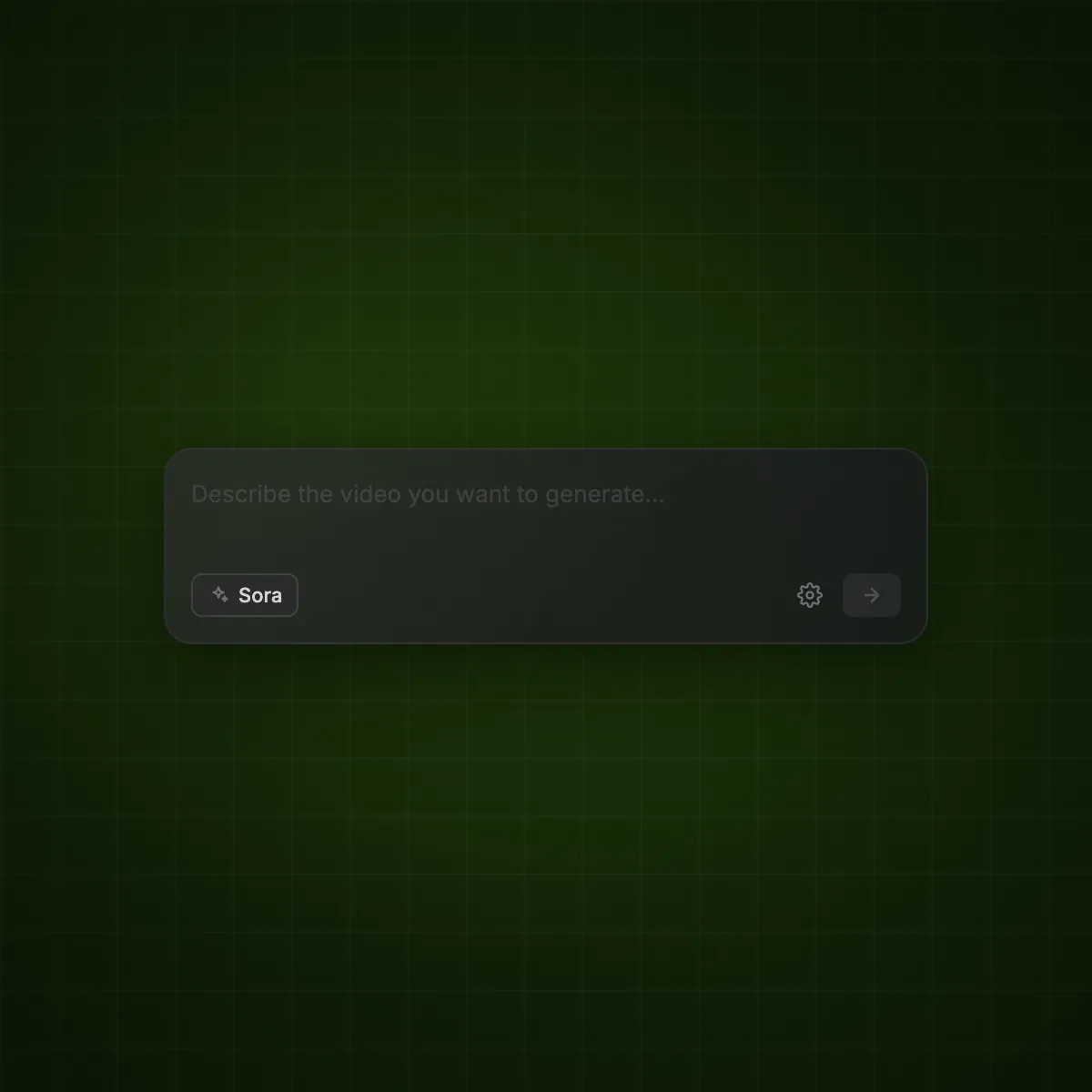
Rendley integrates directly with leading AI models: Sora, Kling, and Veo for video generation, and DALL-E and Flux for image generation. You can create and edit content using AI without leaving the platform. AI-powered audio enhancement helps rescue footage with poor audio quality by removing background noise, leveling tracks, and improving voice clarity. Other AI features include auto captions, voiceovers, and AI avatars for producing UGC-style content without filming.

CapCut

CapCut uses proprietary AI models for features like auto captions, background removal, and text-to-speech. Auto captions, previously CapCut's most popular free feature, are now limited to roughly one use per month on the free plan. Most AI features require Pro, and even Pro subscribers are capped at 1,200 AI credits per month. CapCut does not offer access to third-party AI models like Sora or DALL-E, and has no AI-powered audio enhancement for improving poor quality recordings.

3

Team Collaboration

Rendley

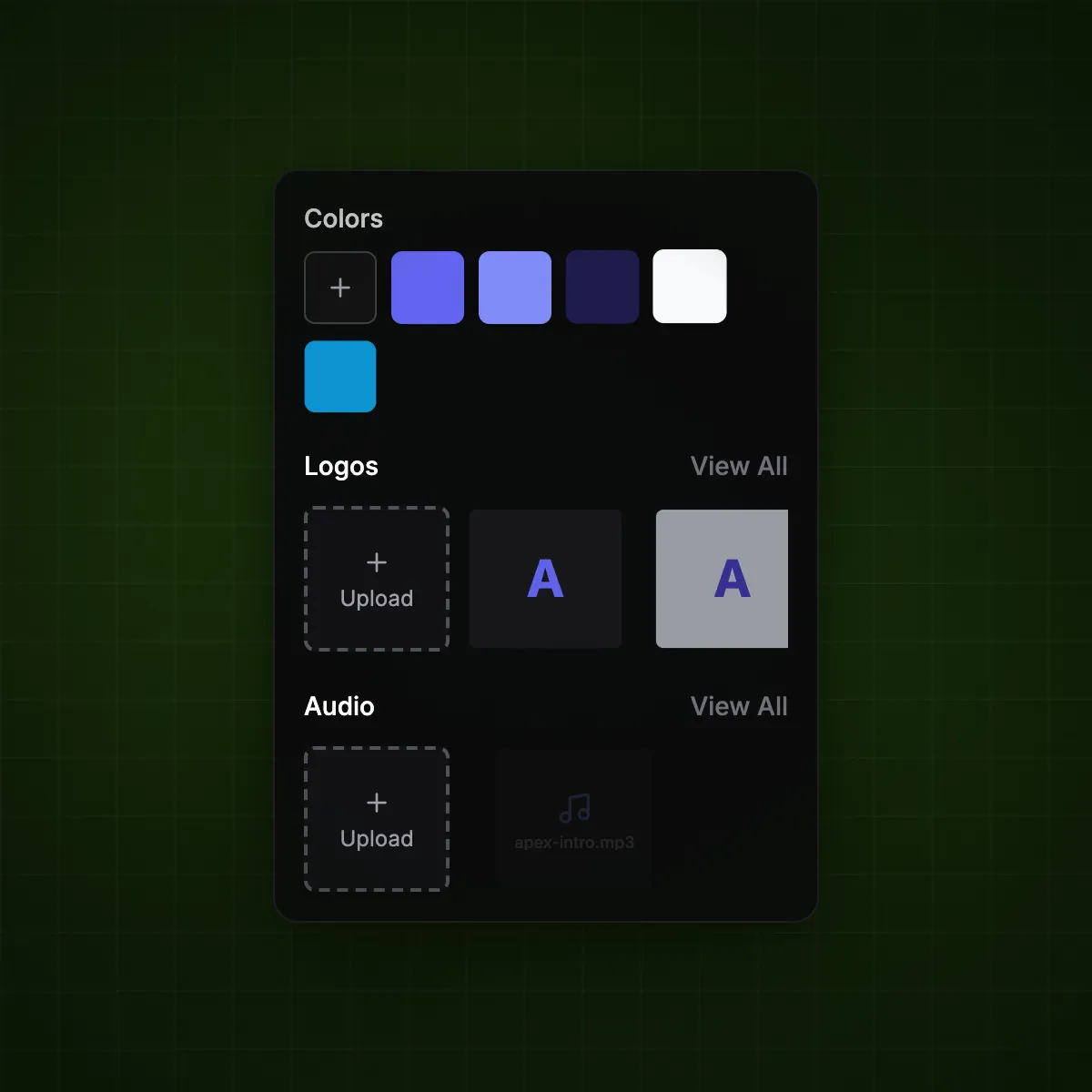
Rendley is built for teams and agencies. It offers multi-workspace support (up to unlimited on the Business plan), shared brand kits with locked logos, fonts, and colors, and team templates to maintain brand consistency across all video content. This makes it suitable for marketing teams managing multiple clients or brands.

CapCut

CapCut is primarily designed as a single-user tool. It has a "Teams" feature for sharing projects, but lacks multi-workspace management, brand kits with locked assets, or the kind of role-based access controls that agencies need. CapCut's strength is individual creator workflows, particularly for TikTok and Instagram content.

4

Pricing

Rendley

Rendley's free plan includes the full editor with no watermarks and no paywalled features. Paid plans start at $12/month (billed annually) for higher resolution exports and AI credits, with the Pro plan at $25/month (annual) adding 4K exports, brand kits, and more credits. The Business plan at $60/month (annual) adds unlimited workspaces and priority support. Every plan includes the same editing tools.

CapCut

CapCut's free plan is now significantly restricted — exports include watermarks, most effects are locked, and AI features are heavily limited. The Standard plan costs $7.99/month. The Pro plan was increased by 177% in 2024 to $179.99/year ($19.99/month), approaching Adobe Premiere Pro pricing. Even Pro users are limited to 1,200 AI credits per month. CapCut also discontinued lifetime licenses in October 2025, converting existing keys to 3-year subscriptions.

5

Privacy & Data

Rendley

Rendley is fully GDPR compliant with all data stored on EU servers. Your data is never shared with third parties, and Rendley does not claim any license over the content you create. Your videos remain entirely yours.

CapCut

CapCut is owned by ByteDance (the parent company of TikTok). CapCut uploads audio and video to ByteDance servers for processing AI features, granting a broad license to your content. Their updated Terms of Service (June 2025) grant ByteDance an "unconditional, irrevocable, non-exclusive, royalty-free" license to use, modify, distribute, and sublicense user content. CapCut was briefly banned in the US alongside TikTok in January 2025, disrupting millions of workflows.

Feature-by-Feature Comparison

Every feature, side by side.

Rendley
CapCut
Core Editing
No watermark on free exports
Timeline-based editing
Browser-based editor
Detach audio on free plan
Smart cut on free plan
Color grading & presets
Effects & transitions on free plan
Video templates
Commercial stock library
AI Features
Unlimited auto captions on free plan
AI voiceovers on free plan
AI avatars on free plan
Audio enhancement & noise removal
Background removal on free plan
AI video generation (Sora, Kling, Veo)
AI image generation (DALL-E, Flux)
Team & Brand
Team collaboration
Multi-workspace support
Brand kits with locked assets
Workflow
End-to-end workflow (create → edit → review → publish)
Built-in review & approval
Direct social publishing
Platform
Consistent cross-platform experience
Desktop & mobile apps
Privacy & Compliance
GDPR compliant
Data stored on EU servers
No perpetual content license

Based on publicly available information as of January 2026.

Filled with tools your team will actually use

Access all the best-in-class tools to help you create and edit your video content.

Auto Captions

AI-generated captions synced to speech with fully customizable styles.

AI Voiceovers

Turn scripts into professional voiceovers without recording audio.

AI Avatars

Use realistic AI presenters to host your videos instantly.

Audio Enhancement

Rescue footage with poor audio. Remove background noise, level tracks, and enhance voice clarity automatically.

Smart Cut

Remove silence and filler words in one click.

Color Grading

Cinematic presets and manual controls for professional looks.

Brand Kits

Locked logos, fonts, and colors to keep every video on-brand.

Collaboration

Multi-workspace support and team workflows built for agencies.

AI Models

Generate video and images with Sora, Kling, Veo, DALL-E, and Flux.

Stock Library

HD & 4K footage, images, GIFs, and animated elements for commercial use.

Browser-Based

No downloads. Works on any device with a modern browser.

Visual Effects

Overlays, animations, and effects to make your brand stand out.

Why Teams Choose Rendley

The features that matter most when choosing a CapCut alternative.

Export Without Watermarks

Every video you export from Rendley is watermark-free, even on the free plan. CapCut now watermarks all free exports.

Editing Tools on All Plans

Detach audio, smart cut, color grading, and the full effects library are available to all users. No surprise paywalls mid-edit.

Leading AI Models Built In

Generate video with Sora, Kling, and Veo. Create images with DALL-E and Flux. AI features use a transparent credits system.

Real Team Collaboration

Multi-workspace support, shared brand kits with locked assets, and team templates. Built for marketing teams and agencies.

Commercial Stock Library

HD and 4K footage, images, GIFs, and animated elements. Every asset is cleared for commercial use.

Privacy You Can Trust

All data stored on EU servers. GDPR compliant, no content licensing. Unlike CapCut, Rendley never claims rights over your videos.

Final Verdict

Both editors have strengths. Here's where each one wins.

Where Rendley wins

  • Watermark-free exports on the free plan
  • Full workflow: create, edit, review, and publish in one place
  • Access to leading AI models (Sora, Kling, Veo, DALL-E, Flux)
  • Team collaboration with multi-workspace support and brand kits
  • GDPR compliant with EU servers and no content licensing
  • Editing features like detach audio and smart cut on all plans

Where CapCut wins

  • Larger template library, especially for TikTok/Instagram
  • Native desktop and mobile apps with offline editing
  • More keyframe animation and speed ramping options
  • Larger user community and tutorial ecosystem

Frequently Asked Questions

Find answers to any questions you might have.

No. Rendley does not add watermarks to any exports, even on the free plan. All editing tools are available on every plan. Paid plans unlock higher resolution exports and additional AI credits.