Video Automation Platform

Create, edit, and
automate video

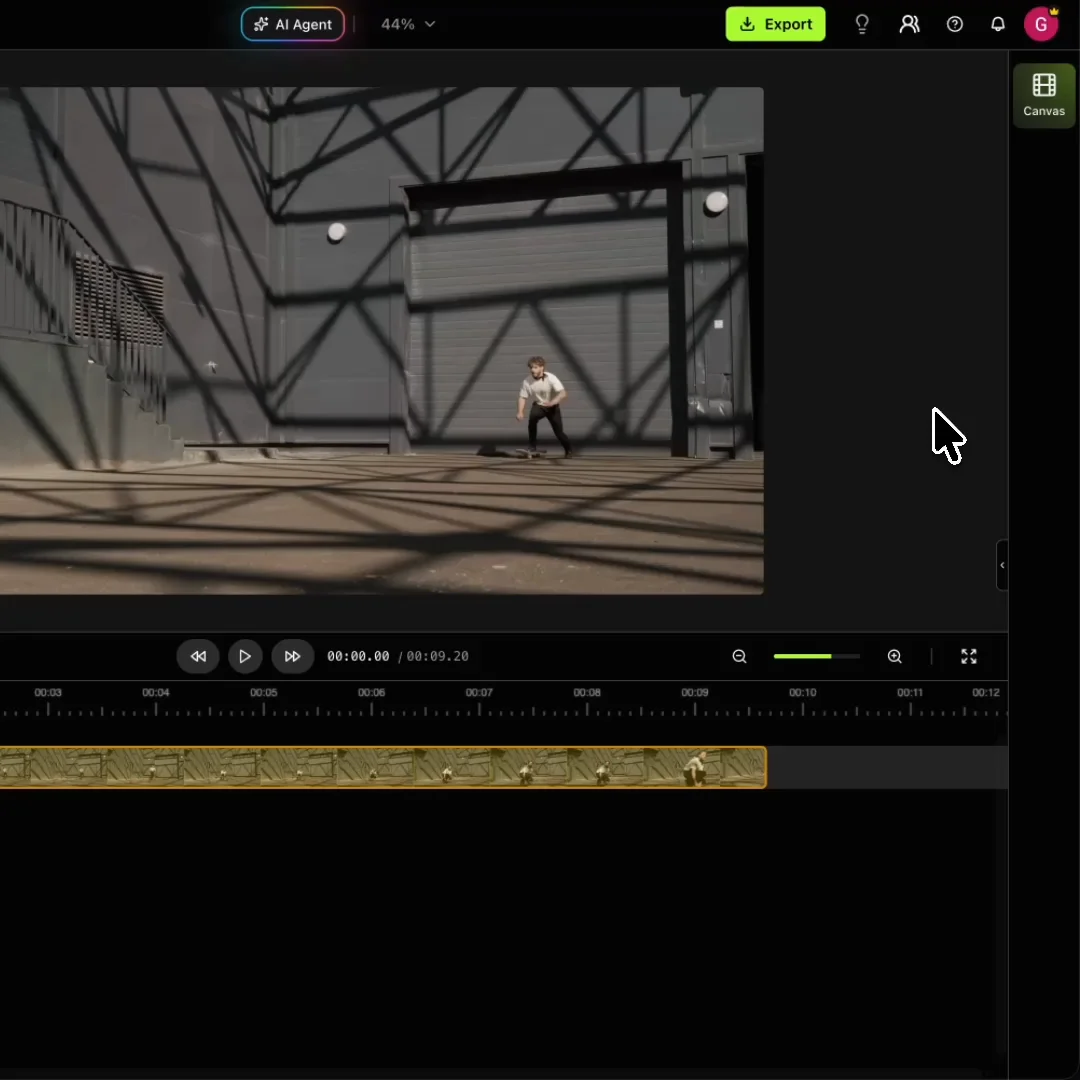
Our video editing agent creates and edits your videos automatically. You can always open the editor and adjust anything.

Example

Trigger it from

  • n8nn8n
  • MakeMake
  • Your backend
  • ClaudeClaude
  • OpenAIChatGPT
  • Any client

Connect to your backend. Read the API docs

One platform

Everything you need to finish the video.

A video editing agent

Describe the job and it watches the footage, cuts it, captions it, and renders. You review a finished video instead of building one.

A real editor underneath

Open the timeline and change any clip, caption, or track. Nothing it makes is a locked export.

Every model in one place

Seedance, Kling, Veo, Nano Banana, and ElevenLabs, on one balance and one bill.

Or run it from your backend

The same jobs over REST, on the same plan. One key, one endpoint, an editable project back.

agent.sh
poll.sh
curl -X POST \
  https://api.rendley.com/v1/agent \
  -H "Authorization: Bearer $RENDLEY_API_KEY" \
  -d '{
    "prompt": "Make a captioned short.",
    "files": [{ "url": "…/talk.mp4" }]
  }'

# { "job_id": "c41d8f2b…",
#   "project_id": "7e9a03d1…" }

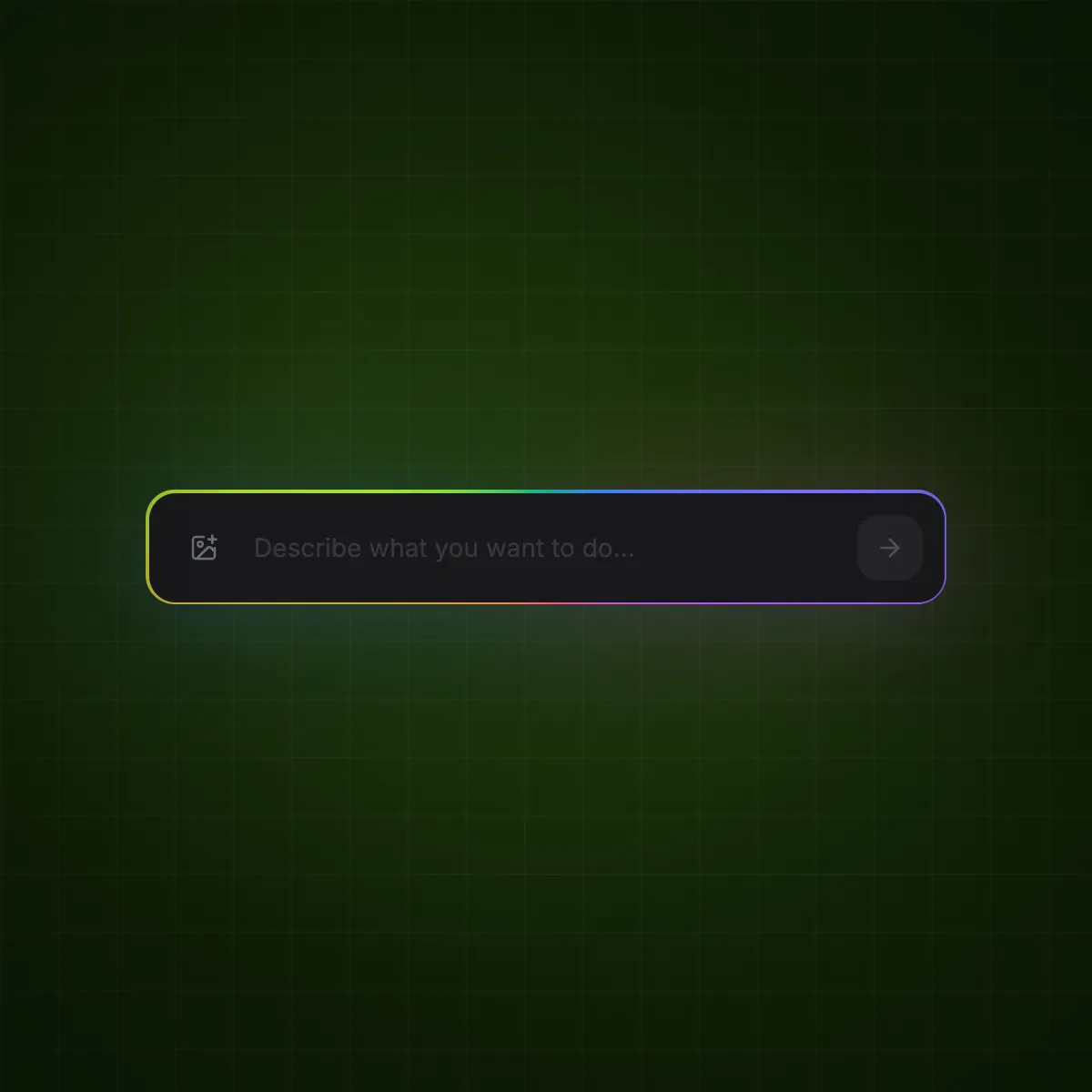
Let AI edit the whole video.

Our AI agent watches your footage, picks the best moments, and assembles a full edit with cuts, captions, and B-roll. You refine from there.

  • Cuts, trims, resizes, and animates for you
  • Adds captions, B-roll, and voiceover automatically
  • You review and take over when it looks right
Start editing with AI

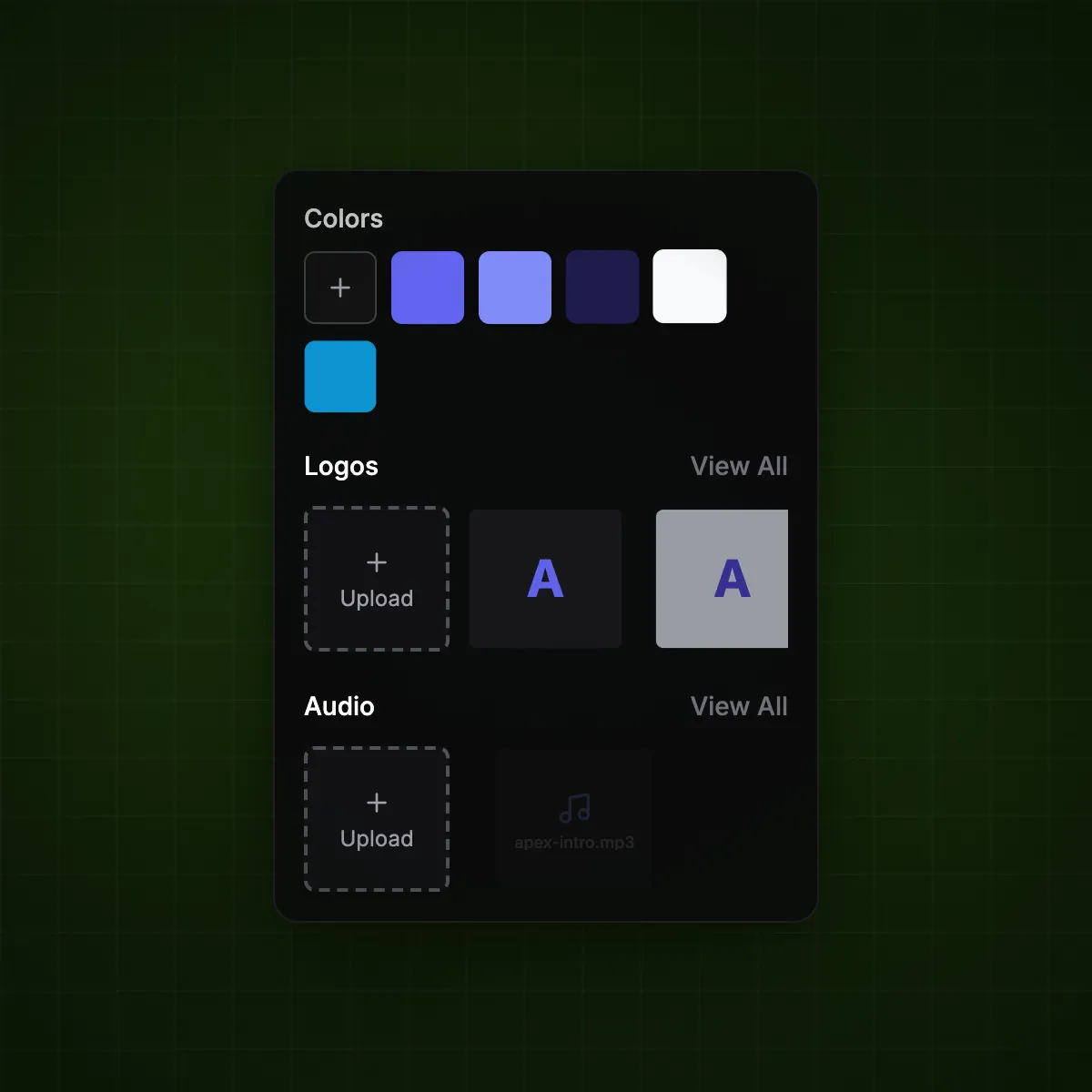
Brand every video on autopilot.

Set up your visual identity once. Every video your team produces stays consistently on-brand.

  • Captions, colors, and fonts locked to your guidelines
  • Upload custom fonts and save text presets
Set up your brand

Resize for every platform.

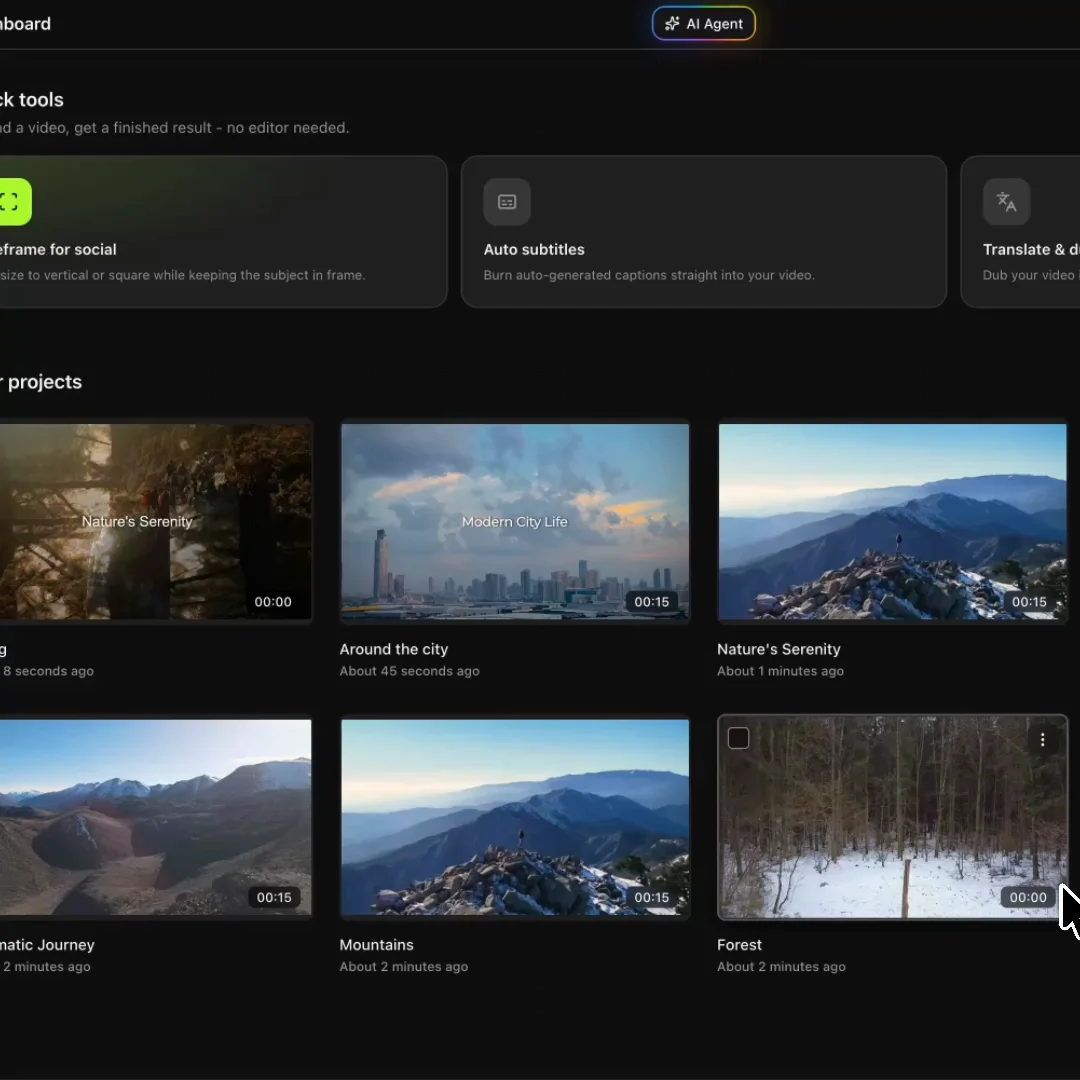
Resize one video for Reels, Youtube, and LinkedIn. Smart reframing keeps your subject in shot across every aspect ratio.

  • Adjustable keyframes for full control over every edit
  • One video, ready for every platform and format
Resize a video

Repurpose your existing content into videos.

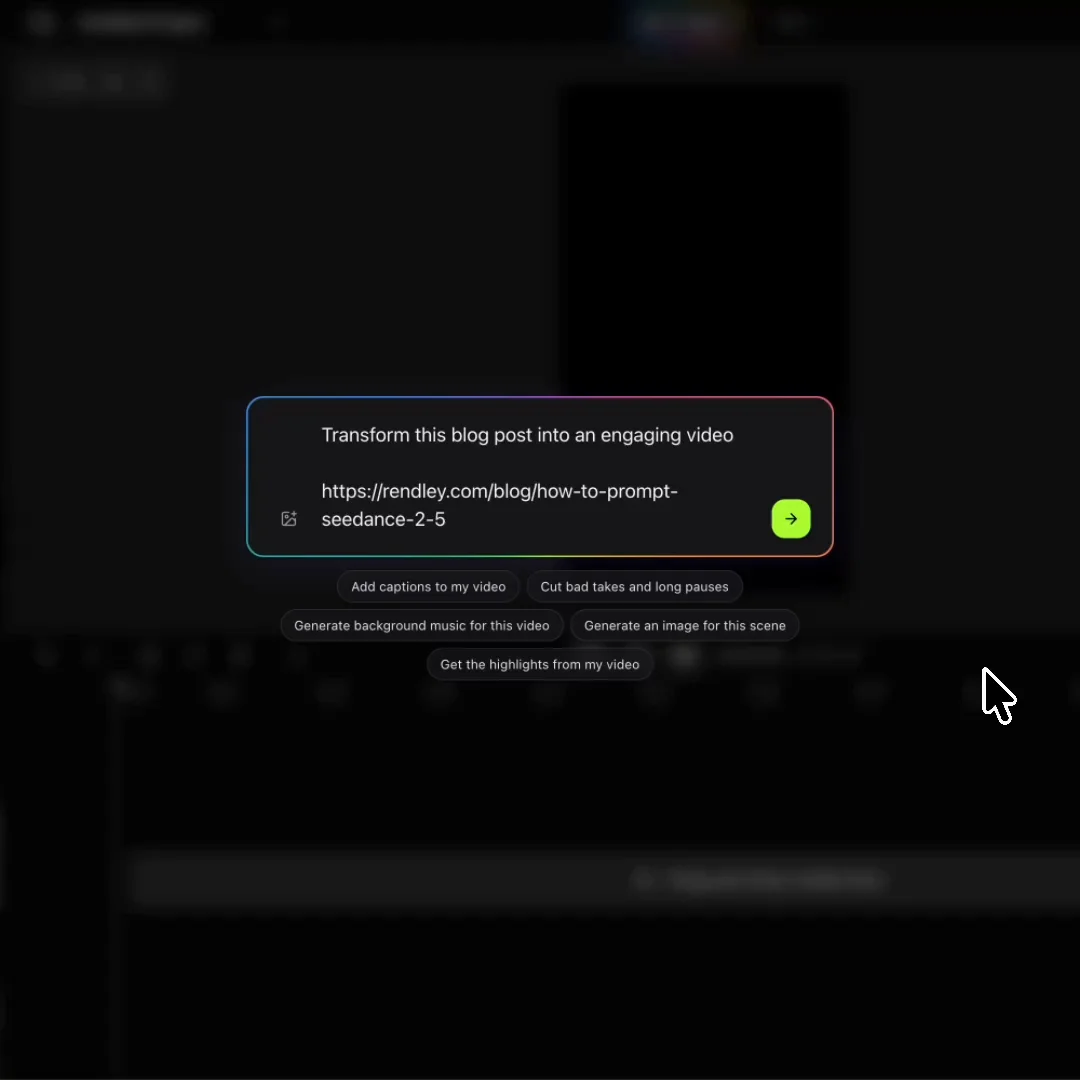
Transform the content you already have into video. Import a blog post, Canva design, or images, and let Rendley Studio do the rest.

  • Blog articles and written content
  • Canva designs and static assets
  • Images, slides, and screenshots
Repurpose video

AI Studio built right in.

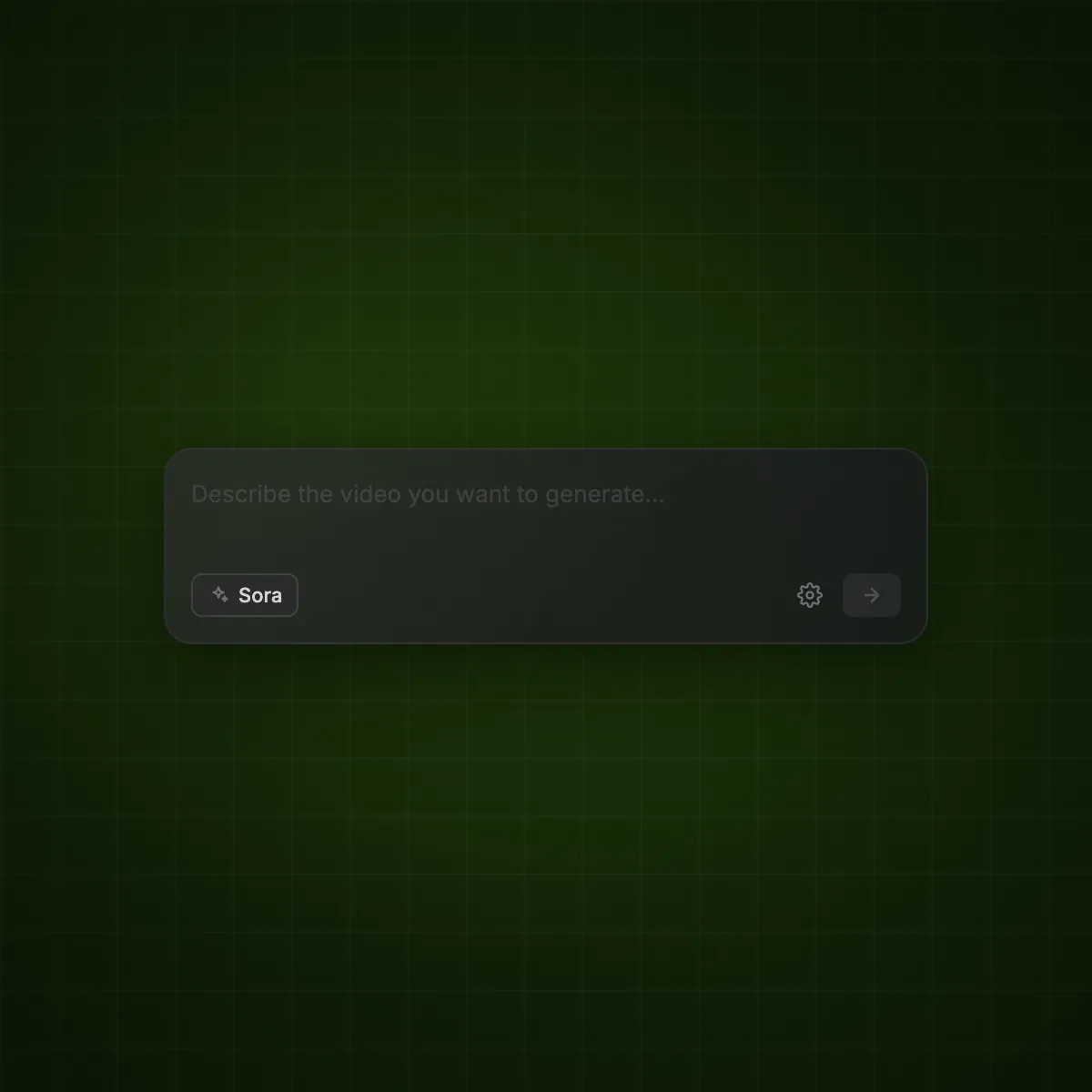
Generate clips, images, and voiceovers. Remove backgrounds, isolate voices, fix audio. Dozens of models, one workspace.

  • Seedance, Kling, Veo, Nano Banana, and more
  • New models added as they launch
  • One credit pool for everything
Explore AI Studio

Publish straight to social media.

Post directly to LinkedIn, Instagram, X, YouTube, and TikTok. Schedule ahead or go live in one click.

  • Direct connectors for every major platform
  • Schedule or publish instantly
Connect your channels
Pricing

Simple pricing.

Start free with the AI agent and free monthly minutes for captions, voiceover, and music. Upgrade to automate with the API and MCP.

For trying it out
Free
$0forever
No card. No time limit.
  • AI agent that edits for you
  • 1 hr of free captions / mo
  • Free filler-word removal
  • 15 min of free voiceover / mo
  • 15 min of free AI music / mo
  • 5 watermark-free 1080p exports
  • 5 auto reframes
  • Brand kit from your website
  • Free stock footage and GIFs
  • All filters and caption styles
For solo creators
Starter
$15/ seat / month
Billed monthly
  • No watermark, Full HD exports
  • 2.5 free hrs a month of captions and voiceover
  • 500 AI credits included / mo
  • Top up credits anytime
  • 40+ image and video AI models
  • AI dubbing and lip sync
  • Agent via API and MCP
  • Cloud save and shared Library
  • No project or reframe limits
Most popularFor growing teams
Pro
$30/ seat / month
Billed monthly
  • Everything in Starter
  • 4K exports
  • 4 free hrs a month of captions and voiceover
  • 1,200 AI credits included / mo
  • Publish to social media
  • Content calendar and scheduling
  • AI agent refills every 5 hours
  • 50 GB of cloud storage
  • 3 workspaces
  • Custom fonts, unlimited voices
  • Priority support
For scaling teams
Business
$70/ seat / month
Billed monthly
  • Everything in Pro
  • 5.5 free hrs a month of captions and voiceover
  • 3,000 AI credits included / mo
  • 2x more AI agent usage
  • Unlimited workspaces
  • A brand kit for every client
  • A Library for every client
  • 100 GB of cloud storage
  • Extended support

Want to edit through an API?

Rendley API runs the same agent from your own code. Send a prompt and your files, get the edited project back.

FAQ

Frequently Asked Questions

Rendley is a video automation platform. You describe the video you want and upload your footage, and its AI agent watches it, cuts it, captions it, and renders the finished video. You can run it in Rendley Studio, from Claude and ChatGPT over MCP, or from your own backend through the Rendley API. Everything it makes comes back as a project you can still change.

Everything a video editor does, because it has the same tools: cuts and trims, jump cuts, cutaways, picture-in-picture, transitions, titles, color, effects, captions, and the audio mix, plus generation for images, video, voiceover, music, and stock b-roll. It can start from nothing and write the concept, generate the media, and assemble the video. It can start from your footage, watch all of it, and build the edit around the best moments. It can also pick up a project you already have and change it. Ads, product videos, tutorials, testimonials, explainers, and social cuts are all the same to it.

Yes. Every video it makes is a real project with a full timeline, not a locked export. Ask for a change in plain words and the agent recuts it, or open the timeline and adjust any clip, caption, or track by hand. Then export again.

Use Rendley Studio if you want to ask for the video yourself and look at the result. Use MCP if you work in Claude or ChatGPT and want your assistant to make the video. Use the API if your product or backend needs to create video without a person involved. All three share your projects, brand kit, plan, and credits.

Yes, through the API. Any tool that can send an HTTP request can start one: post a prompt and your files to the agent endpoint, then poll until the project is ready.

Video, image, voice, and music models from Seedance, Kling, Veo, Nano Banana, ElevenLabs, and more, all in one place. You pay for them from one credit balance instead of keeping a separate subscription and API key for each, and new models are added as they launch.

On the plan you already have. Rendley Studio, MCP, and the API run on the same per-seat plans and spend from one credit balance, so there is no separate API price and no second bill to watch. Running the agent from the API or MCP starts on Starter, and Free covers Studio itself plus planning a video from Claude or ChatGPT. Create a key in your Studio settings and start sending requests.

Your first five exports on the Free plan are watermark-free, in up to 1080p. Exports after that carry a watermark. Any paid plan removes it, starting at $12 per seat per month on yearly billing.

On any paid plan, you can add credits at any time without changing your plan. Captions, transcripts, voiceover, and music come out of your free monthly minutes first. Credits cover dubbing, image and video generation, and anything past those minutes, so your automations keep running instead of stopping mid-pipeline.